
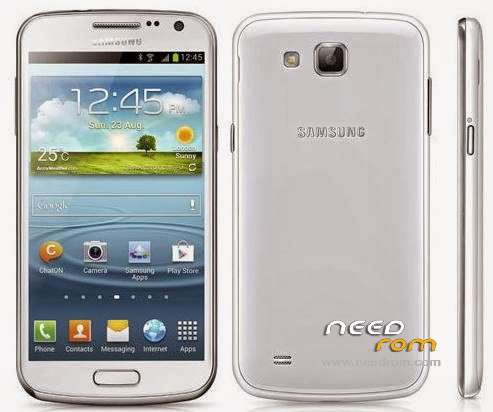
- Title: Firmware Samsung Core GT-I 8262
- Listed: February, 2016
- Last modified: 02/17/2016 2:25 pm
- Version: 4.1.2 XSE
You must be logged for ROM download.
20571 total views, 1 today
8 Total favorites
 Member Info
DESCRIPTION
This is the Official Firmware for Samsung Galaxy Core ( GT-I8262 ) with usb drivers and Odin3_v3.10.7 (flashing tool)
How to Flash
- Once the download is complete extract to your Drive.
1. Install Galaxy Core usb driver / Make sure the driver is installed & running Odin ( flashing Tool ).
2. Then create Samsung GT-I8262 in the position in a way Downloading Mode, Turn off your smartphone, press the volume DOWN + Home + Power buttons simultaneously, Continue by pressing Volume UP to get to the download mode.
3. After that connect the Usb cable samsung GT-I8262 you to CPU / Laptop if your device is recognized it will exit this display in Odin, with a sign in blue.
4. If you are connected, click the "PDA" and locate the firmware file that you already estrakt. and make sure the "auto-reboot" and "f. reset time" is checked.
5. If you are sure everything is correct, proceed by clicking the Start button, and wait until the flashing process is completed.
- when the process is complete, it will say "PASS" in the green box and the phone will automatically restart.
6. Finish.
Thank's for visiting & Good Luck
※Please make a backup of your device before installing or updating ROM
is there any full repaire firmware with containned bootloader file??? i need just a bootloader file…
samsung SAMSUNG USB Driver for Mobile is delete in site link..?
thank you this rom is works
SAMSUNG USB Driver for Mobile Phones link in file not found……………………………………………………!!!!!
thanks gan..
Muchas gracias, necesitaba esta rom.