
- Title: MOKEE
- Listed: January, 2016
- Last modified: 07/10/2016 12:45 pm
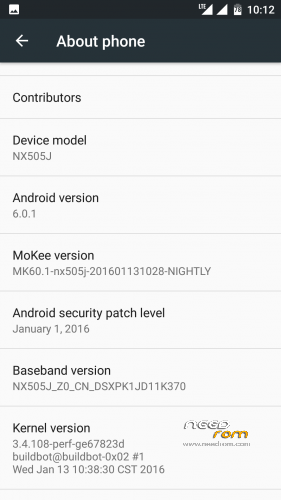
- Version: Android v6.0.1
You must be logged for ROM download.
34302 total views, 1 today
13 Total favorites

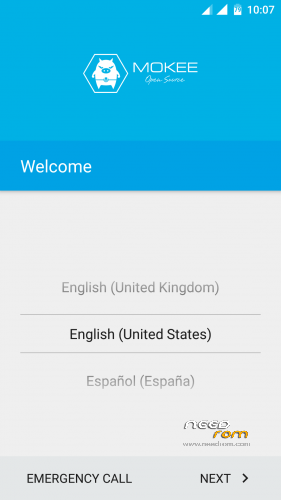
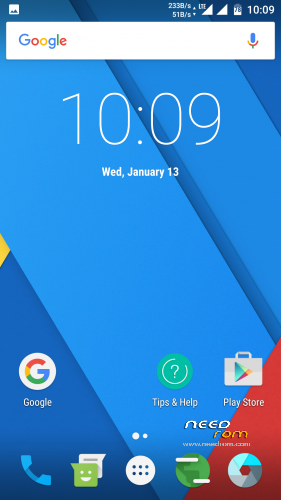
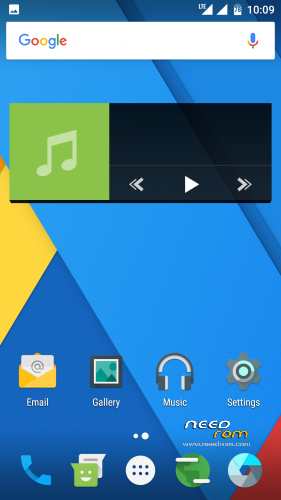
 Member Info
DESCRIPTION
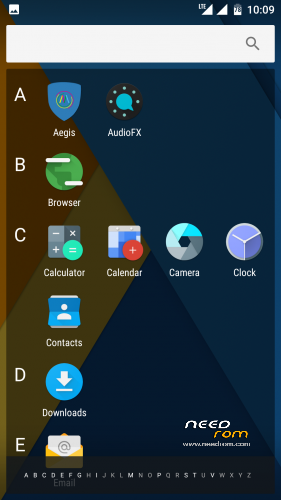
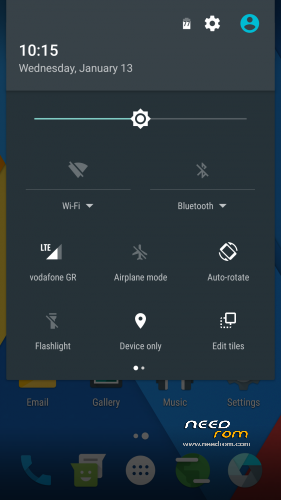
Custom ROM "MOKEE OpenSource"Android Marshmallow v6.0.1

ONLY FOR MERGED PARTITION.
Marshmallow v6.0.1
- – - – - – - – - – - – - – - – - – - – - – - – - – - – - – - – - – - – - – - – - – - – - – - – - – - – - – - – - – - – - – -
Install:
1)Enter to TWRP Recovery v3.0.0.0.
2)Make full wipes. Wipe—> Advanced Wipe—> (Dalvik Cache – System – Data – Cache)
3)Install Mokee Rom.
*Before installing this rom you should have preinstalled stock rom v3.22 with nubia tool.
*If have preinstalled CM12.1 or CM13 need to make full wipes and after install this rom LightX v3.70.
*Stock v3.22 here: https://www.needrom.com/download/nubia-z7-max-v3-22/
- – - – - – - – - – - – - – - – - – - – - – - – - – - – - – - – - – - – - – - – - – - – - – - – - – - – - – - – - – - – - – -
Install USB Drivers & Recovery:
1)Download (My Tool https://www.needrom.com/download/z7-max-all-in-one-tool-v1-1-0/ ) UnRAR and run it on your PC.
2)Press 1 to Install The USB Drivers
3)Turn On USB Debugging Mode To Your Phone.(How to: https://www.youtube.com/watch?v=ze7y8rPzH9w )
4)Connect your mobile (mobile to be active) to the computer and select number.
5)DONE.

—-WARNING:This Tool Works Only For Android v5 and v5.1.1 Lollipop—-
- – - – - – - – - – - – - – - – - – - – - – - – - – - – - – - – - – - – - – - – - – - – - – - – - – - – - – - – - – - – - – -
Install Google Apps:
1)Download Gapps For Android v6 Nano 20151208.zip and put it to your internal storage.
2)Enter to TWRP recovery and install Gapps For Android v6 Nano 20160123.
3)DONE.
- – - – - – - – - – - – - – - – - – - – - – - – - – - – - – - – - – - – - – - – - – - – - – - – - – - – - – - – - – - – - – -
To fix "force close app" for Facebook and Messenger:
1. Install ES File Explorer.
2. Open ES File Explorer.
3. Select 3 lines on the top left corner of ES File Explorer.
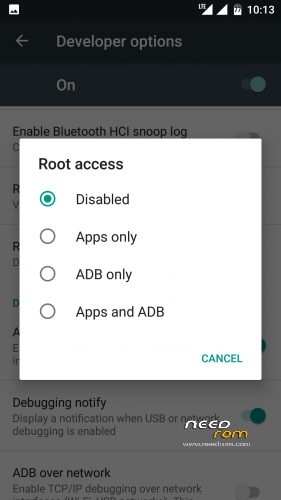
4. Select tools & locate Root Explorer and grant root access to ES File Explorer.
5. After getting root access, select 3 lines on the top left corner of ES explorer.
6. Select Local and then select Device
7. Select Data
8. Select Data
9. Locate folder 'com.facebook.katana' & go into the folder
10. Locate folder 'lib-xzs' & go into the folder
11. Locate file 'libsslx.so' & just rename the libsslx.so to libsslx.so.bak
12. Exit ES File Explorer.
13.Done
- – - – - – - – - – - – - – - – - – - – - – - – - – - – - – - – - – - – - – - – - – - – - – - – - – - – - – - – - – - – - – -

- – - – - – - – - – - – - – - – - – - – - – - – - – - – - – - – - – - – - – - – - – - – - – - – - – - – - – - – - – - – - – -
How to Backup and Restore IMEI and MEID:
Try this Nubia Nubia emergency tool:https://www.needrom.com/download/nubian-emergency-tool-v1-0-6/

- – - – - – - – - – - – - – - – - – - – - – - – - – - – - – - – - – - – - – - – - – - – - – - – - – - – - – - – - – - – - – -
Please if you like my work Rate me with 5 Stars.
Thanks.
※Please make a backup of your device before installing or updating ROM
Google Play Service always crashes.
I test it and working good.
You have to install in TWRP the rom AND gapps and then you can boot first time, otherwise Google Play Service always crashes.
I can be installed with CWM.?
u post a new link
???????
Yes new Update 15-01-2016.
I’m on CM12.1 and planning to flash either CM13 or Mokee…
Can anybody tell me which one I should go for and why?
I’m not frequent flasher as I’m corporate user…
If you are corporate user flash tis Rom https://www.needrom.com/downlo.....a-lightx-v3-66/
facebook crashs.
Source can be found here, http://download.mokeedev.com/?.....device=nx505j
Could this ROM deactivate one of installed SIM card?
Can't!
The best
Good job, thanks.
But facekook crashs. Any solution!
I do not use Facebook app, to heavy on battery and resources.., it is better to use Mini FF - https://play.google.com/store/.....X.your_Facebook or Facebook lite…, or simply add bookmark in Chrome or other web browser – login and save password if you need and m.facebook.com is on….