
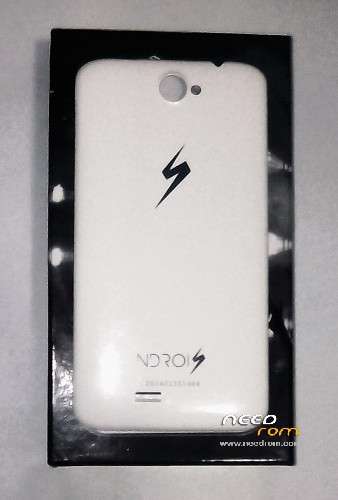
- Title: Ndrois N600
- Listed: April, 2015
- Last modified: 04/24/2015 7:48 pm
- Version: N600 140117 JB-4.2.2(Stock)
You must be logged for ROM download.
11357 total views, N/A today

 Member Info
DESCRIPTION

This is the stock/factory rom image with automated CWM for:
Brand: Ndrois
Device Name: Smartphone & Tablet PC N600
Model: n600
Chipset: MTK MT 6582
[Steps]
1. Download the MTK 65xx Drivers, FLASHTOOL and N600_140117_JB-4.2.2(Stock) rom.
2. Install the MTK65xx Preloader Drivers,
Put phone in Download Mode->just disconect the phone from pc, take out battery, connect back to pc, put battery back on
it should ask for MTK Preloader Drivers. Then just disconnect from pc and take battery out.
3. Extrack FLASHTOOL in a directory (Eg:C:SP Flash Tool v3.1344.0.212) and run the Flash_tool.exe
4. Extract the N600_140117_JB-4.2.2(Stock).zip in a directory (Eg: C:UsersuserDesktop)
5. In the FLASHTOOL load the MT6582_Android_scatter.txt inside the N600_140117_JB-4.2.2(Stock) folder
6. Press Download, in the FLASHTOOL and put phone in Download Mode (explained earlier)
7. It should have the stock/factory rom with the automated CWM installed.
Enjoy!
※Please make a backup of your device before installing or updating ROM