
- Title: miui v5 thl-t5s
- Listed: May, 2014
- Last modified: 05/17/2014 8:12 pm
- Version: 4.2.2
You must be logged for ROM download.
15567 total views, 1 today
CUSTOM


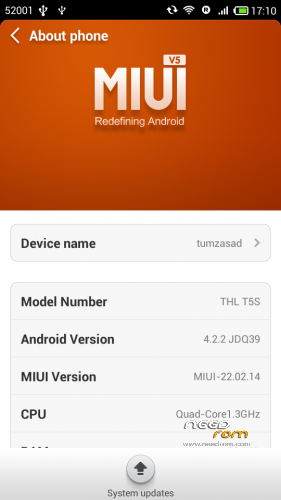
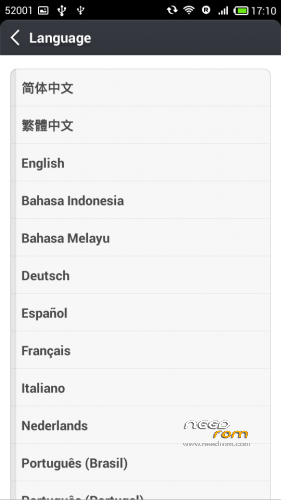
 Member Info
DESCRIPTION
cwm
Step 1: Download the custom ROM copied to an external SD card root directory
Step 2: the shutdown state. While holding down:
– Power button + volume button up, to enter the recovery mode.
– Wipe Data / Factory Reset -> delete all user data
– Wipe Cache Partition -> Wipe cache
– Advanced -> Wipe Dalvik Cache
Step 3: Return to recovery main interface Install zip from sdcard -> choose zip from sdcard -> Select your ROM
Step 4: Brush complete, restart the phone Patience required – first boot takes a while.
※Please make a backup of your device before installing or updating ROM
T100s Please.
you better go for the T100s is this: https://www.needrom.com/mobile.....e-mulilanguage/ .It does not work whatsapp. ‘d know the reason?
Full Spanish Please!!!
Please only write ENGLISH in commentary
Until you put a multi language conditions not worth it. You can not unless you have a mixture of Chinese, English and Spanish (if you choose)
I have this:
THL TD-SCDMA/GSM
Built number: T5.162A.A1.131227.JB5.V1.QHD.CN.COM.8P32_MT6582_W
Is this combatible?
after flashing your roms. my phone invalid emei for sim 1 and sim 2 even on stock rom please help me to fix this.
ขอบคุณ