
- Title: P780 Android 4.4.2
- Listed: April, 2014
- Last modified: 06/06/2014 3:20 pm
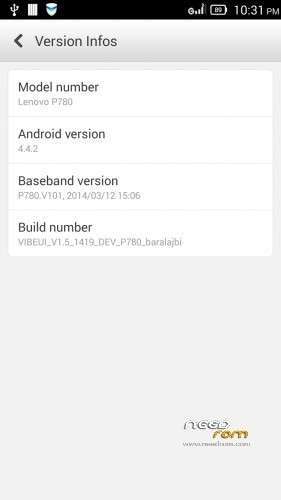
- Version: VIBEUI V1.5 1421 DEV P780 1A2C baralajbi
You must be logged for ROM download.
139483 total views, 1 today
211 Total favorites
 Member Info
DESCRIPTION
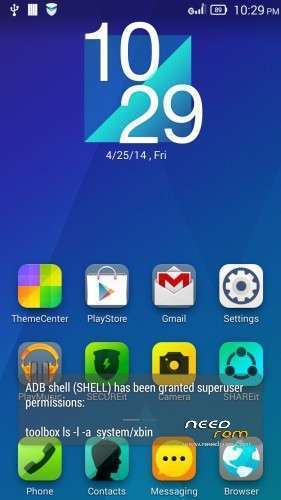
ROM for Lenovo P780 – Android 4.4.2
————————————————————————————————————————————————–
Official Lenovo P780 VIBEUI_1.5_1419_DEV_P780
PLUS :
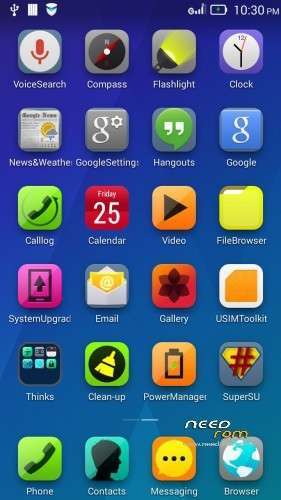
Gapps included
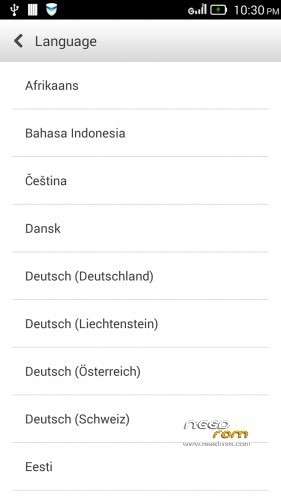
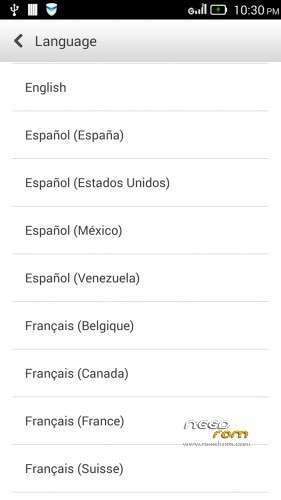
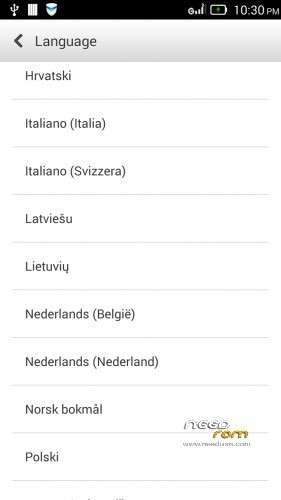
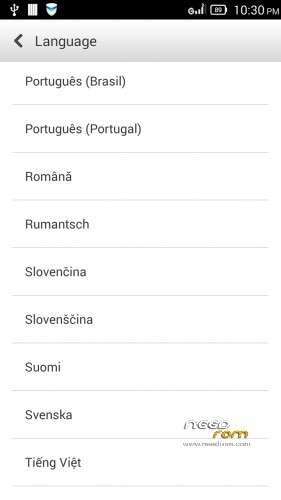
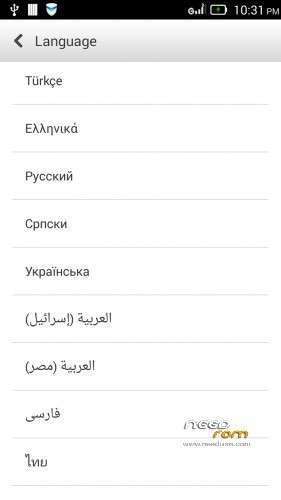
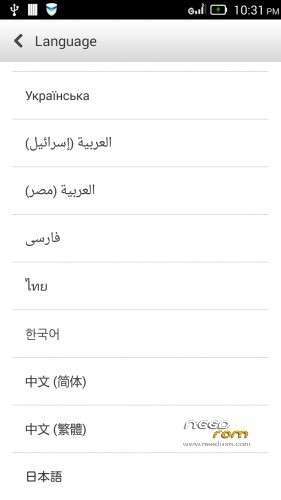
Language support: Multilang
This rom is rooted
Removed all chinese app
V2 :
- Fixed Exchange problem
- Fixed SMS delete problem
V3:
- Fixed front camera problem
- Added many new languages, what the last versions do not contained
V4: (base : VIBEUI_V1.5_1419_5_DEV_P780_3E43)
- Fixed battery charging problem
- Changed modem (many users have requested)
- Fixed many languages
V5: (base : VIBEUI_V1.5_1421_DEV_P780_1A2C)
- fixed some languages
V6 : (base : VIBEUI_V1.5_1421_DEV_P780_1A2C)
- fixed Hungarian, Hebrew (thanks to nbjob) languages
V7: (base : VIBEUI_V1.5_1423_9_ST_P780_5B7B)
- fixed hebrew crash
- fixed ideaFriend problem with russian language
Many users wrote me a request for update.zip rom. I created one from V7 version! The update.zip version isn't rooted, so if you use that, and want to root, use the root zip with cwm!
Many users requested from me, if I share the Language files of VibeUI, then they can translate.
If you want to do this, Only download the "Language files From Rom.zip" file.
Use the Notepad2 to translation, or use AndroidLanguage project. That is comfortable than Notepad2, because you can use online translator, and don't have to watch the xml errors.
if you ready for the translation, just send for me, tell me your native language, and I build that to rom, and I will share here the new rom, with new fixed language.
If you want to do this, Only download the "Language files From Rom.zip" file.
Use the Notepad2 to translation, or use AndroidLanguage project. That is comfortable than Notepad2, because you can use online translator, and don't have to watch the xml errors.
if you ready for the translation, just send for me, tell me your native language, and I build that to rom, and I will share here the new rom, with new fixed language.
description for translation:
-download the “Language files From Rom.zip” file
-extract
-open notepad2, what you found in ZIP
-open with notepad2, what you want to translate
-you can found 3 different xml files, array, plurals and strings.xml, but what the notepad2 appear in black color, that the sentece, what have to translate
-important! sometimes you found “%1$d” or “%1$s” or “%1″ or etc…, these are known as variables. These build whitout change to your translated sentence
other way to translate the strings.xml:
-download and install AndroidLanguageProject
-choose the “Lang Editor” page
-open a strings.xml
-you can write your translated words to Editor column
-you can use online translator, set the translate settings on bottom of the ALP
-if you click with mouse right button on english column, then ALP translate this sentence to Editor column
-if you double click with mouse left button on english column, then ALP copy this sentence to Editor column
-if you ready then do not forget save your job
-if you want to back to work, then open the saved strings.xml with ALP
Install ROM :

- Unpack FlashTools, and Click on Flash_tool.exe
- Select the MT6589_Android_scatter.txt in ROM
- Wait file to be added into Flash Tool
- choose Option->USB Model,click USB Model
–> Choose Option->DA DownLoad All->Speed->High Speed, click High Speed
- choose DA DL All With Check Sum
- Turn off your phone, (push the red reset button)
- "Press F9 (hit Download button)" OR " if upgrade ROM Firmware->Upgrade "
- and connect your phone into the computer via USB data cable.
- The process will start and a red progress bar will appear after color purple, yellow, if no, then have to install the driver from Flash toolSP_Drivers_v1.5 folder
- And green circles display
- Finish !
- You can now safely disconnect your phone and turn it on.
- If the imei left, use the imei_mtk65xx
- if you want to change modem.img, just download and follow the Readme.txt
This ROM created by Android Lang Project http://www.androidlangproject.com/
※Please make a backup of your device before installing or updating ROM
Bulgarian lang?
Slowest Firmware ever I have
5 seconds wait for call..
7 second wait for messages…
In menu lugs
antutu bench crash-because 16 000 points…
very slow reactions
When You clock to 1.7Ghz you short time, to see messages from 7 seconds to 5.5 seconds (slow firmware)
…back to 4.2 or AOSP v1.8
Има БГ но, е тежичък рома !
is there any bug to avoid daily usage?
like can we change mobile uncle tools to change imei?
russian lang!
This rom For 4gb series or 8gb?
for 4Gb version
how to replace the recovery so TWRP / CWM how?
How to remove country code from sms message?
The problem is the way the contacts are setup. Try using https://play.google.com/store/.....gel.phoneformat with National or International number formatting for your contacts.
can the rom to fully charging?
I think not, because phone was full night(12hr.; from 75%batt) on charger and battery metter stopped on 85%.

I went back to "VIBEROM_V1.0_1415_DEV_P780" and phone was fully charged in 1 hour
How can I re-install gapps ?
In 3e recovery it's impossible
all language ,when u change language still 40-50 % Englisch
after install no imei
use mtk mobileuncle = no service
hola buenos dias yo la llevo puesta de momento ningun fc lo unico que no se es como reparticionar la sd para poder tener los 4 gb como e echo en otras rom's