
- Title: STAR S5
- Listed: April, 2013
- Last modified: 04/25/2013 1:29 pm
- Version: ROM Android 4.2.1
You must be logged for ROM download.
21542 total views, 1 today
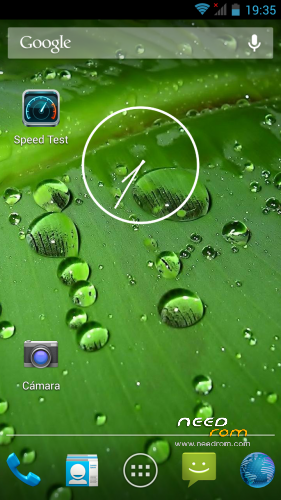
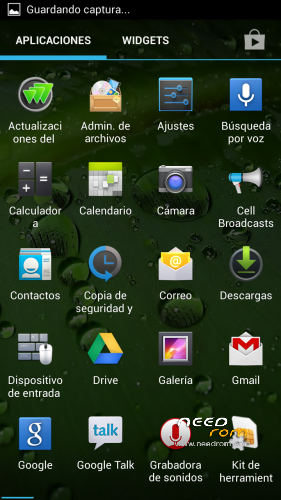
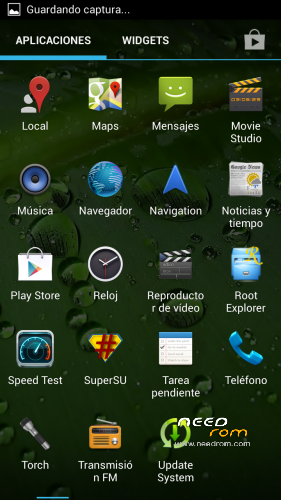
 Member Info
DESCRIPTION
ROM STAR S5 – ROM Android 4.2.1
Attention! Firmware tested for Star S5 Butterfly. While there is no firmware dump Miz Z2 firmware data to put Miz is not recommended
Rom cooked by feropont. XDA - 4PDA
Detailed video instructions on firmware rekaveri any firmware for example 4.2.1 DzhYn Mod V2.0 for Zopo zp 810
Language support: Multilang
Installing the drivers:
1) go to the computer as a user with Administrator rights
2) press the key combination – Windows + R
(Windows button located between the left Ctrl and Alt)
3) write in the window mmc devmgmt.msc (or devmgmt.msc)
(Will open Device Manager)
4) take out the battery from the smartphone and then return the battery (not include)
5) connect the smartphone to your computer using
6) right click on the new device appears in Device Manager.
7) in the menu that appears, click Update Driver Software
8 ) on the computer looking for the driver (in the folder Windows_driver). Select the driver for your operating system.
9) depending on the issues push on / QA / disagree
10) The subtleties of installing the drivers on Win8
Firmware, she's setting Recovery:
1) Turn off your smartphone (the cable is not connected to a computer)
2) take out the battery and insert it back (not include)
3) Run the program SP Flash Tool (Flash_tool.exe folder SP_Flash_Tool_v3.1304.0.119)
4) Press the Scatter-loading
5) select the file MT6589_Android_scatter_emmc.txt (CWM_RECOVERY in the folder or the file in the folder Proshika!)
6) remove the check mark from the preloader (if any) (necessary only for Recovery to normal firmware can not be changed)
7) click Download
8 ) in the window that appears, click YES
9) cable to connect your smartphone to your computer
10) in a few seconds to run a red streak
11) after the download (yellow bar) close SP_Flash_Tool
12) Turn off your smartphone from your computer
※Please make a backup of your device before installing or updating ROM
Apparently, this firms lacks CACHE, USRDATA and FAT files, I was unable to write it onto my Start S5.