
- Title: ZP998 – Hkphone SGS4 UI
- Listed: June, 2014
- Last modified: 06/07/2014 6:27 am
- Version: 4.2.2 30-05-2014
You must be logged for ROM download.
18345 total views, 3 today
1 Total favorites
CUSTOM









 Member Info
DESCRIPTION
ZP998 Hkphone Revo Макс 8 – SGS4 UI
What is that rom?
1. Ir's very big work, with high quality result
2. Very stable
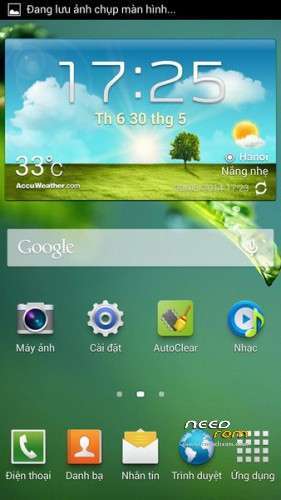
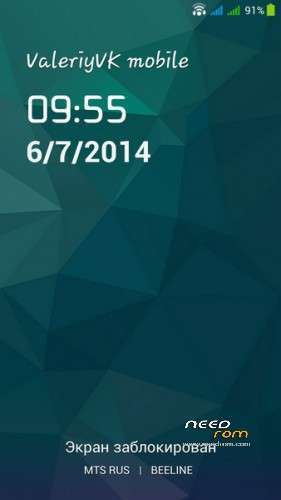
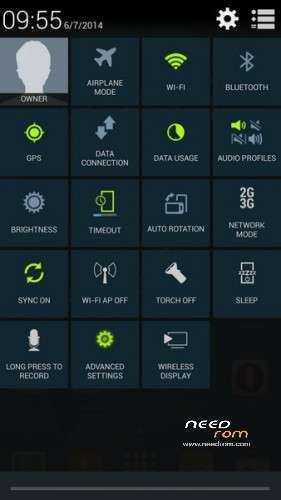
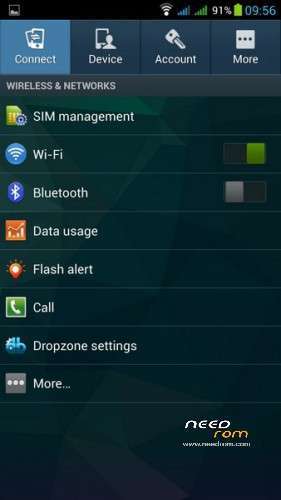
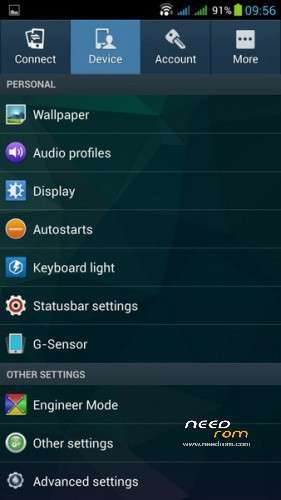
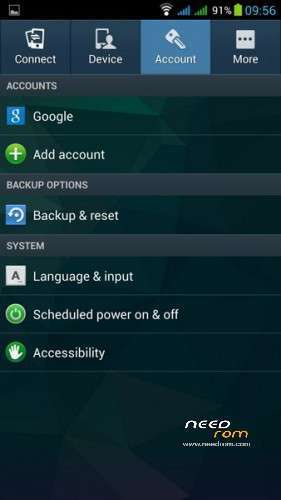
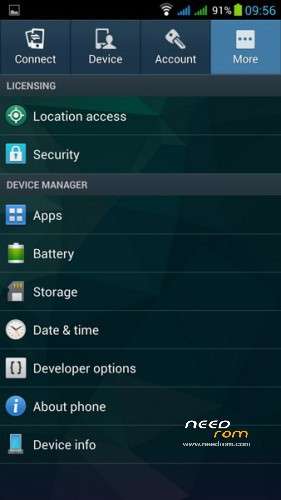
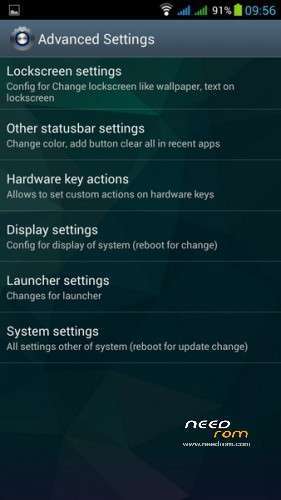
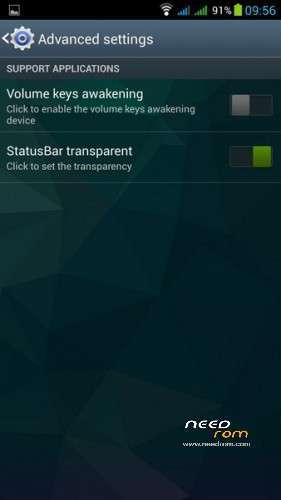
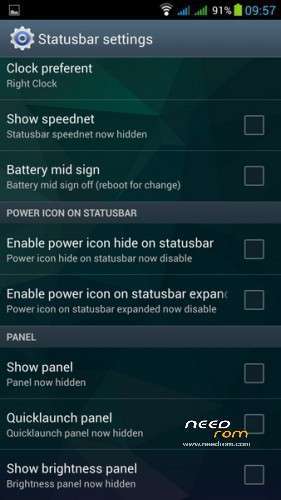
3. Very much different settings and custom's, look at screnshots
4. It have support and OTA updates (check it after install or use links)
Source:
http://diendan.hkphone.com.vn/forum.php?mod=viewthread&tid=119955&extra=page%3D1
Install with CWM or TWRP like zip update.
P.S. Very interesting rom, stable, some little bugs presents, but it dosn't matter. I like it )
※Please make a backup of your device before installing or updating ROM
is it is in english or other
It's multilang )
is supports xposed and gravitybox dear?
Xposed not supported, but it's not needed with this rom
Good working but you need make improvements
1.Status bar crashes always and can not fixable
2.Camera microphone bad recording low volume and horrible audio quality
Waiting new uptade.
1. Can't find this situation, no crashes with status bar
2. Camera volume and sound quality usual normal like in the latest zopo roms.
Before i was thinking you are the developer. But you are not developer.
What To install ?
Rom + update 1 + update 2 + update 3
OR
Rom + update 2/06/2014 ?
Better to install rom and then check online OTA update or Rom + update 2/06/2014
@2kvv
Sorry u can't understand this because u are not the developer of this rom
Nice rom , fast and memory efficient but with two gliches :
1) caller id don't work – how to fix it ?
2) sometimes phone unlock don't work – sometimes it work ?
its not true that xposed is not supported. it's already integrated into the system but made invisible when restored xposed from titanium it became visibale und fully functional again.
I have found it. But how u can restored it? On titanium backup there is no restore option for xposed.
Just filter it by search in the app list and tap and it and hit restore and then hit apps and data, if that doesn't work then try to patch the android core with lucky patcher and switch off the package verfication in the toolbox, it will reboot automatically.