
- Title: Android 10
- Listed: October, 2023
- Last modified: 10/09/2023 2:07 pm
- Version: 10 - Q with treble
You must be logged for ROM download.
4993 total views, 1 today
1 Total favorites
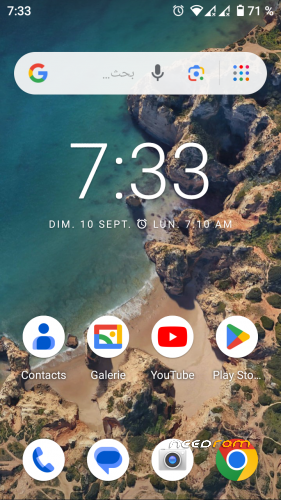
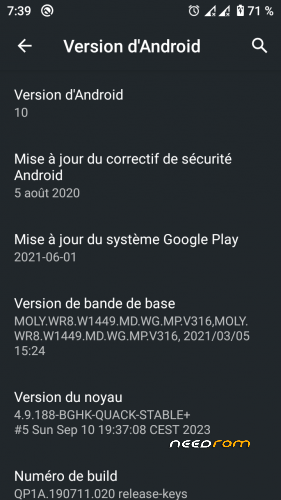
 Member Info
DESCRIPTION
ALPS 10 from Mediatek, with Dynamic Partitions Support, AVB 2.0 and System As Root and Treble enabled (VNDK 29)
it also enables Secure Boot, you CANT boot old/modified lk, also you CANT download un-signed images. if you want to return to stock rom, flash it through SPFT in Download + Format All mode.
GAPPS are included.
You can install gsi up to Android 14.
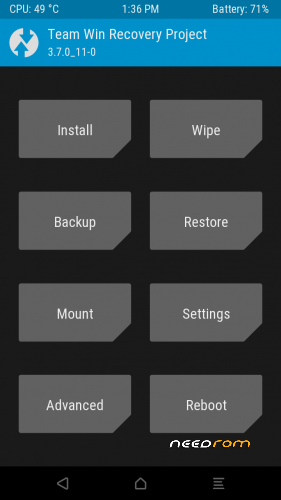
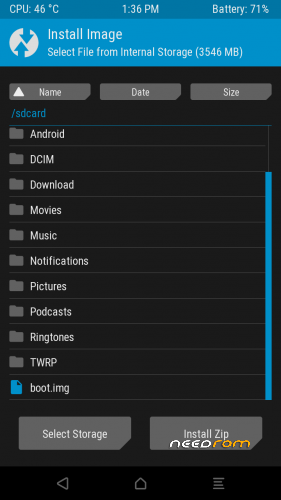
There is a TWRP, in download section.
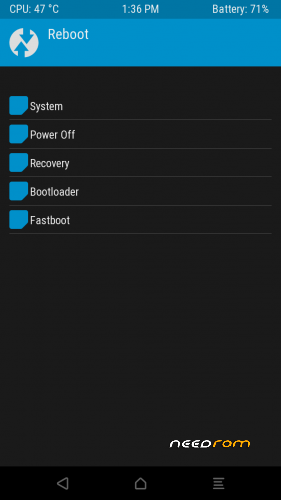
Bootloader will be locked after flashing, boot to fastboot (press and hold Power and Vol +, then select fastboot)
After downloading latest android platform tools, run 'fastboot flashing unlock', to UNLOCK it so that you can flash TWRP/Install Magisk. it will not erase your data partition as i disabled it in bootloader code.
this firmware is excepted to work in DDR3 varients.
You MUST have one of the following EMMC chips:
- H8G1e
- FNX2MB
- H8G4
- F722MB
- Biwin
- S10004
- V10008
Also, you MUST have one of the following LCD (lcm) names:
- hct_hx8394d_dsi_vdo_hd_cmi
- hct_hx8394f_dsi_vdo_hd_cmi
- hct_ili9881_dsi_vdo_hd_cpt
- hct_nt35521s_dsi_vdo_hd_boe_50_xld
- hct_otm1282_dsi_vdo_hd_auo
- hct_otm1285a_dsi_vdo_hd_boe
- hct_rm68200_dsi_vdo_hd_cpt
You can check what you have through Device Info HW app, use ROOT if you can't fine the information you want.
The firmware does not have any bugs, it has been also optimized for speed and battery life. it should perform as STOCK one.
Device trees and Kernel source can be found here:
Tree:
Kernel: svoboda18/android_blackghost_kernel: Custom treble 3.18.x/4.9.x kernel for doogee x5
※Please make a backup of your device before installing or updating ROM
Can you please add a screenshot showing the files and options selected in SP_Flash_Boot before Download?
Usually I open the scatter file and immediately replace the recovery img with TWRP. I am not sure if I understood correcty, it seems first I need to flash the firmware, then unlock the bootloader and then flash the new TWRp recovery?
YES! flash the firmware, start it, then reboot to fastboot, unlock bootloader, then flash twrp through fastboot.
I get an error when flashing. Something with sdmmc
I install Your TWRP as you described, but when I try to load it, I get a bootloop. The firmware itself works without problems.
Thanks for continuing development on such and old and rare device. I must give a try to your rom. However, before flashing it, I have a few questions:
- Does this ROM fix the video decoder glitches? For instance, on other ROMs for this device, viewing Instagram video stories results in a greenish screen with lines.
- Is this ROM compatible with DDR2 variants?
- If I wanted to upgrade to a higher Android version, which GSI images would you recommend for this device thar are stable and not buggy?
And a final question, how difficult would be porting this ROM to other MT6580 devices?
Thanks again for your work on this project.
hello,
1. does not remmember, but the issue remains and it has not been fixed since it is coming from medaitek part, however i can confirm this issue no longer happen in Android 11 firmware (which was never published).
2. any variant should work if it has one of the available emmc and lcm drivers.
3. any phh gsi is fine.
4. porting is done at source level, if the target device sources are available, it should be easy, else it will require some work