
- Title: Android Vanilla UI and VIBE UI K50a40_S422 ROW OTA
- Listed: March, 2016
- Last modified: 03/18/2016 3:57 pm
- Version: 6.0
You must be logged for ROM download.
18425 total views, 3 today
5 Total favorites
OFFICIAL










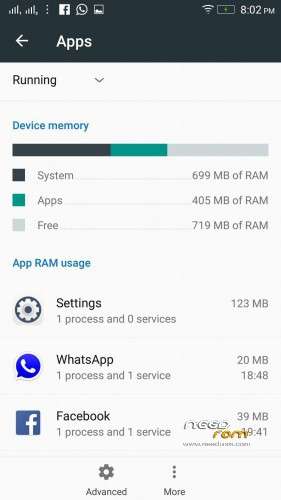
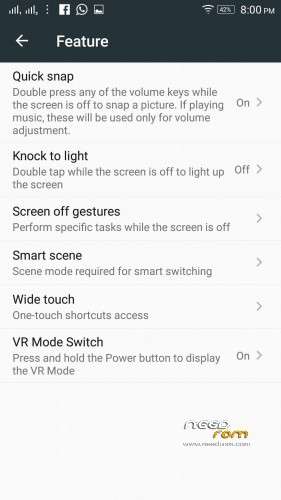
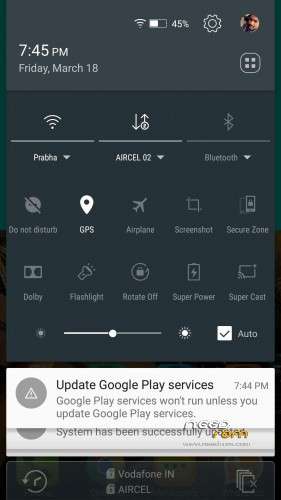
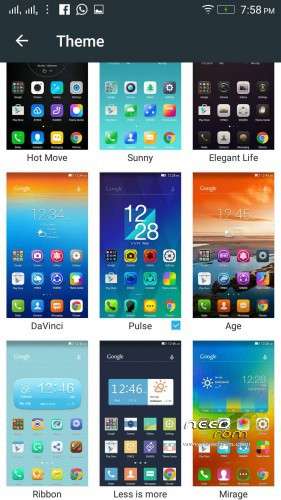
 Member Info
DESCRIPTION
K50a40_S205_151118_ROW_TO_K50a40_S422_160315_ROW_WC46455750
Device: Lenovo K3 Note
Android version: Marshmallow 6.0
OFFICIAL : YES
MULTILANGUAGE: YES
How to Install:
- Download and flash S205 ROW rom from provided link
- Download the "S205 to S422 OTA" zip, rename it as "update.zip" and put it in internal memory
- Flash the update using official stock recovery.
MORE DOWNLOAD LINKS WILL BE ADDED SOON !!!
※Please make a backup of your device before installing or updating ROM
Not working on K50-t5.
Working on K3 Note(K50-t5) and on K50a40(K3 Note for India). This is same models, all ROMs compatible, jusy need true installing.
Can i install thia zip using twrp?
I install this rom on K50-t5 with twrp after modifying the file update-script in 3rd line with getprop("ro.product.model")…. with #getprop(….
Is this ROM for k50-t50 is installed or not. Thanks
fokce are u blind dude check a 2 post above @greeshan just told you so
Working on K3 Note(K50-t5) and on K50a40(K3 Note for India). This is same models, all ROMs compatible, jusy need true installing.
where to put the zip folder error every time
please rename package file name as "update.zip" Make sure no capital word is there if you rename it Update.zip then u will get error
ok how to flash this onto K3 Note (k50-t5)?
I don't understand how to install it. Can you explain more detail.
can i flash through twrp
for lenovo k3 note ( non indian version ) mm is available ???
Please someone tell me can we flash it using twrp? please tell me the detailed steps!
Update error after error and not because the issue? Help me pleaseچرا بعد از به روز رسانی ارور میدهد و نمیشه ارور را برطرف کرد؟
لطفا کمکم کنید