
- Title: Chroma Rom for HTC Desire 620G
- Listed: March, 2017
- Last modified: 03/03/2017 2:14 pm
- Version: 6.0.1
You must be logged for ROM download.
9764 total views, 1 today
1 Total favorites
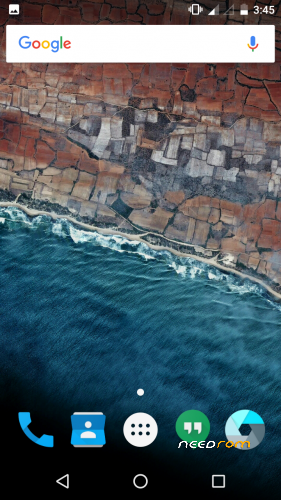

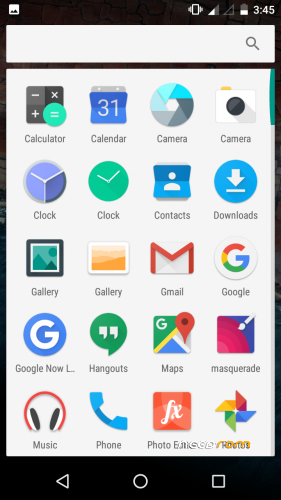
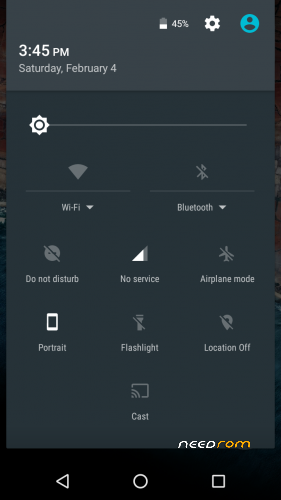
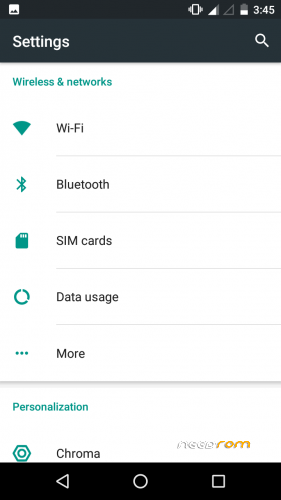



 Member Info
DESCRIPTION
Chroma is a lightweight AOSP ROM focused on battery, performance and stability.
The philosophy of Chroma is to stay relatively close to Google's stock Marshmallow with the additions of essential features that should have been included with stock Marshmallow as well as providing the most up-to-date security patches.
Features:
> Substratum support
> Status Bar Customization:
Battery Style (Icon Portrait/Landscape, Circle, Text, Hide) and Battery Percentage
Clock & Date (Show/Hide, Color, Alignment, AM/PM, Show/Hide Date, Date Style, Date Format)
Brightness Control (long press status bar to change brightness)
Double-tap status bar to turn screen off
Show/hide notification count
Quick pull-down on left/right side to pull down tiles
Network traffic
Pressing on clock or date on status bar opens up Clock, Calendar
Status bar weather
Show/hide brightness slider
> Navigation bar customization
Navigation bar height
Kill app back button
Double tap navigation bar to sleep
Clear all recents button (swipe down on recent apps and it'll display on the bottom right)
> Lock screen customization
Lock screen wallpaper
> Power menu customization
Advanced Reboot (reboot/soft reboot/recovery/bootloader)
> Volume rocker customization:
Wake device with volume keys when screen off
Long press volume up/down keys to skip track when screen off
> Other:
A large number of optimizations, memory leak fixes, security patches
Long press recents to swap back to previous app
Prevent camera shutter sound
VPN (use psiphone's browser only mod)
2G/3G Switch
1. To Get VPN Working :-
NO As Tunnling Whole Device Is Not working !
Use VPN for wifi
1. Download psiphon from playstore and open it, choose Browser-Only mode don't tunnel whole device.
2. Go to its logs tab and check the port of http proxy.
3. Now open WiFi setting and long press to your WiFi network (from which u are connected) go to modify tab and from check the advanced options.
4. Chosen manual proxy option and put host name as 127.0.0.1 and port as the no. which you noted in step 2 (eg. 8080) and click save .
For Cellular Data-
1. Download psiphon from playstore and open it, choose Browser-Only mode don't tunnel whole device.
2. Go to its logs tab and check the port of http proxy.
3. Now open Setting>Sim cards>Sim 1/Sim 2 settings/Access Points Names and click on Connected APN
4.In Proxy put 127.0.0.1 and port as the no. which you noted in step 2 (eg. 8080) and click save .
Enjoy you have set up a VPN connection successfully.
You can open your browser and check your IP
Note: You have to undo this after you don't need VPN by changing manual proxy to none .
※Please make a backup of your device before installing or updating ROM

|