
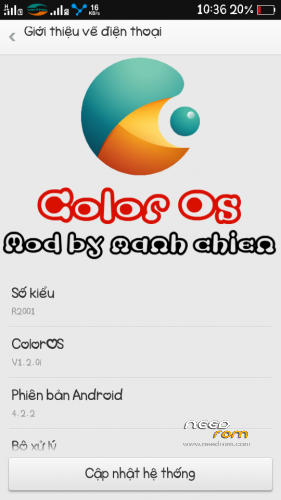
- Title: Color 1.2 Final Update For Zp700
- Listed: June, 2014
- Last modified: 06/26/2014 1:06 am
- Version: 1.2.0i
You must be logged for ROM download.
18515 total views, 2 today
 Member Info
DESCRIPTION
-Theme download unzip the file copy Dack.theme in sdcard / theme is unusable
-support C version
Install ROM (CWM):
Step 1: Download the custom ROM copied to an external SD card root directory
Step 2: the shutdown state. While holding down:
– Power button + volume button up, to enter the recovery mode.
– Wipe Data / Factory Reset -> delete all user data
– Wipe Cache Partition -> Wipe cache
– Advanced -> Wipe Dalvik Cache
Step 3: Return to recovery main interface Install zip from sdcard -> choose zip from sdcard -> Select your ROM
Step 4: Brush complete, restart the phone Patience required – first boot takes a while
※Please make a backup of your device before installing or updating ROM
@ziolupen92
Plug the battery charger to charge thuong.khong still have the problem at all
does it have italian language?
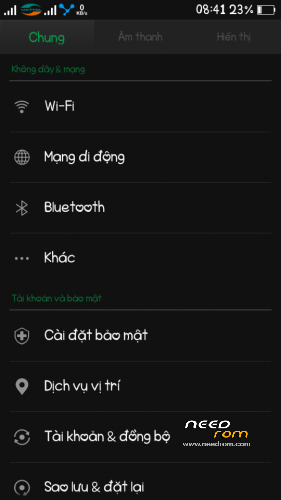
What languages are present in this rom? :0)
Thank you
keypad doesnt work
and i cant get access to recovery
got it work on a foreign language and then downloaded google keyboard
Still cant get access to recovery mode by holding down the volume button like usual