
- Title: Custom MG Rom
- Listed: October, 2014
- Last modified: 11/25/2014 11:17 pm
- Version: 20141113 MG v8
You must be logged for ROM download.
91952 total views, N/A today
20 Total favorites
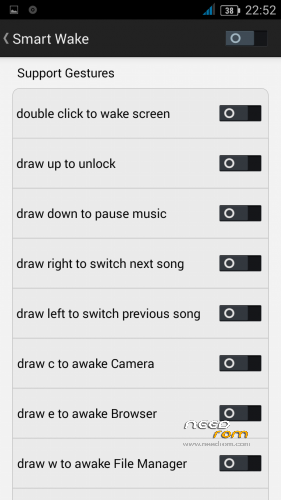
 Member Info
DESCRIPTION
v8 finally is out (20141113 official base)
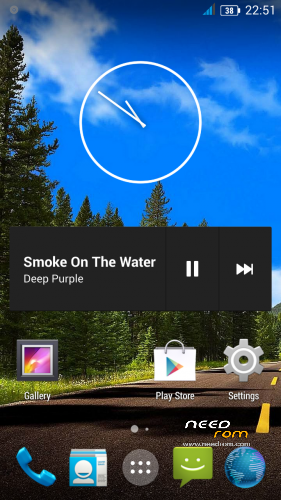
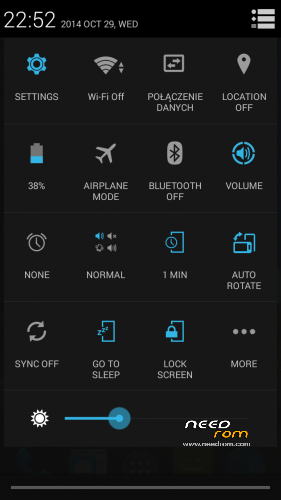
Fast, lightweight, AOSP/Cyanogenmod look, no bloatware.
This rom fixes blank screen in recovery & boot logo on lg 10 touches screens.
v8 for flashtool soon (in this week)
Odexed version with themes soon (in this week)
-Based on official 20141113 g4s firmware
-Deodexed
-Rooted (lastest stock doesn't have superuser)
-Init.d support
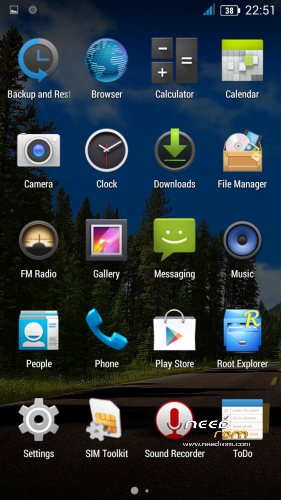
-Deleted all Chinese and unnecessary apk's
-AOSP Browser
-AOSP Lolipop keyboard
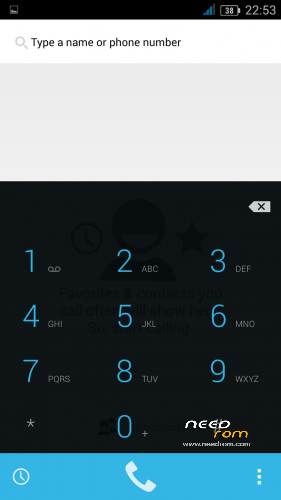
-Dialer and Contacts multilang
-Trebuchet launcher from cyanogenmod 11
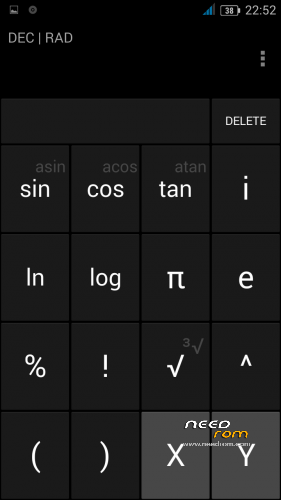
-Calculator from cyanogenmod 11
-Root Explorer Pro
-Xposed and Gravitybox working
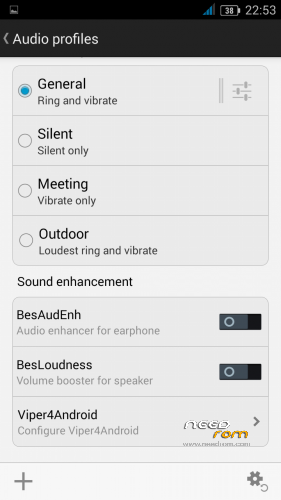
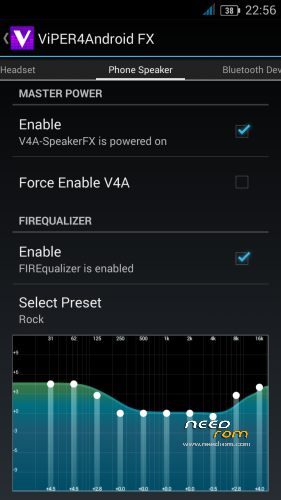
-Viper4android (added in audio settings)
-changed default wallpaper in framework-res.apk
-better Polish translation (I think it's the best rom for Polish users)
-new wallpapers (from cyanogenmod)
-clock & weather widget from cyanogenmod
-correct product name
-Build.prop tweaks:
wifi.supplicant_scan_interval=180
profiler.force_disable_err_rpt=1
profiler.force_disable_ulog=1
dalvik.vm.execution-mode=int:jit – better performance
This rom has new touch screen driver (like v3, v4)
Updated from 20140704 and 20140912 without any problems.
Rom is deodexed (for xposed), so art is not working.
If You like my work you can donate me via paypal.
Thanks user Juliotec for aosp browser apk.
Sorry for my English, but it's not my primary language.
※Please make a backup of your device before installing or updating ROM
GPS works on my G4S and MG rom v8, i live in São Paulo, Brasil.
1-) Install the MG v8 and leave location options in off.
2-) Install from the googleplay the apps: faster gps, mobileuncle and gps test.
3-) Don't need delete the files: gps.conf, mtkgps.dat and epo.dat. Because this files not ecxist in the first intallation, if you keep the location options off.
4-) Root your device, verify this with app root checker.
5-) Open the gps faster and set your continent and region (south america and brasil in my case). This will generate the new and correct file: gps.config. Reboot your device.
6-) Edit your bulid.prop and reboot your device.
dalvik.vm,execution-mode=int:fast
persist.sys.timezone=America/Sao_Paulo
7-) Open the mobile uncle and hit "power gps search" and click over gps unset, to load a gps.conf file.
8 ) Click on "engineer mode/engineer mtk mode/location/location based service/epo tab" and hit on epo download. If you have wifi conection, this procedure will generate the new files: epo.dat and mtkgps.dat. Reboot your device.
9-) Mobile Uncle Tools -> YGPS -> Information:
- hot (wait 5sec)
- full (wait 5sec)
- AGPS restart (wait 5sec)
switch to satllites tab in YGPS than wait for 5-10 mins to fix, I had 10 satellites in view. Than waited 1 minutes then exited from Mobile Uncle Tools.
Thats all, since then, the GPS fast and works faire well (in moving it is still not precise, but it is MTK chipset's general problem).
Wow, amazing. Very good fix. You have to read carefully and reboot a lot, but it's worth it! Fix very good.
Greetz from The Netherlands
But no dual sim??? I'd like to try dual sim, but it isn't working. I came from Chilapos and there also no dual sim…
Very smooth and lightweight rom. Thanks!
Meanwhile I think the GPS Accuracy is worst than my previous version.
the link dont work ;(
this is the BEST rom !!!!!!!!!!!!!!!!!!!!!!!!!!
fastest ROM for G4S ! after trying CyanogenMod 12.1 ROM that was laggy and slow
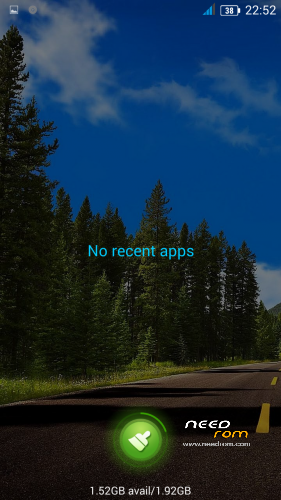
only bothering thing is that when I hold "Home" button, no "Recent Apps" menu as before, how can I fix that?
thank you.
sorry for spamming, but no way to edit posts.
this is what I'm talking about, that's how me "Recent Apps" look like, even after using a lot of apps:
[url=http://postimg.org/image/6xidlf4rt/][img]http://s20.postimg.org/6xidlf4rt/Screenshot_2016_04_12_09_58_09.jpg[/img][/url]
I'm used to have something like this:
[url=http://postimg.org/image/7bjpl0ovd/][img]http://s20.postimg.org/7bjpl0ovd/unnamed.jpg[/img][/url]
how can I bring it back?
this is what I have:
http://s20.postimg.org/6xidlf4.....12_09_58_09.jpg
this is what I used to have:
http://s20.postimg.org/7bjpl0o.....vd/unnamed.jpg