
- Title: DG550 AOSP v3.0
- Listed: September, 2014
- Last modified: 09/07/2014 3:53 pm
- Version: 4.2.2
You must be logged for ROM download.
36794 total views, 12 today
2 Total favorites
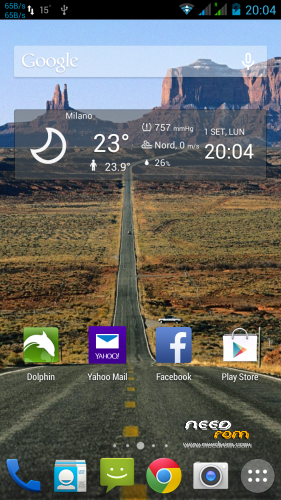
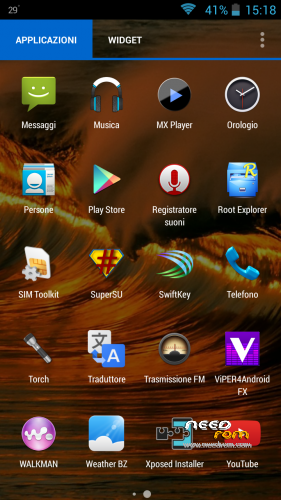
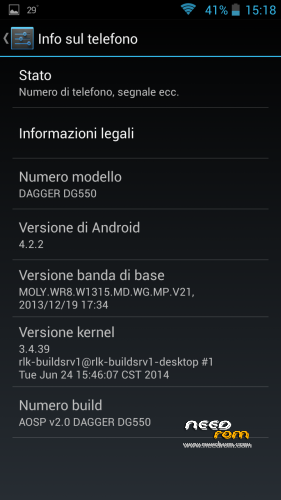
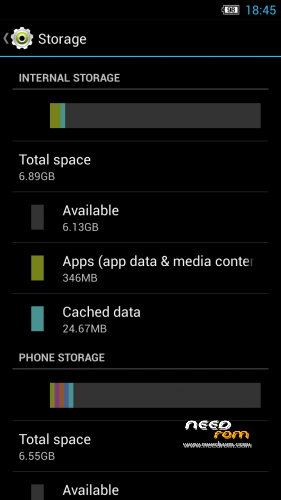
 Member Info
DESCRIPTION
Changelog:
- BASEBAND UPDATED (28/05/2014)
- GRAPHIC ENHANCEMENT
AOSP v 2.1 (UPDATE CAMERA LIBS FOR PHONES PRODUCED AFTER 13/06)
Changelog:
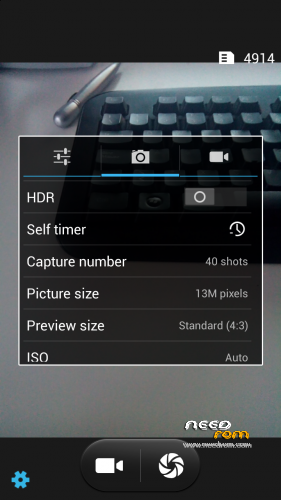
- Fixed bug of CAMERA resolutions inverted (thanks to Vindibi and Robster666) for phones produced after 13/06
- Added NEW Alarms, Ringtones and Notifications Sound
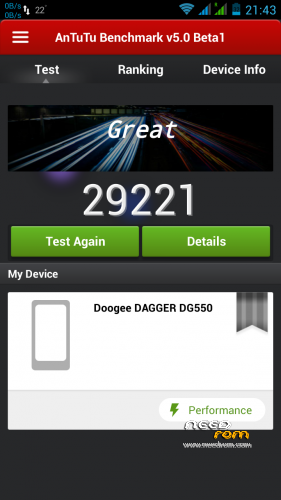
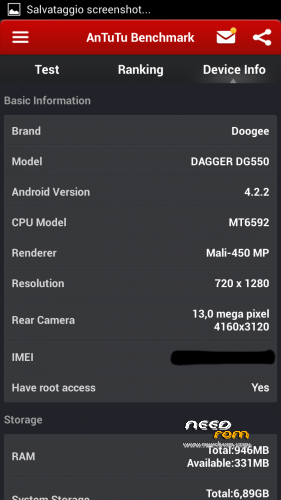
LOOK AT THE POINTS WITH ANTUTU V5 !! 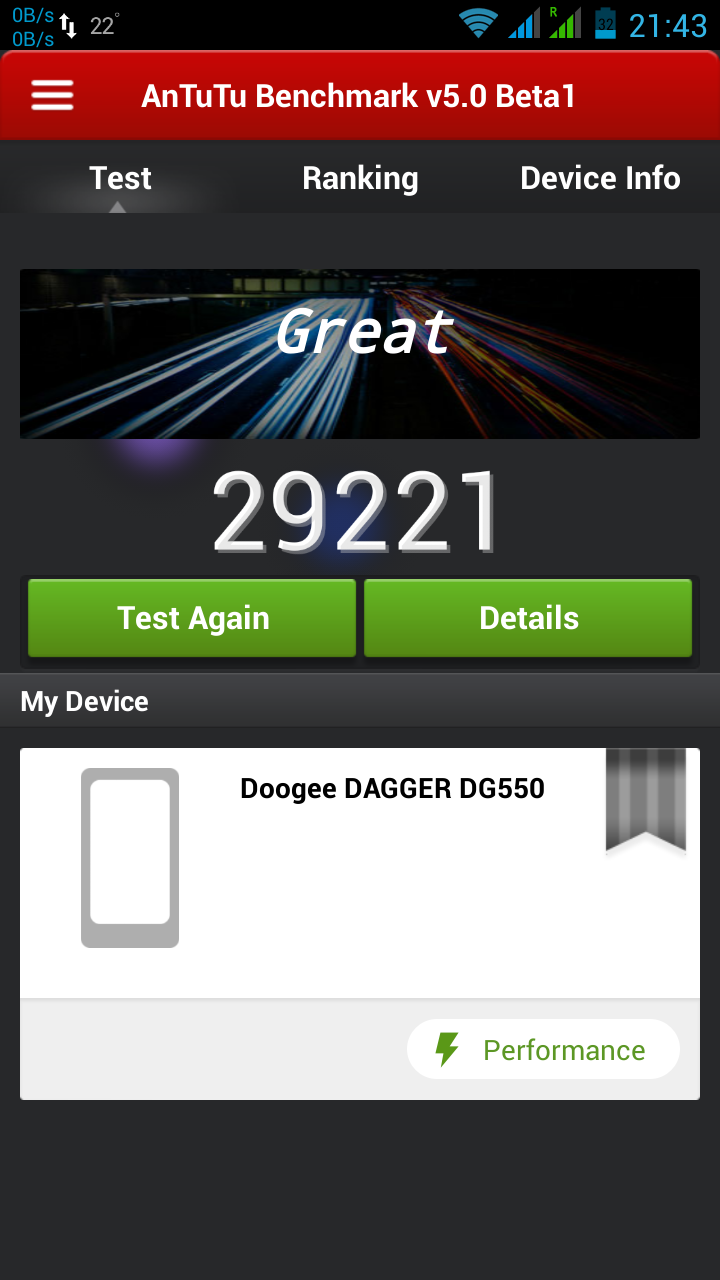
— 06/08/2014 —
AOSP v 2.0 (CAMERA LIBS FOR PHONES PRODUCED BEFORE 13/06)
Changelog:
- Fixed bug of mtk File Manager crashes
- Changed bootanimation and shutanimation
- Added speed and battery life tweaks
- Added system ringtones, notifications, alarms and ui sounds
Please write under the opinions if you find any other bug!
===================================================================
BASED ON zp998 ported ROM 4.2.2 LINK (credits goes to TheLegendOfMart)
FOR NOW THE BEST ROM FOR DOOGEE DAGGER DG550
- MEMORY PARTITIONED (7Gb free to install Apps and 7Gb free internal storage) — only if you want (see STEP 2)
- ROOT
- MULTILANGUAGE
- Choose Nova or Xperia Launcher
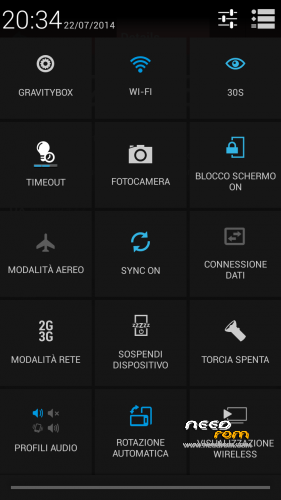
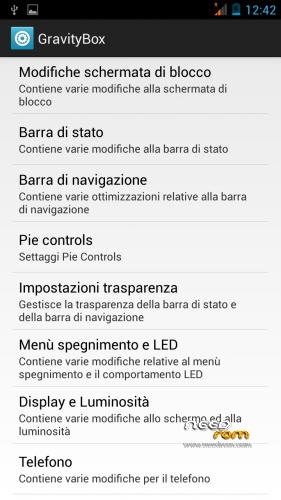
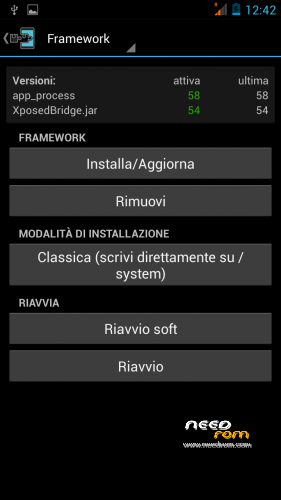
- APPS INTEGRATED –> Chrome, Xposed 2.7.1 + GravityBox 3.2.1, mtk File Manager, and others
- SMOOTH, FAST, STABLE
- CAMERA, WIFI, BT, GPS, XPOSED+GRAVITYBOX >>> OK
- BUGS FIXED (AOSP Keyboard LOOP)
STEP 1 : BACKUP
BEFORE MAKE ANYTHING — IMPORTANT– BACKUP YOUR IMEI NUMBER WITH MOBILEUNCLETOOLS
Before installing the Rom you need to make a backup of your device in case something goes wrong. Do it with MTKDroidTools flashabile with FlashTool.
Those who have already installed the recovery TWRP they can make a second directly from recovery.
For the first, here is a guide to the procedure of backup, for the latest version of MTKDroidTools and drivers necessary for the proper use of the application Backup with MtkDroidTool
STEP 2 : RE-PARTITION OF THE MEMORY BEFORE INSTALLING AOSP ROM
Device rooted with Framaroot 1.93 or another program …
- Download Partition.rar and Install with SP-flashtool attached in rar, the Rom included (DG55_STOCK_7gb Partition_TWRP Recovery)
- Reboot. Everything should be ok
- This ROM already has TWRPRecoveryTouch that later we'll need to install the AOSP ROM V2.0.
INSTALL AOSP ROM
Download the custom ROM FILE.ZIP and copy to an external SD card root directory
ENTER TWRP RECOVERY :
Power off the phone, then do the following:
– Power button + volume button up, to enter the recovery mode.
IN TWRP perform a full WIPE –> WIPE–> ADVANCED WIPE–> SELECT
– Dalvik Cache
– Cache
– Data
Return to recovery main interface and Install zip from sdcard:
- Select your ROM FILE.ZIP –> It will launch my installation procedure
- At the end Reboot System – Patience required – first boot takes a while
AFTER FIRST BOOT, RESTORE YOUR IMEI NUMBER WITH MOBILEUNCLETOOLS
All done, Enjoy your new AOSP ROM!!
================= ATTENTION!!! =================
I invite everyone to make a backup. Only if you have done the backup and you are able to restore the device then you can write me relatively few bugs in the rom or any other problem.
So ATTENTION! … You did not do a Nandroid backup? … You are not able to restore the device? … Well, do not write to me, because I will not answer to you!!
※Please make a backup of your device before installing or updating ROM
Wow I just scored 31000 antutu with this ROM amazing!
My phone finally arrived and I flashed it with AOSP 3.0. Everything is great except very blurry pics from rear camera… Resolution is OK (13Mpix or 8Mpix) but quality is terrible. Any chance to fix it?
ok, we have to restore imei on this rom via mobileuncletools, but if i want back to the stock rom, the imei will be detected automatically or i will have to introduce it via mobileuncletools again?
thank you
I think you’ll have to restore it again with Mobileuncletools.
I found a problem with skype in your rooms. strange noise is coming when I speak with some on in the skype. can you please fix this problem? otherwise your rooms is very stable and fast. Thank you.
Hi, i have installed v. 3 with repartitioning memory. In phone menu/repository is switched SD card and phone memory. Physical SD card is marked as phone memory and phone memory is marked as SD card. What is wrong, or have anybody solution how correct it?
You have to edit file \system\etc\vold.fstab as follows:
## Example of a standard sdcard mount for the emulator / Dream
# Mounts the first usable partition of the specified device
dev_mount sdcard2 /storage/sdcard1 emmc@fat /devices/platform/goldfish_mmc.0 /devices/platform/mtk-msdc.0/mmc_host
dev_mount sdcard /storage/sdcard0 auto /devices/platform/goldfish_mmc.1 /devices/platform/mtk-msdc.1/mmc_host
#dev_mount sdcard /storage/sdcard0 emmc@fat /devices/platform/goldfish_mmc.0 /devices/platform/mtk-msdc.0/mmc_host
#dev_mount sdcard2 /storage/sdcard1 auto /devices/platform/goldfish_mmc.1 /devices/platform/mtk-msdc.1/mmc_host
# usb otg disk
dev_mount usbotg /mnt/usbotg auto /devices/platform/mt_usb
Just enable first two lines starting with dev_mount and disable third and fourth line with dev_mount.
You have to edit it with RW rights enabled.
Then reboot phone.
———————————————–
Prvni dva radky s dev_mount povol a treti a ctvrty zakaz.
Thanks, kedar. I had the same issue, although my vold file was the opposite of what you posted. Either way, I switched it around and it worked perfectly.
I want to love this ROM, but it keeps randomly rebooting. It almost always happens when trying to unlock it after a period of time. I am going a different direction for now, but hopefully this one gets updated and I can come back!
JoshMcMadMac, this is strange; please install it making a full wipe.
I did, and I should clarify that it is something I am doing/installing that is causing the issue. I am not doing anything out of the ordinary, but to check I have done a third (or fourth) fresh install. I have left it absolutely stock and have not installed any extra apps. It has been fine so far.
Another question: is there a way to update Nova Launcher? If I try through Play Store it says the app is not signed properly. If I try through Nova Launcher it says there is already an app by that name installed.
I sent pm to baldos81 about the problems with those roms. not a single replay. not a single fcuk was given.