
- Title: DG550 AOSP v3.0
- Listed: September, 2014
- Last modified: 09/07/2014 3:53 pm
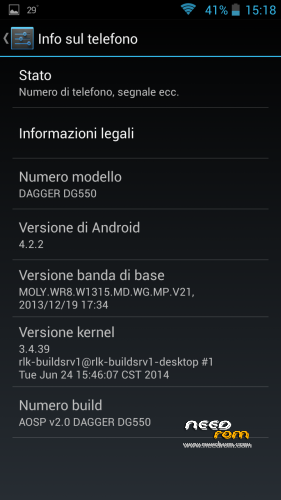
- Version: 4.2.2
You must be logged for ROM download.
36785 total views, 3 today
2 Total favorites
 Member Info
DESCRIPTION
Changelog:
- BASEBAND UPDATED (28/05/2014)
- GRAPHIC ENHANCEMENT
AOSP v 2.1 (UPDATE CAMERA LIBS FOR PHONES PRODUCED AFTER 13/06)
Changelog:
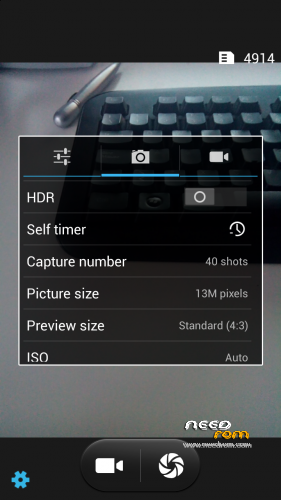
- Fixed bug of CAMERA resolutions inverted (thanks to Vindibi and Robster666) for phones produced after 13/06
- Added NEW Alarms, Ringtones and Notifications Sound
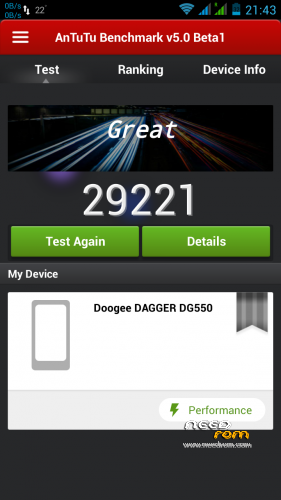
LOOK AT THE POINTS WITH ANTUTU V5 !! 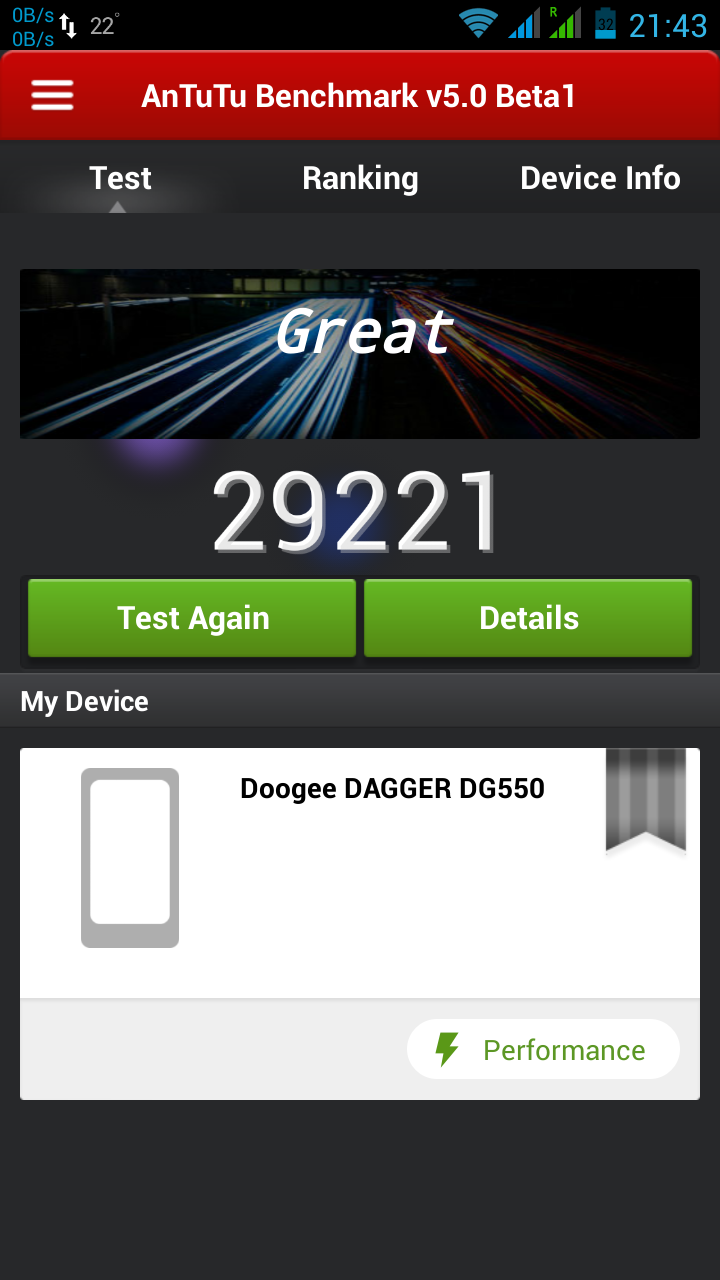
— 06/08/2014 —
AOSP v 2.0 (CAMERA LIBS FOR PHONES PRODUCED BEFORE 13/06)
Changelog:
- Fixed bug of mtk File Manager crashes
- Changed bootanimation and shutanimation
- Added speed and battery life tweaks
- Added system ringtones, notifications, alarms and ui sounds
Please write under the opinions if you find any other bug!
===================================================================
BASED ON zp998 ported ROM 4.2.2 LINK (credits goes to TheLegendOfMart)
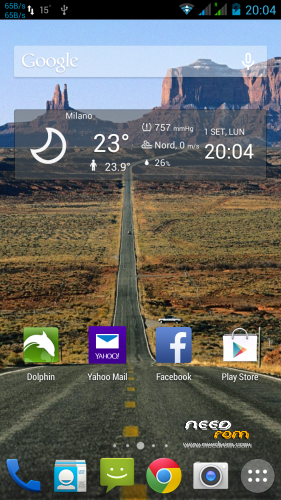
FOR NOW THE BEST ROM FOR DOOGEE DAGGER DG550
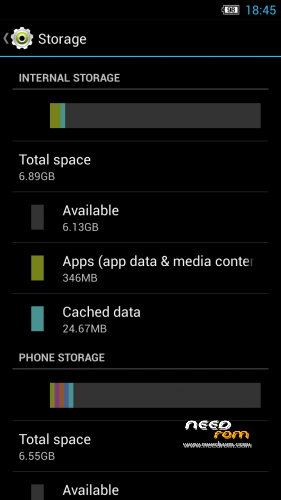
- MEMORY PARTITIONED (7Gb free to install Apps and 7Gb free internal storage) — only if you want (see STEP 2)
- ROOT
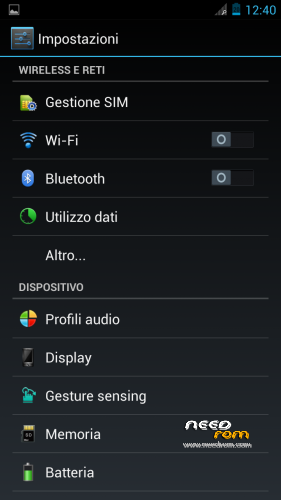
- MULTILANGUAGE
- Choose Nova or Xperia Launcher
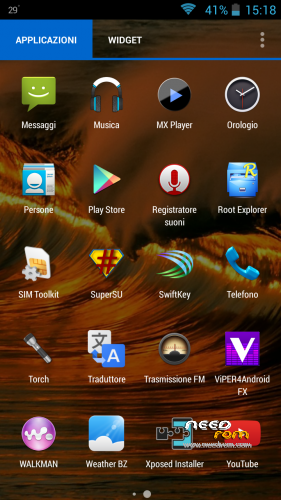
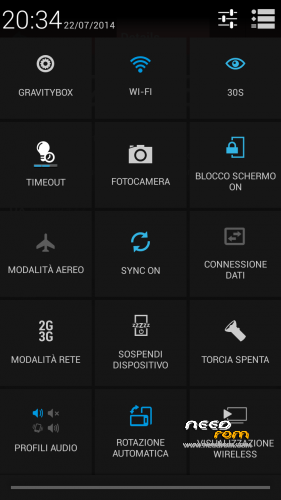
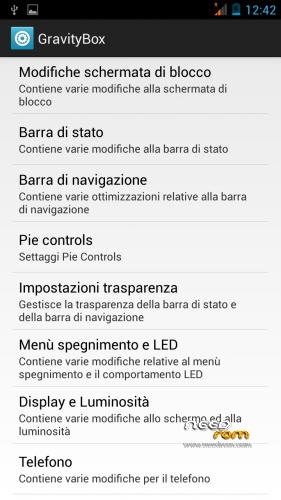
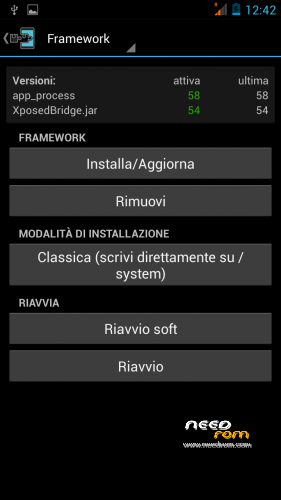
- APPS INTEGRATED –> Chrome, Xposed 2.7.1 + GravityBox 3.2.1, mtk File Manager, and others
- SMOOTH, FAST, STABLE
- CAMERA, WIFI, BT, GPS, XPOSED+GRAVITYBOX >>> OK
- BUGS FIXED (AOSP Keyboard LOOP)
STEP 1 : BACKUP
BEFORE MAKE ANYTHING — IMPORTANT– BACKUP YOUR IMEI NUMBER WITH MOBILEUNCLETOOLS
Before installing the Rom you need to make a backup of your device in case something goes wrong. Do it with MTKDroidTools flashabile with FlashTool.
Those who have already installed the recovery TWRP they can make a second directly from recovery.
For the first, here is a guide to the procedure of backup, for the latest version of MTKDroidTools and drivers necessary for the proper use of the application Backup with MtkDroidTool
STEP 2 : RE-PARTITION OF THE MEMORY BEFORE INSTALLING AOSP ROM
Device rooted with Framaroot 1.93 or another program …
- Download Partition.rar and Install with SP-flashtool attached in rar, the Rom included (DG55_STOCK_7gb Partition_TWRP Recovery)
- Reboot. Everything should be ok
- This ROM already has TWRPRecoveryTouch that later we'll need to install the AOSP ROM V2.0.
INSTALL AOSP ROM
Download the custom ROM FILE.ZIP and copy to an external SD card root directory
ENTER TWRP RECOVERY :
Power off the phone, then do the following:
– Power button + volume button up, to enter the recovery mode.
IN TWRP perform a full WIPE –> WIPE–> ADVANCED WIPE–> SELECT
– Dalvik Cache
– Cache
– Data
Return to recovery main interface and Install zip from sdcard:
- Select your ROM FILE.ZIP –> It will launch my installation procedure
- At the end Reboot System – Patience required – first boot takes a while
AFTER FIRST BOOT, RESTORE YOUR IMEI NUMBER WITH MOBILEUNCLETOOLS
All done, Enjoy your new AOSP ROM!!
================= ATTENTION!!! =================
I invite everyone to make a backup. Only if you have done the backup and you are able to restore the device then you can write me relatively few bugs in the rom or any other problem.
So ATTENTION! … You did not do a Nandroid backup? … You are not able to restore the device? … Well, do not write to me, because I will not answer to you!!
※Please make a backup of your device before installing or updating ROM
Fatti tutti i wipe……… ………..! questa ROM mi piace TROOOPPO !!
la risoluzione delle fotocamera resta invertita !!!
Quando ripristino la ROM originale col backups fatto con TWRP torna tutto OK.
Aiutatemi
Vindipi, questo problema mi sembra alquanto strano. Fai una cosa, Installa con SpFlashtool la rom stock ripartizionata del pacchetto partition, ma in SpFlashtool quando dai il comando scegli dal menù a tendina Format All+Download, tanto hai sempre il backup Twrp su SD. Poi Installa come al solito. Se non va così è probabile che il tuo Smartphone abbia qualcosa di diverso nell’hardware xchè le fotocamere non si sono mai invertite da quando ho cominciato a moddare la rom
Proverò………. ti aggiornò al più presto !
Grazie comunque per l’interessamento
Ciao Baldos81……..allora :
Il mio Doogee dg550 è un telefono ricevuto appena 3 giorni fà
La rom build è aggiornata al 25/07/2014
Da vari test effettuati…… ( anche con il full wipe e full format di spflashtool )ho potuto costatare che escludendo il backup Twrp della Rom originale qualsiasi altra Rom provo a fleshare con la custom recovery o SpFlashtool ( Miui – Originale Doogee appena scaricata dal sito Doogeemobile – la tua AOSP v.2 ) modificando e non la memoria interna ……….indovinate ?
Risultato? Tutte le Rom mi danno problemi con le fotocamere o di risoluzione invertite o addirittura come nel caso della rom originale del pacchetto da te linkato PARTITION la posteriore non rilevata !
Con la rom datata 25/07/2014 a corredo col telefono tutto ok !
Spero in una custom rom futura o nell'aggionamento KitKat …
Ciò significa che gli ultimi telefoni prodotti hanno qualcosa di differente nell’hardware. Il mio ce l’ho da un mese e mezzo non ho mai avuto problemi di fotocamera invertita… E la build se non sbaglio era datata 13.06.2014
Comunque doogee ha annunciato l’aggiornamento OTA 4.4 entro questa settimana, staremo a vedere…
Ti terrò aggiornato …..
sorry i dont know the steps for rooting my doogee dagger .can anyone please tell me exact steps.i would really appreciate it.i downloaded the rom but dont know exact what to do…sorry i dont know a lot all i know is this process
Power off the phone, then do the following:
– Power button + volume button up, to enter the recovery mode.
For rooting use -> Framaroot
1. In setting->security allow unknown sources
2. Download & install framaroot.apk
3. Run & use Barahir exploit and then reboot
Ok, it works pretty well, only problems i ecountered so far is with the camera. It seems the front and back camera are switched. Max resolution for back camera shows 5 MPX and for front 13 MPX. The flash is also desynchronized, first it flashes several times, but the photo is taken afterwards in darkness. Any chance to bring the camera app from stock ROM (it has some additional cool features too)
This problem with camera is only for the phones after 136. Perhaps there’s a different hardware in the stock of the phones produced after that date.