
- Title: DG550 AOSP v3.0
- Listed: September, 2014
- Last modified: 09/07/2014 3:53 pm
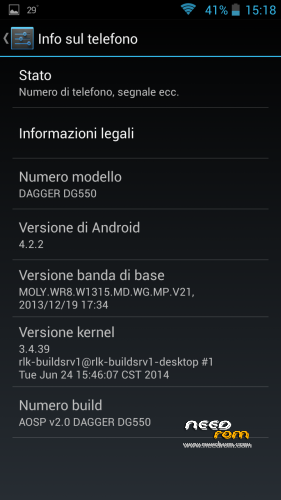
- Version: 4.2.2
You must be logged for ROM download.
36796 total views, 14 today
2 Total favorites
 Member Info
DESCRIPTION
Changelog:
- BASEBAND UPDATED (28/05/2014)
- GRAPHIC ENHANCEMENT
AOSP v 2.1 (UPDATE CAMERA LIBS FOR PHONES PRODUCED AFTER 13/06)
Changelog:
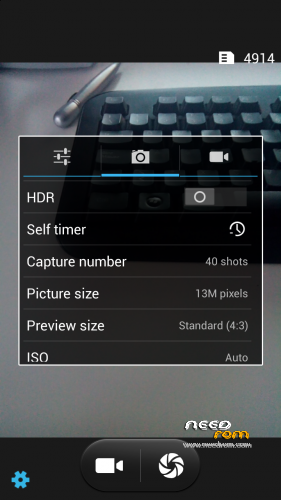
- Fixed bug of CAMERA resolutions inverted (thanks to Vindibi and Robster666) for phones produced after 13/06
- Added NEW Alarms, Ringtones and Notifications Sound
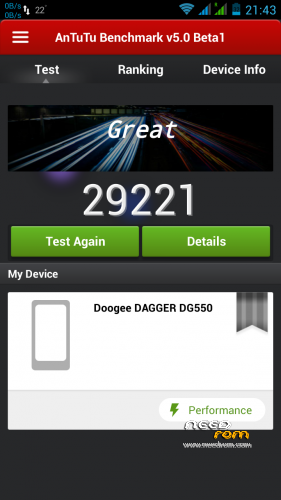
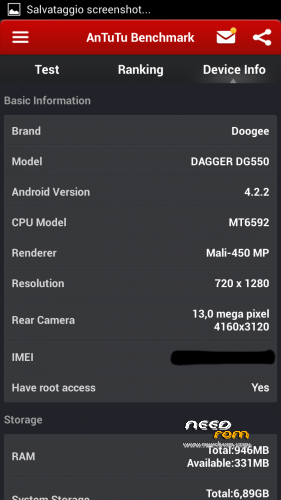
LOOK AT THE POINTS WITH ANTUTU V5 !! 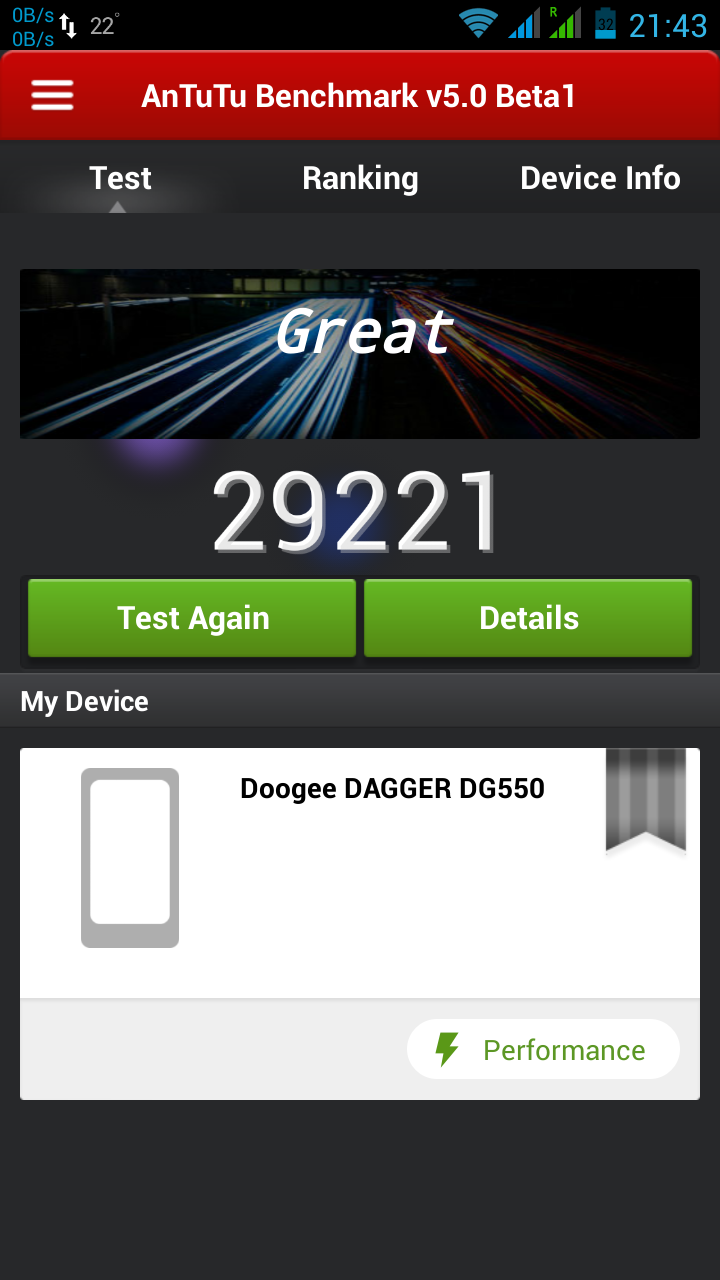
— 06/08/2014 —
AOSP v 2.0 (CAMERA LIBS FOR PHONES PRODUCED BEFORE 13/06)
Changelog:
- Fixed bug of mtk File Manager crashes
- Changed bootanimation and shutanimation
- Added speed and battery life tweaks
- Added system ringtones, notifications, alarms and ui sounds
Please write under the opinions if you find any other bug!
===================================================================
BASED ON zp998 ported ROM 4.2.2 LINK (credits goes to TheLegendOfMart)
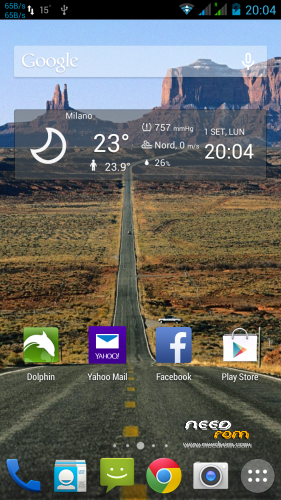
FOR NOW THE BEST ROM FOR DOOGEE DAGGER DG550
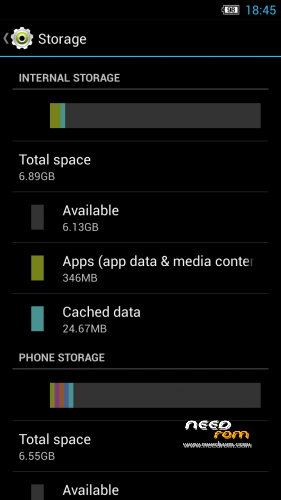
- MEMORY PARTITIONED (7Gb free to install Apps and 7Gb free internal storage) — only if you want (see STEP 2)
- ROOT
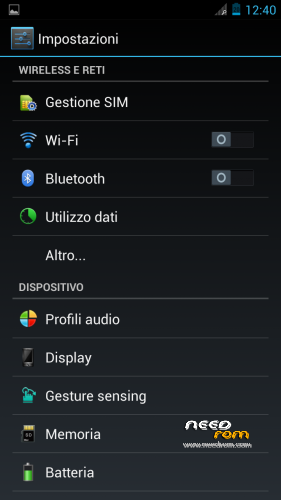
- MULTILANGUAGE
- Choose Nova or Xperia Launcher
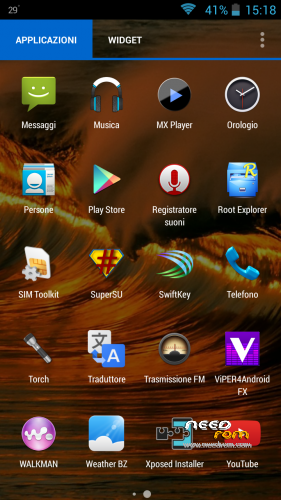
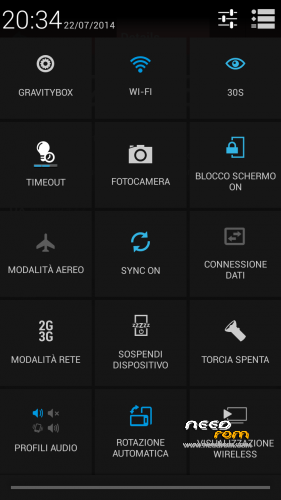
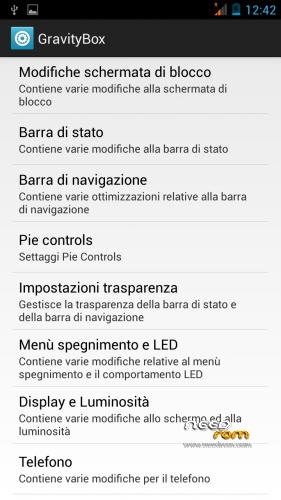
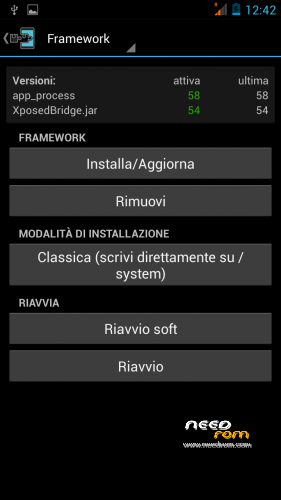
- APPS INTEGRATED –> Chrome, Xposed 2.7.1 + GravityBox 3.2.1, mtk File Manager, and others
- SMOOTH, FAST, STABLE
- CAMERA, WIFI, BT, GPS, XPOSED+GRAVITYBOX >>> OK
- BUGS FIXED (AOSP Keyboard LOOP)
STEP 1 : BACKUP
BEFORE MAKE ANYTHING — IMPORTANT– BACKUP YOUR IMEI NUMBER WITH MOBILEUNCLETOOLS
Before installing the Rom you need to make a backup of your device in case something goes wrong. Do it with MTKDroidTools flashabile with FlashTool.
Those who have already installed the recovery TWRP they can make a second directly from recovery.
For the first, here is a guide to the procedure of backup, for the latest version of MTKDroidTools and drivers necessary for the proper use of the application Backup with MtkDroidTool
STEP 2 : RE-PARTITION OF THE MEMORY BEFORE INSTALLING AOSP ROM
Device rooted with Framaroot 1.93 or another program …
- Download Partition.rar and Install with SP-flashtool attached in rar, the Rom included (DG55_STOCK_7gb Partition_TWRP Recovery)
- Reboot. Everything should be ok
- This ROM already has TWRPRecoveryTouch that later we'll need to install the AOSP ROM V2.0.
INSTALL AOSP ROM
Download the custom ROM FILE.ZIP and copy to an external SD card root directory
ENTER TWRP RECOVERY :
Power off the phone, then do the following:
– Power button + volume button up, to enter the recovery mode.
IN TWRP perform a full WIPE –> WIPE–> ADVANCED WIPE–> SELECT
– Dalvik Cache
– Cache
– Data
Return to recovery main interface and Install zip from sdcard:
- Select your ROM FILE.ZIP –> It will launch my installation procedure
- At the end Reboot System – Patience required – first boot takes a while
AFTER FIRST BOOT, RESTORE YOUR IMEI NUMBER WITH MOBILEUNCLETOOLS
All done, Enjoy your new AOSP ROM!!
================= ATTENTION!!! =================
I invite everyone to make a backup. Only if you have done the backup and you are able to restore the device then you can write me relatively few bugs in the rom or any other problem.
So ATTENTION! … You did not do a Nandroid backup? … You are not able to restore the device? … Well, do not write to me, because I will not answer to you!!
※Please make a backup of your device before installing or updating ROM
Robster666 ti ho mandato un PM…
Baldos81 stai procedendo ?
Non ci far penare…….facci sapere qualcosa……tienici aggiornati
Ciao.
Camera bug solved… Give me time to up new version!
UAOHHHHHHHHH!!!!!!!!!!!!!!!


GRAZIE GRAZIE GRAZIE GRAZIE GRAZIE
I agree with Vindipi! Thanks a lot, Baldos81!
WWWWWWWWW BALDOS81 WWWWWWWWWW
got two devices, one build before 13.06. and one build after. Both with your ROM V2.0 and V2.1.
Works fine, very fast and stable and got more than enough power.
But how to get 29000 Points with this Phone at Antutu?
Anyway, great work! Thank you.
ANTUTU V5 beta1 , you find it on playstore, it's the second one on the list
The original camera app has an option to activate the shoot with your voice. I dont see this feature here, or am i blind?
Wurschtbrod, this is another rom, not the stock. No way for this option.
In Europe, Never had the problem of poor signal, the rom is OK for the signal 3g and GSM.
working good. bur sometime proximity sensor not work during call. display light turn on imideatly when call