
- Title: DG550 AOSP v3.0
- Listed: September, 2014
- Last modified: 09/07/2014 3:53 pm
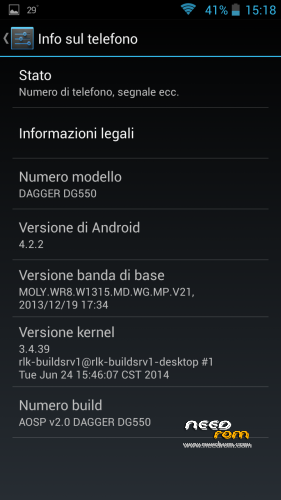
- Version: 4.2.2
You must be logged for ROM download.
36786 total views, 4 today
2 Total favorites
 Member Info
DESCRIPTION
Changelog:
- BASEBAND UPDATED (28/05/2014)
- GRAPHIC ENHANCEMENT
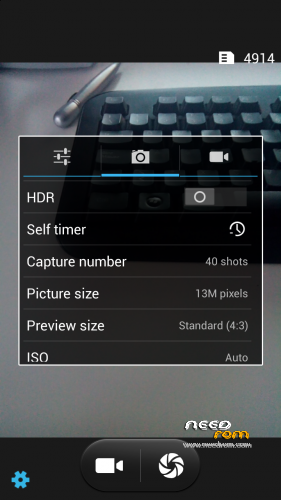
AOSP v 2.1 (UPDATE CAMERA LIBS FOR PHONES PRODUCED AFTER 13/06)
Changelog:
- Fixed bug of CAMERA resolutions inverted (thanks to Vindibi and Robster666) for phones produced after 13/06
- Added NEW Alarms, Ringtones and Notifications Sound
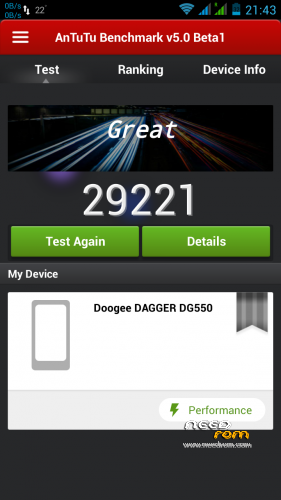
LOOK AT THE POINTS WITH ANTUTU V5 !! 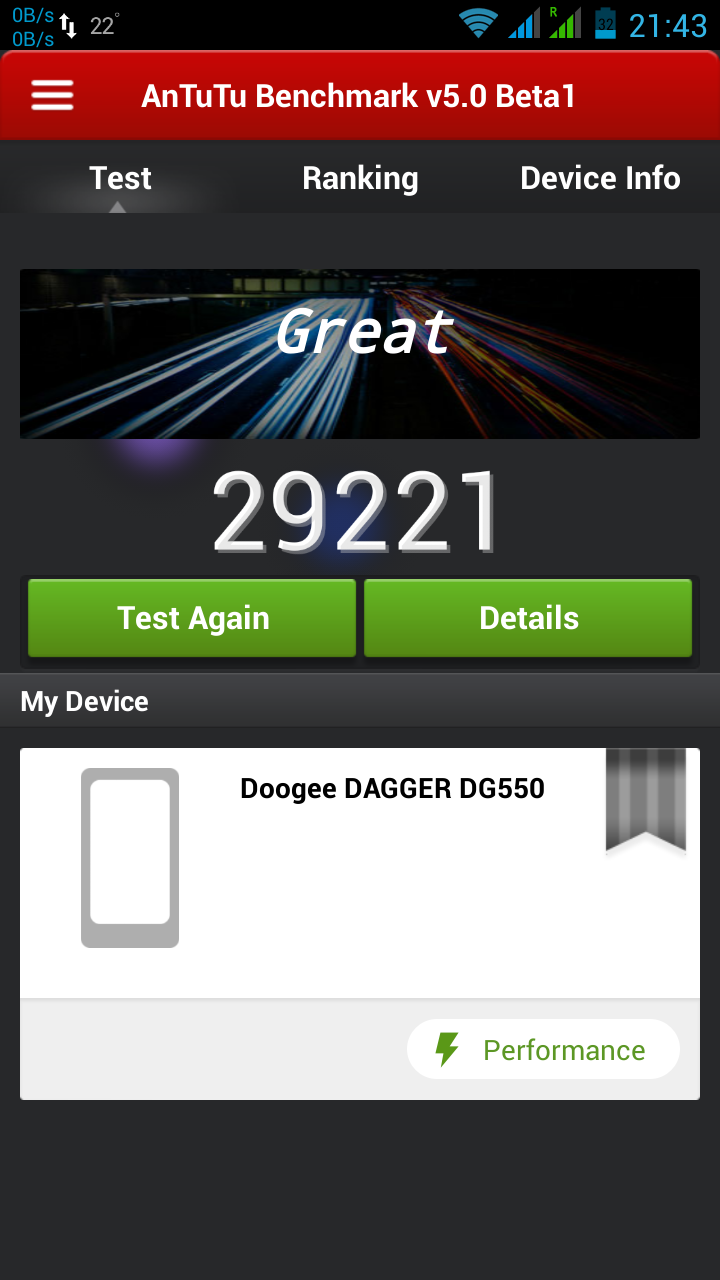
— 06/08/2014 —
AOSP v 2.0 (CAMERA LIBS FOR PHONES PRODUCED BEFORE 13/06)
Changelog:
- Fixed bug of mtk File Manager crashes
- Changed bootanimation and shutanimation
- Added speed and battery life tweaks
- Added system ringtones, notifications, alarms and ui sounds
Please write under the opinions if you find any other bug!
===================================================================
BASED ON zp998 ported ROM 4.2.2 LINK (credits goes to TheLegendOfMart)
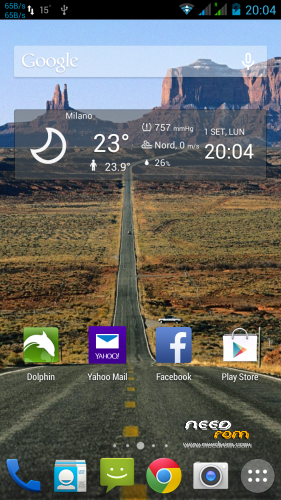
FOR NOW THE BEST ROM FOR DOOGEE DAGGER DG550
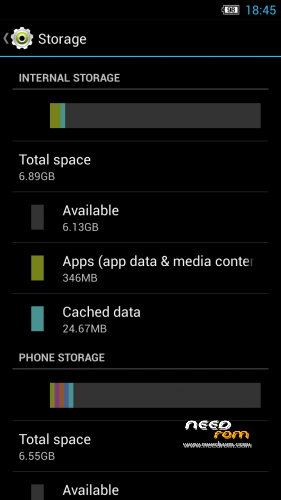
- MEMORY PARTITIONED (7Gb free to install Apps and 7Gb free internal storage) — only if you want (see STEP 2)
- ROOT
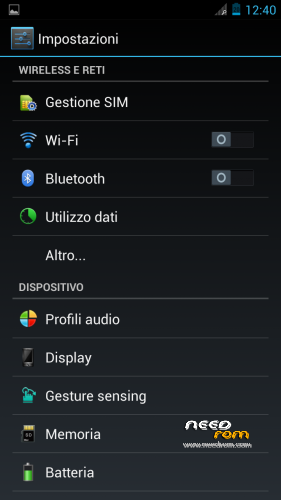
- MULTILANGUAGE
- Choose Nova or Xperia Launcher
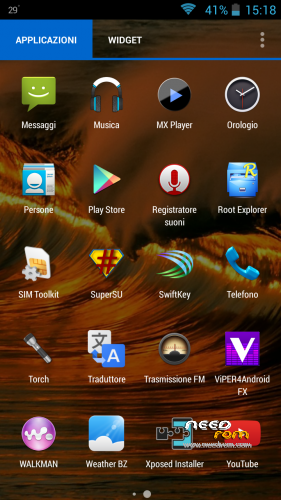
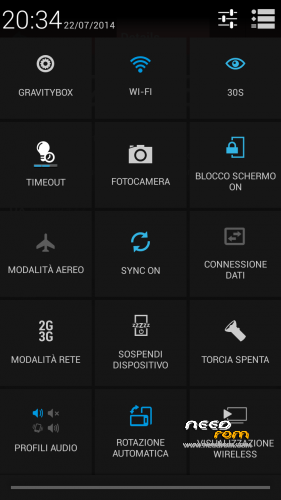
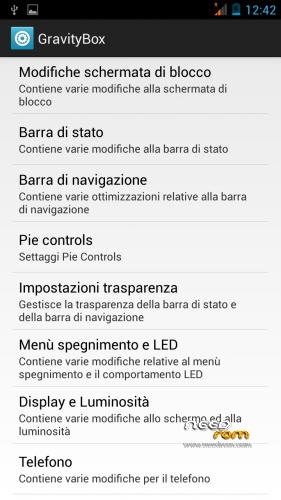
- APPS INTEGRATED –> Chrome, Xposed 2.7.1 + GravityBox 3.2.1, mtk File Manager, and others
- SMOOTH, FAST, STABLE
- CAMERA, WIFI, BT, GPS, XPOSED+GRAVITYBOX >>> OK
- BUGS FIXED (AOSP Keyboard LOOP)
STEP 1 : BACKUP
BEFORE MAKE ANYTHING — IMPORTANT– BACKUP YOUR IMEI NUMBER WITH MOBILEUNCLETOOLS
Before installing the Rom you need to make a backup of your device in case something goes wrong. Do it with MTKDroidTools flashabile with FlashTool.
Those who have already installed the recovery TWRP they can make a second directly from recovery.
For the first, here is a guide to the procedure of backup, for the latest version of MTKDroidTools and drivers necessary for the proper use of the application Backup with MtkDroidTool
STEP 2 : RE-PARTITION OF THE MEMORY BEFORE INSTALLING AOSP ROM
Device rooted with Framaroot 1.93 or another program …
- Download Partition.rar and Install with SP-flashtool attached in rar, the Rom included (DG55_STOCK_7gb Partition_TWRP Recovery)
- Reboot. Everything should be ok
- This ROM already has TWRPRecoveryTouch that later we'll need to install the AOSP ROM V2.0.
INSTALL AOSP ROM
Download the custom ROM FILE.ZIP and copy to an external SD card root directory
ENTER TWRP RECOVERY :
Power off the phone, then do the following:
– Power button + volume button up, to enter the recovery mode.
IN TWRP perform a full WIPE –> WIPE–> ADVANCED WIPE–> SELECT
– Dalvik Cache
– Cache
– Data
Return to recovery main interface and Install zip from sdcard:
- Select your ROM FILE.ZIP –> It will launch my installation procedure
- At the end Reboot System – Patience required – first boot takes a while
AFTER FIRST BOOT, RESTORE YOUR IMEI NUMBER WITH MOBILEUNCLETOOLS
All done, Enjoy your new AOSP ROM!!
================= ATTENTION!!! =================
I invite everyone to make a backup. Only if you have done the backup and you are able to restore the device then you can write me relatively few bugs in the rom or any other problem.
So ATTENTION! … You did not do a Nandroid backup? … You are not able to restore the device? … Well, do not write to me, because I will not answer to you!!
※Please make a backup of your device before installing or updating ROM
Anyone figure out what's going on with the quick battery drain? I just lost 20% in 15min I have already tried recalibrating the battery and its still the same. Nothing out of the ordinary running in the background. Please help thank you
this rom delete the IMEI code, but if i restore the original firmware, do i have to restore the imei again??
i ask this because i had a problem with my first doogee, because i deleted the imei and i couldnt restore it flashing, only by mobileuncle, and each time that i flashed a new rom, i had to restore it, because it was deleted from the hardware.
What’s the problem to restore Imei with Mobileuncletools? So fast! This is not a problem
ok, we have to restore imei on this rom via mobileuncletools, but if i want back to the stock rom, the imei will be detected automatically or i will have to introduce it via mobileuncletools again?
thank you
I don’t know how to fix the battery problem… After 1 month of daily use with wifi, 3g, phone and running gps apps, never had battery drain problems… So, perhaps, could be a problem of your battery
Hmmm… I guess it could be my battery but I have only had the phone for about a week and never killed the battery in a whole day. With this ROM I have recharged my phone half way threw the day again and now have only 20% left. I like be this ROM just can't figure out what Going on with the battery.
Hi Baldos81,
My cellphone is 10 days old, first i try the official 4.4.2, but i don't like it.
So i try this version AOSP v2.1, but the problem is the battery.
Sometimes it falls 10% in 10 minutes just using facebook…
Regards
After installing v.3 gsensor went crazy and can not be calibrated by the engineer mode (MTK). Before there were the establishment of official 4.2.9 and 4.4 gsensor worked fine.
V3 differs from v2 only for the baseband and some graphic changes… No libs modified so Gsensor is the same of v2. So make a full wipe before install v3
Hi,
Can somebody tells me why the CM11 turbo is removed from Needrom? Thanks
Kind regards
Geheimke
Hey Baldos81! Still using your ROM with version 2.1 and I'm still very glad with it! One question: it seems that on this ROM live wallpapers can't be set. Or am I wrong? I have installed some live wallpapers but I can't activate them. By the way I'm using Nova launcher…