
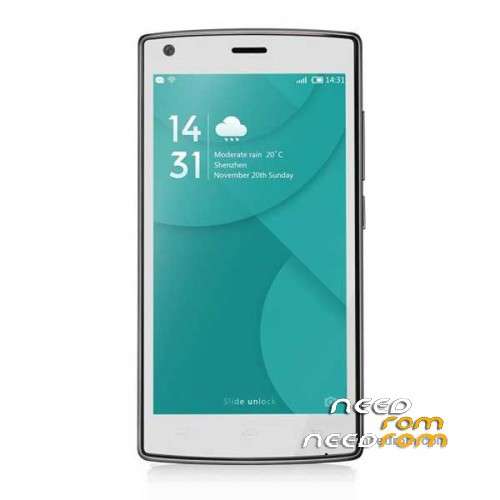
- Title: Doogee X5 Max
- Listed: November, 2017
- Last modified: 11/29/2017 1:55 pm
- Version: 6.0
You must be logged for ROM download.
21452 total views, 1 today
10 Total favorites
OFFICIAL
 Member Info
DESCRIPTION
Official firmware on 20.09.2017 for FlashTool.
I'll make me out of the phone's backup.
※Please make a backup of your device before installing or updating ROM
G-data and V3 virus scanners did not find a malwares! The test continues.
… ESET, Kaspersky, Avast virus scanners did not find a virus.
it doesn't woork for me -_-
please help
try different roms not only just one of em
Hi,
I would NOT trust this ROM. Doogee seems to have just switched malware: All previously known (besides beautysnap) malwares are not present anymore. But, at least, the following original Google apks were tempered with:
GmsCore.apk
GoogleLoginService.apk
GooglePackageInstaller.apk
Phonesky.apk (this is the Play store!)
SetupWizard.apk
All those apks should be signed with a Google certificate, but they aren't! Signature verification has failed at all!
These are essential Android files!
As you may have noticed, you are not able to skip WiFi Setup in the beginning and you were not able to skip Google Play setup!
All your entered data (login/password) will obviously be passed on to someone during setup procedure…
Hi!
I did not find any mistake that you wrote. At first start I could easily skip the wifi setup and "google login".
deomaki2, that there are viruses, this should be expected. Also, the official firmware. But for new revisions, other firmware will not work.
Which virus scanner finds viruses?
@astrojoe12
how did you manage to skip wifi setup and google login?
Which rom is virus free and everything works on my phone?
This rom bricked my x5 max!
you must read the phone info before use this rom