
- Title: Emotion UI 2.0 for Canvas Juice
- Listed: February, 2015
- Last modified: 02/25/2015 2:23 pm
- Version: EM UI 2.0 (4.2.2)
You must be logged for ROM download.
15081 total views, 3 today
1 Total favorites
CUSTOM








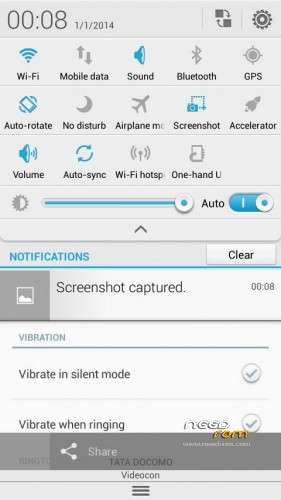

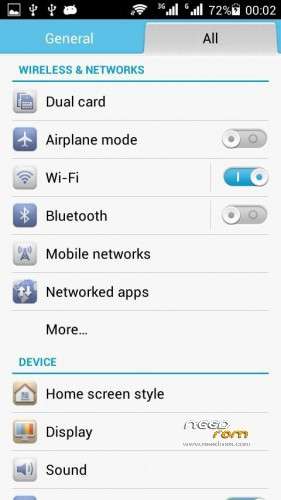

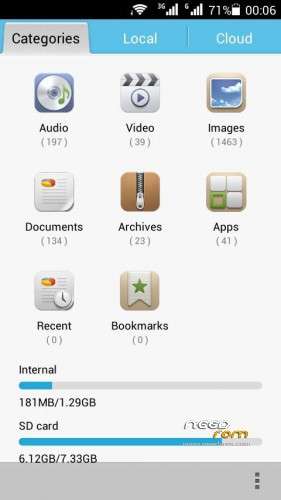
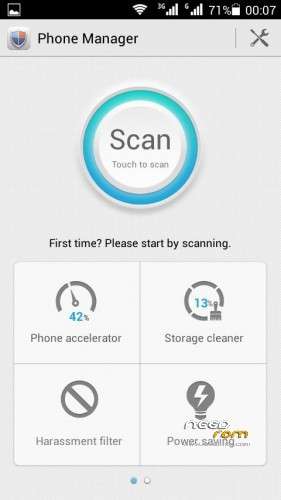


 Member Info
DESCRIPTION
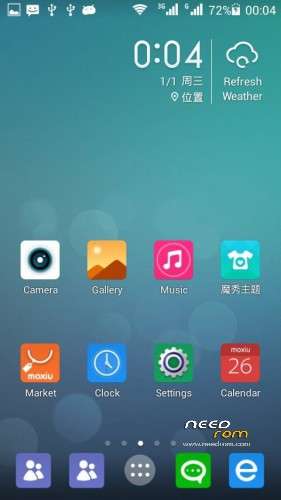
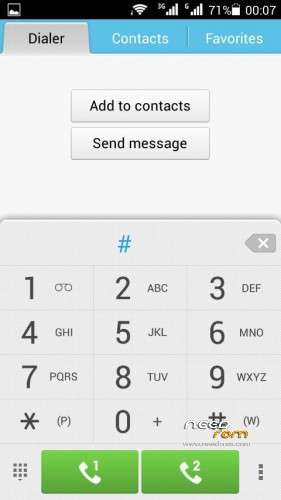
EMOTION UI 2.0
For canvas juice A177/A77
FOR MICROMAX CANVAS JUICE A177
1.Download the Rom file from the link provided A177
2. Place it in the root of your SD card
3. Go to CWM or any other custom recovery (not stock one)
4. Wipe Data/Factory Reset
5. Wipe Dalvilk cache
6. Select "Install .zip from SD card" and select the file
7. Select "YES"
8. It will automatically REBOOT (It will take 5-6 minutes to boot so don't worry)
For MICROMAX A77
1.Download the Rom file from the link provided A77
a.(Extract the rom and replace boot img link given as boot img for a77)
2. Place it in the root of your SD card
3. Go to CWM or any other custom recovery (not stock one)
4. Wipe Data/Factory Reset
5. Wipe Dalvilk cache
6. Select "Install .zip from SD card" and select the file
7. Select "YES"
8. It will automatically REBOOT (It will take 5-6 minutes to boot so don't worry)
※Please make a backup of your device before installing or updating ROM
I liked this ROM. But only one problem is WiFi . it shows WiFi is connected but there is no loading of web pages. Plz fix this. It has good feature that it manages ram . no background app running. Gaming is smooth . plz fix WiFi . I want this ROM very much.
Guys those have wifi problem just re flash the rom . I just testored to my stock rom and again flashed emotion ui 2.0 . Now all problems sloved
sorry guys for my previous comment. actually WiFi is not working well. plz fix this . I want this ROM. this ROM is awesome .