
- Title: EVERCOSS AT1D
- Listed: January, 2016
- Last modified: 01/23/2016 1:29 pm
- Version: 4.4.2
You must be logged for ROM download.
16149 total views, 3 today
2 Total favorites
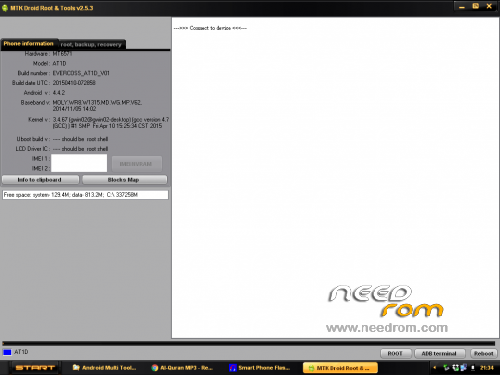
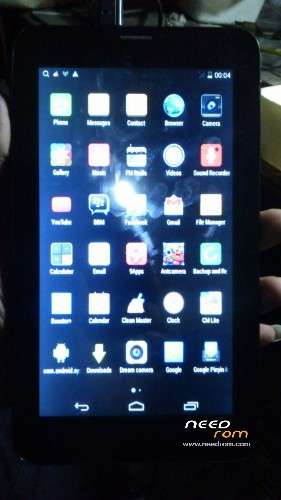
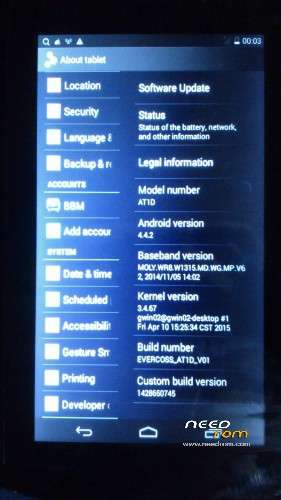
 Member Info
DESCRIPTION
- Download All Preparation
- Power off your evercoss tablet (make sure it has at least 60% battery)
- Download ROM from above Link and extract it into your PC (Use Winrar Software to extract).
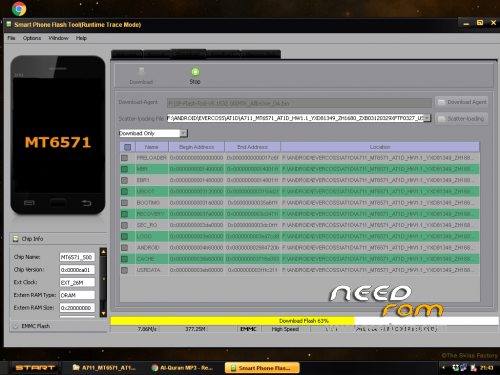
1. Open SP-Flash-Tool-v5.1532.00
2. Klik scatter-Loading choose MT6571_Android_scatter,be loaded Automatically
3. Make sure you are under the tab "download" Mode!
4. Then Press Download button, and then plug the USB cable to your Computer (Don't Keep Usb Plugged)
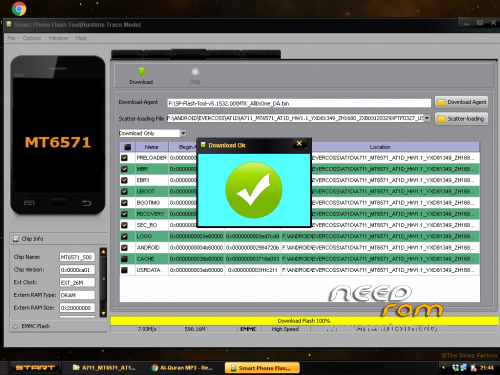
5. DONE A big green tick will appear when flashing progress is finish.
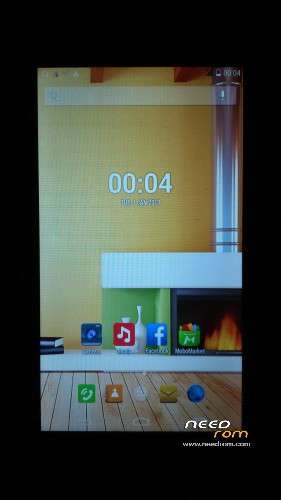
"description in the picture" it's work TESTED BY ME
………DWYOR………
※Please make a backup of your device before installing or updating ROM
room not suport eroor 4032 flash tooll v.5
my evercoss at1d brick because wrong firmware
gan minta firmware oppo r831k
gendeng
Thanks sir, WORK 100% on my Evercoss AT1D using SPFLASHTOOL V5.1548.
error 4032… help
error 4032…..bro
How many firmware for this tablet?
link errror master…