
- Title: FACELOCK – AfterRom Tweaks
- Listed: December, 2017
- Last modified: 12/23/2017 2:08 pm
- Version: 6.0-8.1
You must be logged for ROM download.
12713 total views, 2 today
10 Total favorites
 Member Info
DESCRIPTION
Hello Guys,
AfterRom Tweaks is now back with another Awesome Tweak for your Phone
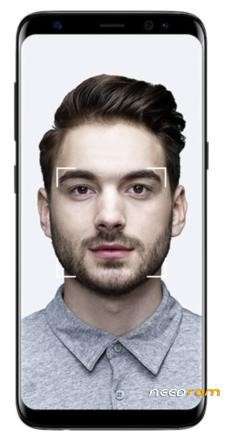
As Iphone X introduced FaceID many people are very in FaceID Unlock
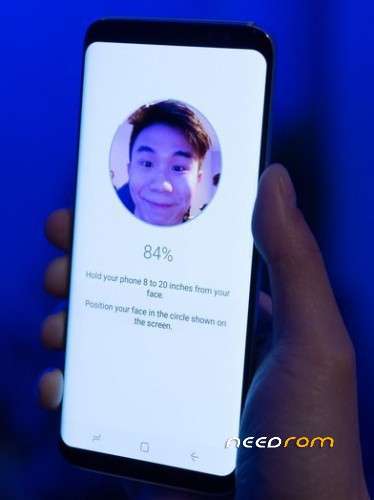
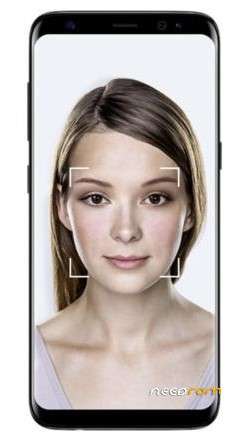
So here is an AfterRom Tweak for your Rom That is similar to ONE PLUS 5T face Unlock
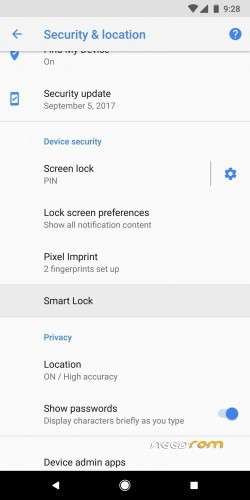
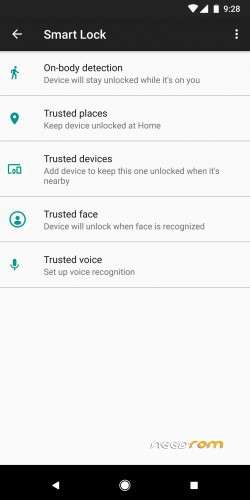
Many OEMs are providing TRUSTED FACE feature in the Stock version. We use that to instant unlock the Phone like Oneplus5T.If your Custom Rom doesn't have Trusted face In ( Settings > Security > Smart Lock) then Flash the Face Unlock Provided by AfterRom Tweaks
For Android 8.0/8.1:
1) Flash the 'Face_Unlock_Android_8' from TWRP
2) Go to Settings > security > smart lock > Trusted Face and Finish the setup
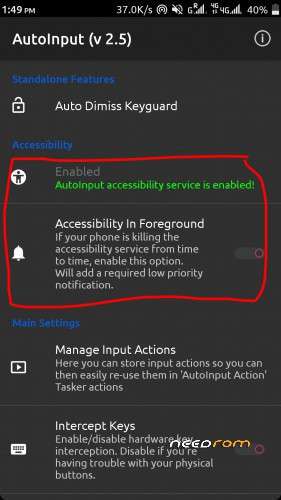
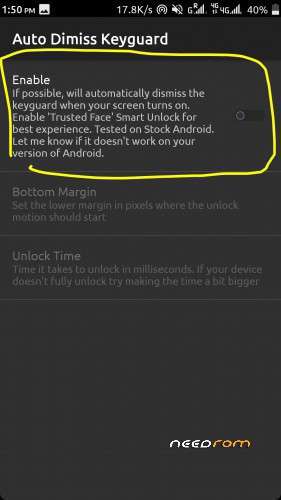
3) Now Install the AutoInput Apk and Enable the Auto Dimiss Keygaurd
4) Now you can unlock your Phone by clicking Power Button and just looking at it
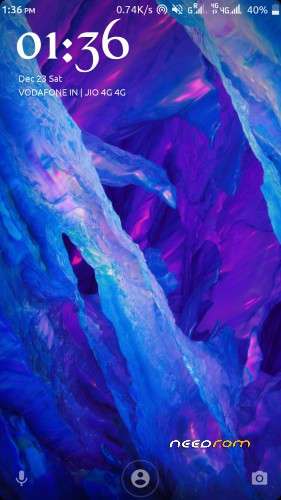
5) Once the Phone Identifies your face It directly takes you to HOMESCREEN
6) ENJOY
For Android 7.0/7.0+:
1) Flash the 'Face_Unlock_Android_7' from TWRP
2) Go to Settings > security > smart lock > Trusted Face and Finish the setup
3) Now Install the AutoInput Apk
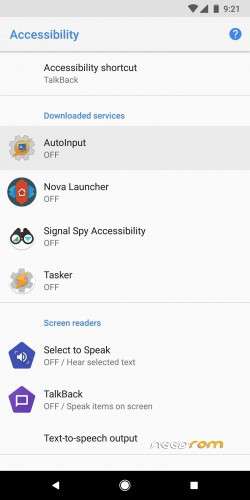
4) Give Accesibilty Permission to AutoInput app and Enable the Auto Dimiss Keygaurd
4) Now you can unlock your Phone by clicking Power Button and just looking at it
5) Once the Phone Identifies your face It directly takes you to HOMESCREEN
6) ENJOY
For Android 6:
1) Flash the 'Face_Unlock_Android_6'
2) Go to Settings > security > smart lock > Trusted Face
3) Now you can unlock your Phone by looking at your Phone( but you need to swipe to Unlock)
NOTE:
If you cant see Smart Lock in (Settings > Security) then Enable Smart Lock in (Settings > security > Trusted Agents) to get smart lock
※Please make a backup of your device before installing or updating ROM
thanks really works
Bro its doesn't work after reboot device
can't find trusted face in security>smartlock even after flashing the given zip for android 7.i m using rr rom 5.8.5 official,in lenovo k50a40