
- Title: Faea F2S
- Listed: September, 2014
- Last modified: 09/03/2014 4:16 pm
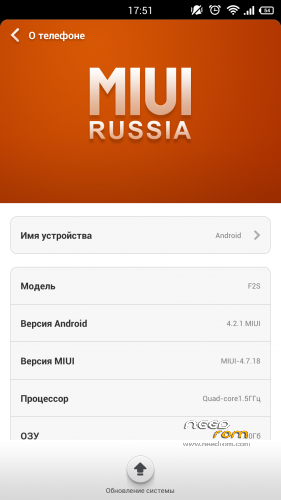
- Version: MIUI 4.7.18
You must be logged for ROM download.
13836 total views, 1 today
CUSTOM







 Member Info
DESCRIPTION
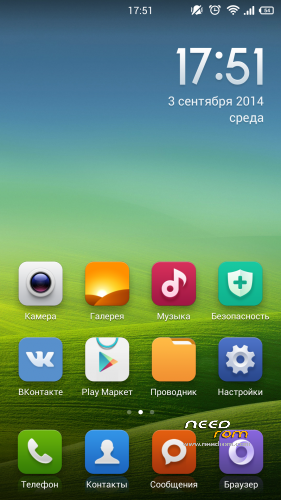
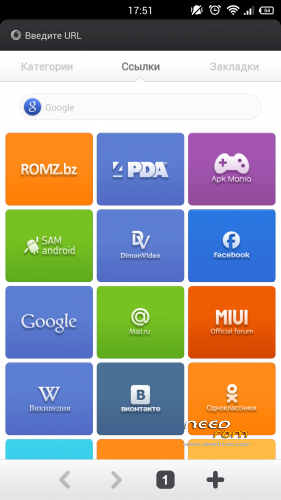
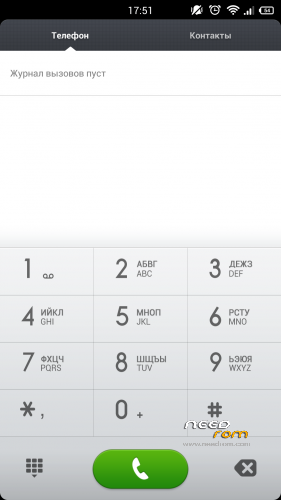
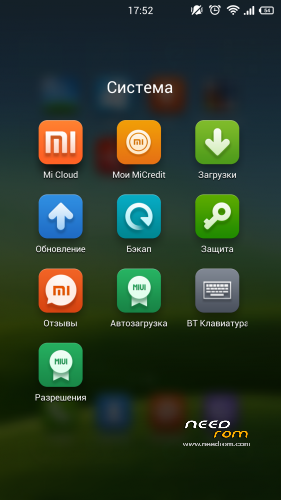
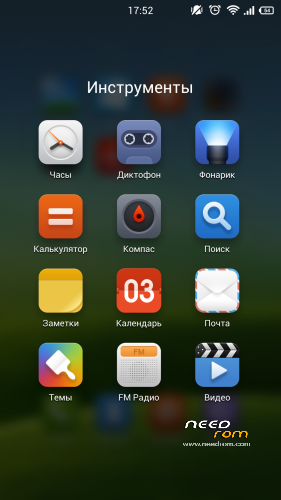
Phone Faea F2S – ROM MIUI 4.7.18
Stable version
- Rooted
- Language support: Russian/English/Chinese - 100% Other – 70-100%
Bugs : LED Notifications don't working
—————————————————————————————————————————————–
Install ROM : with my TWRP 2.7.1.0
10.09.14 Update ROM
- Update Multi Task system
※Please make a backup of your device before installing or updating ROM
Hi
nice rom, nfc, compass, gps, works well.
Hi
Can I use this rom for Faea F2?
Yes
very unstable multitasking..for example cant use music player in background + browser etc..but i have 250mb free+..
I can use music player+browser+4pda app and all working.
The Link to the ROM-Image doesnt work
thx for info.
Fixed
Thanks, now the link works
How did you install the TWRP-Image on the F2S? MobileUncleTools ignore the Image file.
I write instruction on head for you.
Thanks for the Instructions – but this way I already knew and tried without success. I copied the img-File to internal memory of my F2S but the MobileUncleTools dont recognice the Image. Is the Image-file itself O.K.?
- The MIUI-Rom works great – I installed it with CTR-Recovery 2.2
ok, great rom works very well and thanks,
SO IT WORK? (PLEASE HELP)
Step 1: Download the custom ROM copied to an external SD card root directory
Step 2: the shutdown state. While holding down:
– Power button + volume button up, to enter the recovery mode.
– Wipe Data / Factory Reset -> delete all user data
– Wipe Cache Partition -> Wipe cache
– Advanced -> Wipe Dalvik Cache
Step 3: Return to recovery main interface Install zip from sdcard -> choose zip from sdcard -> Select your ROM
Step 4: Brush complete, restart the phone Patience required – first boot takes a while
best rom.
thanks for your try!
Hi I am unable to install the ROM on faea f2s
While installing through recovery mode error appearing. Showing installation abortedaborted,can I install this ROM via uncle tools,plz respond via correct flashing guide