
- Title: FIUI v2.24.0
- Listed: February, 2015
- Last modified: 06/14/2015 2:52 pm
- Version: FIUI v2.24.0
You must be logged for ROM download.
22878 total views, 2 today
3 Total favorites

 Member Info
DESCRIPTION
ROM Name: FIUI New release: 14/6/2015
Version: 2.24.0
ROM size: 376MB
Android : v4.4.4

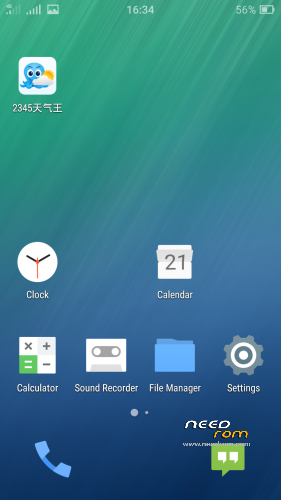
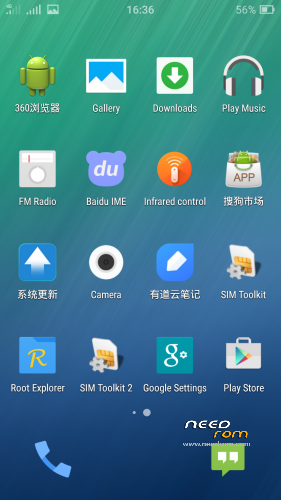
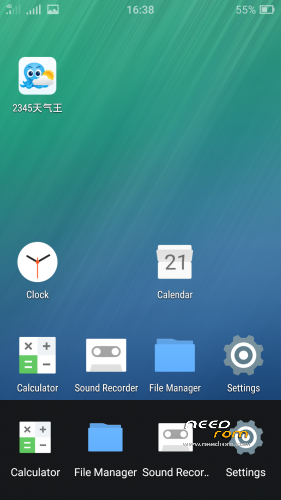
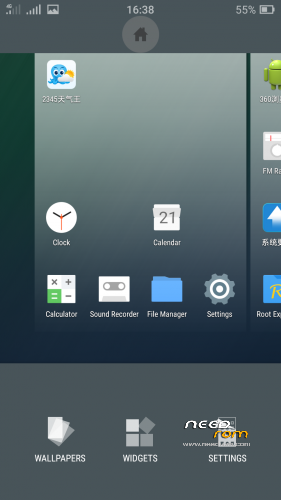
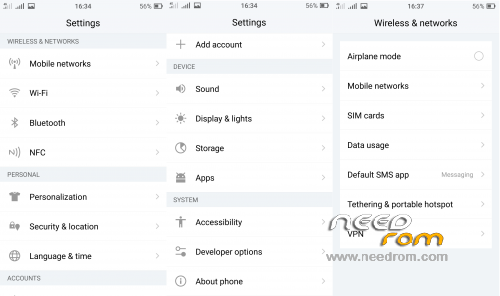
Super smooth fast and very beautiful ROM.
Dual SIM support (4G/3G/2G).
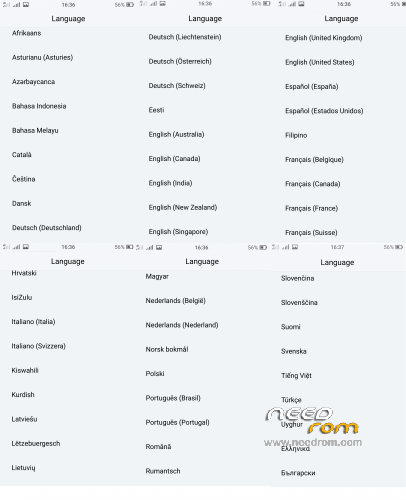
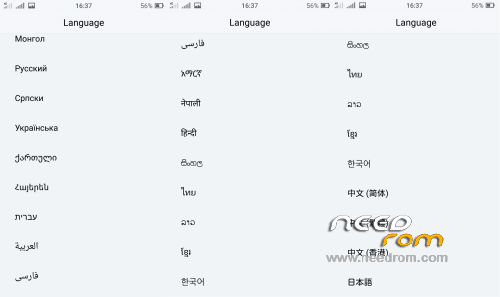
Multilanguage support.
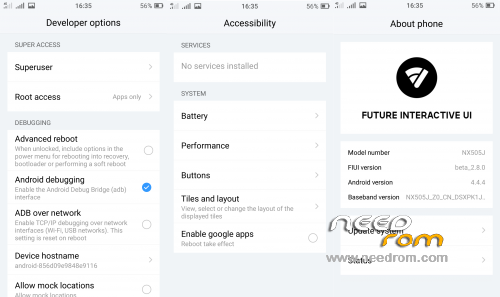
ROOT.
GAPPS. (To enable GAPPS go to Settings > Accessibility > Enable google apps and reboot your phone.)
Install CWM Recovery: (Ιf you have already install the CWM v6.0.5.0 Recovery this step is not necessary proceed to install ROM)
1)Download CWM v6.0.5.0 https://www.needrom.com/download/iuni-os-3rd-editon-android-4-4-4-port-to-zte-nubia-z7-max/ and Rashr Flash Tool.
2)UnRAR and put the two files to internal device storage.
3)Install the Rashr Flash Tool v2.2.8.apk and run it.
3)Select "Recovery From Storage" and give the CWM v6.0.5.0.img file,choose "Yes,Please".
4)DONE.
Install ROM: (Caution this ROM working only if install from CWM v6.0.5.0 Recovery)
1)Enter to CWM v6.0.5.0 Rwcovery.
2)Make full wipes.
3)Install FIUI Rom.
(First boot both SIM cards is close,go to sim settings and activate)
Update log:
1)Intelligent filtering top color gradients software , fantasy status bar without color, address non-solid interface discoloration problem of discord.
2)Repair QQ browser status bar color and transparency can not have both problems.
3)Repair notification bar ringtone mode shortcut icon blur problem.
4)Fix the problem after the QQ interface opens input method and return to the desktop, the desktop icon is covered by a white box.
5)Clear long unused or unwanted permanent service under certain circumstances, to reduce system power consumption.
6)Optimization "Enable Google suite of services" option, under certain circumstances cause the system to avoid Caton.
7)Removal of third-party input method in the status bar displays icons unsightly.
8)Fantasy Status Bar logic optimization, reducing the IO load.
9)Update Chrome, Google Store.
- – - – - – - – - – - – - – - – - – - – - – - – - – - – - – - – - – - – - – - – - – - – - – - – - – - – - – - – - – - – - – -

This ROM works only with old official partitions.(Android v4.4.2 Rom v1.64)
Do not flash this ROM to the new official partition setup.(Android 5 Rom v2.13)
- – - – - – - – - – - – - – - – - – - – - – - – - – - – - – - – - – - – - – - – - – - – - – - – - – - – - – - – - – - – - – -
This post will updated with new FIUI Rom versions.
Last update 14/6/2015
※Please make a backup of your device before installing or updating ROM
After several updates apps still automatically uninstall after reboot? I don’t get it. Version 2.10 still automatically uninstalls apps stored in sd card. Really annoying.
Has the apps to SD issue been fixed?
Please someone should confirm if its now OK.
Hello. I erased the phone memory by accident. Since then, i cannot boot the phone into download mode. Also when i type *#7678# nothing happens. Can anyone help? Thanks.
wtf