
- Title: GFIVE G9 MIUI Official
- Listed: August, 2013
- Last modified: 09/03/2014 3:30 pm
- Version: ROM Android 4.2.1
You must be logged for ROM download.
35447 total views, 6 today
2 Total favorites
 Member Info
DESCRIPTION
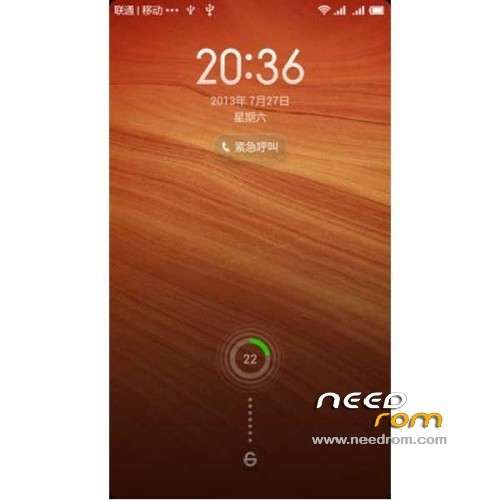
ROM Mobile GFIVE G9 – ROM Android 4.2.1 MIUI
Features ROM:
Update MIUI v5 – 4.8.29
—————————————————————————————————————————————————
MIUI v5 – 4.8.19
Gapps include
Language support: Multilang normally
Install ROM :
CWM
Step 1: Download the custom ROM copied to an external SD card root directory
Step 2: the shutdown state. While holding down:
– Power button + volume button up, to enter the recovery mode.
– Wipe Data / Factory Reset -> delete all user data
– Wipe Cache Partition -> Wipe cache
– Advanced -> Wipe Dalvik Cache
Step 3: Return to recovery main interface Install zip from sdcard -> choose zip from sdcard -> Select your ROM
Step 4: Brush complete, restart the phone Patience required – first boot takes a while
※Please make a backup of your device before installing or updating ROM
I have installed MIUI 4.2.14 update, in CWM it shows that Completed succesfully but when i check the version in About phone it still showing 4.2.7? why….?
yes you are still on 4.2.7 try to maually update it by doing the following steps.
1. copy 12 mb update file from sd card "Download_Rom" folder
2. go to recovery mode and try to update if manually, if not succeeded try to edit that file by removing extra lines & try again
3. if you find update succes but in less than 10 seconds try again to do it untill you see it will take more time about a minute or more then you will see "update success" msg and reboot.
now its really on 4.2.14 enjoy
Always do this method if you find updating problem I'm using 4.2.14 since this morning
Regards
Thanks azhar
i will try today again, im doing this method that, i copy the update zip file in the root of my memory card and then go to recovery mod an there i repeate the process data wipe, wipe cache ane in advance wipe dalvik cache and than install zip from sd card. always message come that completed successfuly, but in about phone still showing 4.2.7. please tell me that my procedure of updataing is right?????
one thing more azhar bhai
that in recovery mod when i use wipe data option then it wipes data but one option come that formatting sd failed no sd partition found, im wirried what is this. please help in this regard.
Dear azhar try your method of updating about 10 time2 but not succeed. is data wipe and wipe dalvik cashe necessory for update???? i simply open recovery mod and then install from sd card and the select the update file. succeed option come but still showing 4.2.7.
Dear Azhar
plz tell that the data vipe and wipe dalvik is necessory for update or not. Thanks in advance
My dear brothers the first thing is you don't need to update every week if you can't do it & your rom is working fine.
Secondly you don't need to do factory setting wipe cache or develok cache in same rom. Just update needed.
Thirdly Read my instruction carefully always. for example I said copy update file to internal memory not sd card after editing then do it.
regards
Thanks azhar
Finally i am succesfull in installing update 4.2.14. thanks alot for your instructions. kindly can i ask your cell no, mine is 0301-2408041
03338277771
I have found a bug after updatating 4.1.24 that some time I can't receive incoming calls the screen freezes and after ringing stop it becomes normal Did any body else find this problem & solution???