
- Title: GFIVE G9 MIUI Official
- Listed: August, 2013
- Last modified: 09/03/2014 3:30 pm
- Version: ROM Android 4.2.1
You must be logged for ROM download.
35446 total views, 5 today
2 Total favorites
 Member Info
DESCRIPTION
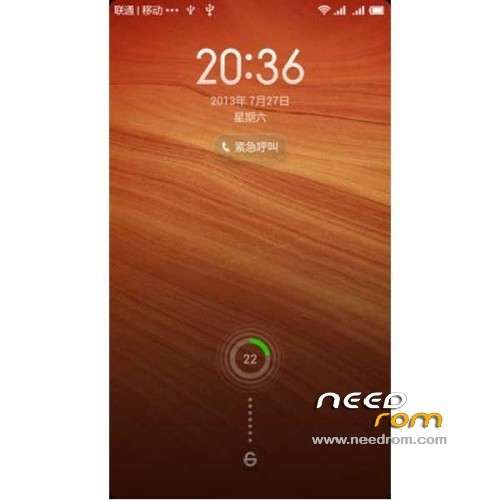
ROM Mobile GFIVE G9 – ROM Android 4.2.1 MIUI
Features ROM:
Update MIUI v5 – 4.8.29
—————————————————————————————————————————————————
MIUI v5 – 4.8.19
Gapps include
Language support: Multilang normally
Install ROM :
CWM
Step 1: Download the custom ROM copied to an external SD card root directory
Step 2: the shutdown state. While holding down:
– Power button + volume button up, to enter the recovery mode.
– Wipe Data / Factory Reset -> delete all user data
– Wipe Cache Partition -> Wipe cache
– Advanced -> Wipe Dalvik Cache
Step 3: Return to recovery main interface Install zip from sdcard -> choose zip from sdcard -> Select your ROM
Step 4: Brush complete, restart the phone Patience required – first boot takes a while
※Please make a backup of your device before installing or updating ROM
Azhar
im still on 4.2.14. try to updating to 4.2.21, but not succeding. Also editing the file upto show progress but it not working. Also copy the update file in Phone Storage. But giving eror. What should be done????
Its ok im succesfull in updating from 4.2.14 to 4.2.21
I'm using Red Rice (Hongmi) from MIUI so I won't be able to help you my dear mates

I am facing SMS sending failure, perhaps because of dual sim. I am able to send messages through Go SMS App but experiencing sending problem by official MIUI SMS App. I wanna use MIUI message app.
I checked service center number in the settings, it’s correct.
Any solution?
Dear Honest, I am also using MIUI but never face such type of problem. Which version of MIUI you are using.
I’m using 4.3.28. I don’t know what is causing this problem?
How to configure 3G? I am unable to run. Tried both options WCDMA only, GSM/WCDMA (automode). data connection is also open.
Is anyone able run 3G on this rom of Gfive G9?
dear honest, mene apnay G9 pe 3G check ki hai , bht fast and fluid, aap ko Settings—>Mobile Network—->Access Point Name me ja kar APN khud add karni paray gi, tabhi aap k cell me 3G chalay gi
Dear Honest if you are facing problem you can call me, 0301-2408041 Ufone
How to move apps to external sd card? MIUI doesn't support this option. It could be done before through Clean Master, but now the it says that device doesn't support this function? Any help will be greatly appreciated