
- Title: GT99 L UI
- Listed: December, 2014
- Last modified: 12/16/2014 6:02 am
- Version: 5.0
You must be logged for ROM download.
26407 total views, 1 today
8 Total favorites
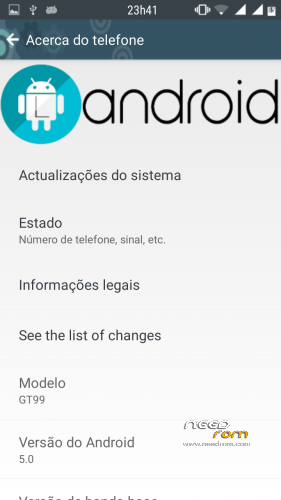
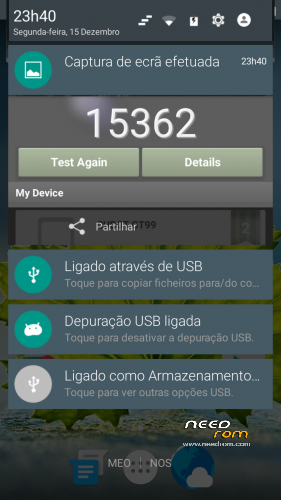
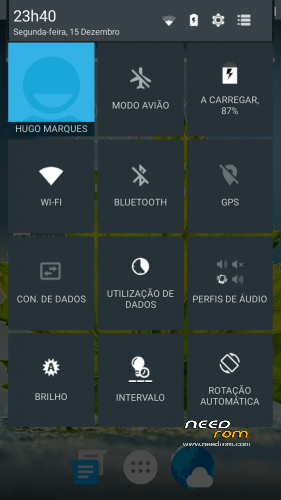
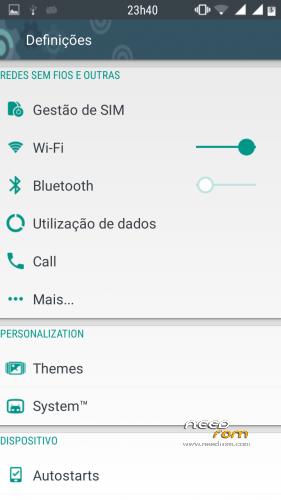
 Member Info
DESCRIPTION
NOTE:
To every one facing black screen, please try and install any other costum rom that have init.d suport, and after installing that one, just install this port, I think there is a flaw in the updater script that is not properly installing the boot.img (kernel), if you are in stock rom or coincity you wont be able to boot because coincity uses stock kernel.
I no longer have this phone, so cant fix anything else, sorry for all trouble…
Update 1: Anyone having problems with SU permissions please download SU update above and put in your sd card, reboot to CWM and instal SU update.zip
Update 2: To everyone that have black screen after instalation just download CWM 6.0.3.7 from above and install this recovery, everything should work fine now.
Again I remind: never make wipe factory reset with this rom. You will loose CWM and to restore it just with SP-flashtools.
Not working: Soft reeboot not working.
Partial working: Only one SIM for SMS in default messenger app. go to settings/sim management/and select your SIM card for SMS.
If you need both SMS working,
simply go to playstore and download GO SMS PRO, check dual sim suport mode and it works.
FEATURES
Based On: AOSP
Multilanguage
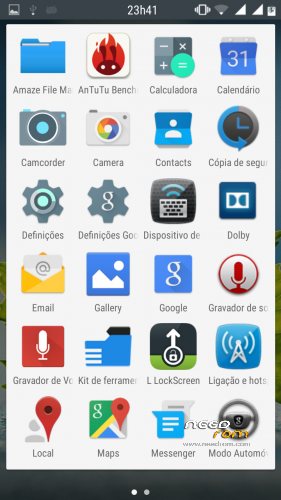
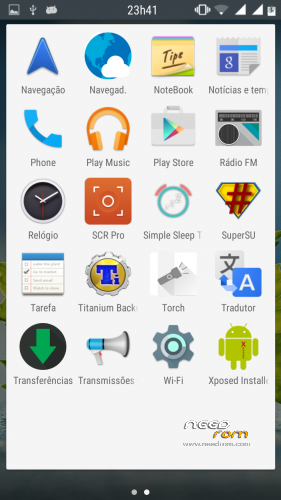
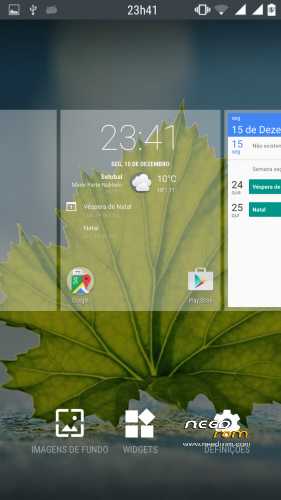
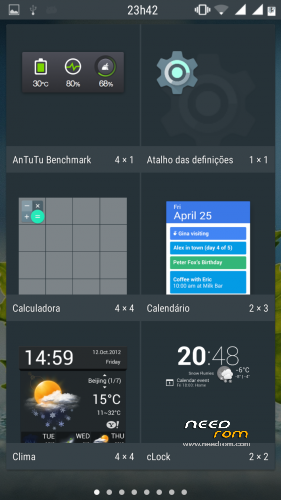
Android L
Android L Window Transitions
Android L Settings UI
Android L Notification Bar
Android L Keyboard
Materialistic File manager
Customization in System
DOLBY Support
ROM OS Version: 4.2.2 Jelly Bean
CREDITS:
KachalkinGeorg (Original Dev)
UzUmAKI_NaRuTo1(for his ROM)
Sai3811 For fixing Bugs
Me for porting it.
Instalation:
1-Enter CWM and make a backup.
2-Wipe Data factory-reset, wipe cache data, enter mounts and storage and format system, go in "Advanced" and wipe Dalvik cache.
3-Install from sd card.
4-When complete, wipe cache data and go in "Advanced" wipe dalvik cache again, DO not wipe data-Factory Reset! Reboot.
5-First boot may take a few minutes. Mine took about 2 minutes.
6-Enjoy L design and say thanks to the developer and me for porting it hehe…
※Please make a backup of your device before installing or updating ROM
Not working: Soft reeboot not working / Only one SIM for SMS go to settings/sim management/and select your SIM card for SMS
HOPING THAT THOSE PROBLEMS CAN BE SOLVED….
THANKS FOR THE NEW ROM
testing..and thanks for this
can someone help me to port this for zopo c2
Testing…there are any app that we can send SMS with both sim's?
Did you tried Go SMS Pro?
Thanx @Impunk
I just tried with Go SMS PRO and it works, Some rom´s like kitkat and Lollipop lost that function but with that app it works fine.
Ok i will try it.
It doesn't work for me..i followed all the steps.i have successfully flashed the rom but it gets stuck on a black screen..everything appears only when i long press the power button, and when i tap anywhere other than the power off, reboot prompt, the screen goes back to displaying nothing..
Sigh
Hi. Did you wipe cache and Dalvik cache after flashing? Enter in CWM and make a wipe in cache and Dalvik cache.
Same problem for me. Did everything bit still the same result. Anyone knows the solution?
this doesnt boot
No root access with this ROM. Can you help me?
Thanks
Yes I did.. i did all the steps. For several tries, the outcome was the same. I would really love to use this rom on my phone, but i won’t work properly.
Really cant see why its not working on your phone, can you provide me more info about your phone? This is working fine on Cubot gt99 and Cherry mobile Apollo. At least some users reported it´s working fine.
karlo73
Root is working, just update SU from google play store or just go to SU definitions and in "access" tick "Grant" and all should work fine.
Here happens to see logo but reboot after this….