
- Title: HOMTOM HT3 PRO PHILZ TOUCH
- Listed: June, 2016
- Last modified: 06/26/2016 2:35 am
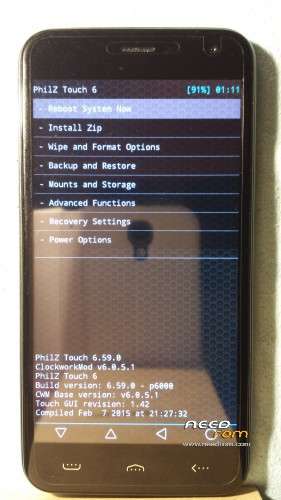
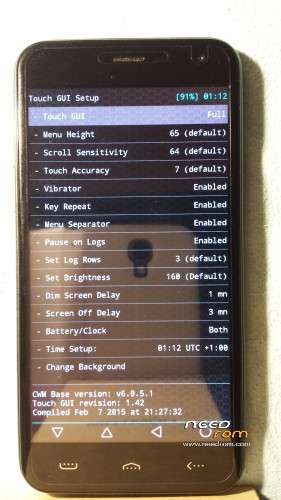
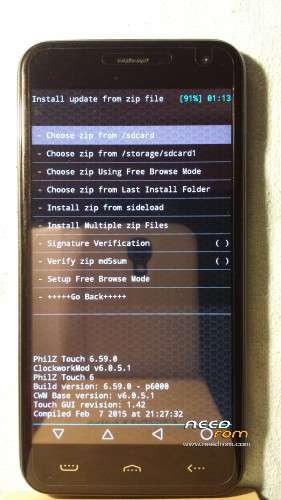
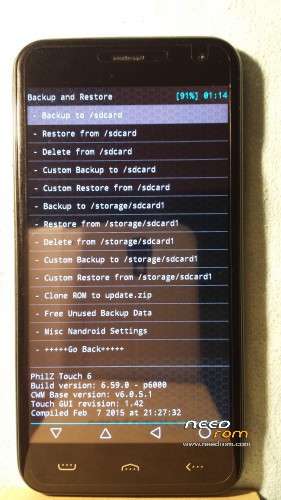
- Version: PHILZ TOUCH 6.59.0
You must be logged for ROM download.
11220 total views, 1 today
1 Total favorites
 Member Info
DESCRIPTION
HomTom HT3 Pro PHILZ TOUCH 6.59.0
ABOVE ALL UNLOCK THE BOOTLOADER
Please follow carefully all the steps at the next link :
STEPS :
1) Put the "BETA-SuperSU-v2.74-2-20160519174328.zip" into your external SD
2) Turn off the phone
3) Open SP Flash Tool
4) Load the scatter file ( "Download only" mode)
5) Click on "Download"
6) Connect your HomTom HT3 Pro to your pc with USB cable
7) To gain access to the custom recovery, press volume up & power buttons simultaneously. You will see 3 options (Recovery Mode/Fastboot Mode/Normal mode); use the volume up to move between the 3 options and volume down to confirm the Recovery Mode.
8 ) DO NOT REBOOT, but I STRONGLY RECOMMEND YOU to install "BETA-SuperSU-v2.74-2-20160519174328.zip"
9 ) Reboot and enjoy 
If you need any further assistance or if you have any questions, please do not hesitate to sign up & contact me at the following website :
http://forum.china-devices.com/index.php
※Please make a backup of your device before installing or updating ROM
i don't find scatterfile. where is it?
Thanks as ususl Cleo, if anyone could do this, it's you!