
- Title: HomTom HT16
- Listed: August, 2017
- Last modified: 08/16/2017 1:26 am
- Version: v9.02
You must be logged for ROM download.
11013 total views, 1 today
7 Total favorites
OFFICIAL



 Member Info
DESCRIPTION
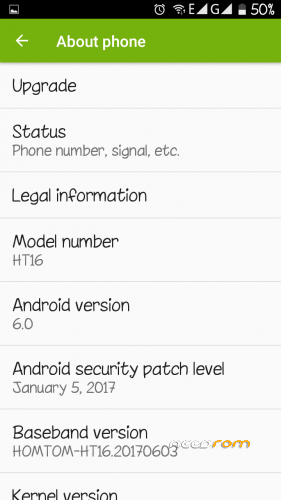
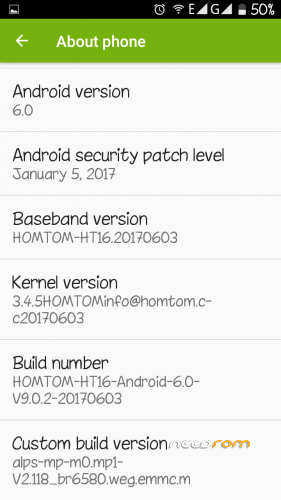
HomTom HT16
Marshmallow v9.02 (June 3rd, 2017)
Changelog:
- Minor improvements
- Better perfomance vs Battery.
IT WILL ONLY WORK ON HOMTOM HT16 MTK6580
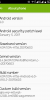
Official ROM HomTom HT16 Version: m8_ht16_V9.0.2_user_20170603_14_29_33
G-apps included – Not Rooted
Language support : Multilang
Installing ROM :
- Unpack FlashTools, and Click on Flash_tool.exe
- Select "scatter-Loading" and search MT6580_Android_scatter.txt in ROM
- Wait file to be added into Flash Tool
- Tick off the "preloader" or the phone will loop and not start.
- Select "Download Only".
- Turn off your phone, remove the battery (if the battery is removable) and replace it after some seconds (and don't turn on the phone or connect it to computer, not yet).
- Press “Download” button to start
- Connect your phone into the computer via USB data cable.
- The process will start and a red progress bar will appear, then color purple, and yellow.
- When green circles shows up, you can disconnect phone from computer and turn on. Be patient. It takes time to boot up the first time.
- Enjoy!
※Please make a backup of your device before installing or updating ROM
This is not working tried weeks ago and they never released a fix
Oh you removed the ROM
It works now Igor.
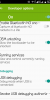
On SP Tools after you press the scatter file. A lot of files will load. Tick off the one that's called "PRELOADER".
And install rom that way. I promise it works. Look at the instructions in photo under. (1 and 2).
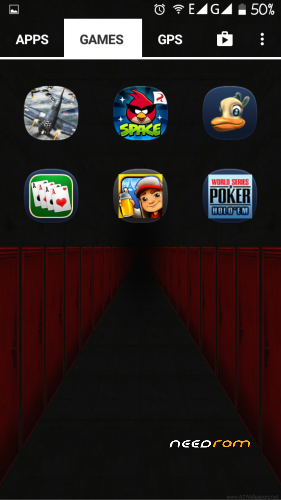
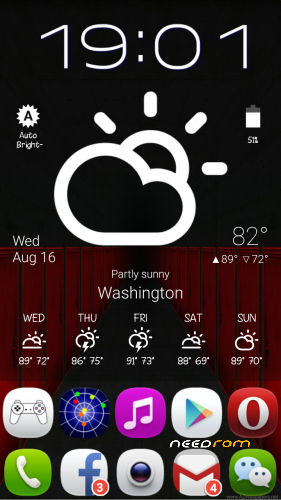
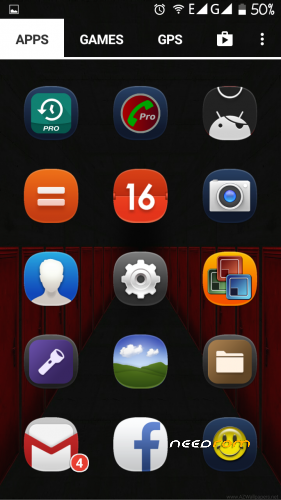
Do you use icon pack / custom launcher have never seen this icons and launcher design
I use Nova Launcher and MeeUI icons. The wallpapers I got from the internet. And I can supply them on pm if you wish.
And what to untick if i want to update?
Save all your info on a computer or tablet and then update.
Without losing data
Hello, unchecking the preloader is a known trick, this prevents you from starting the system.
Another data, to avoid losing data and applications, deselects the options cache and userdata.
Peo do not get excited, although homtom says that fix the problem of the battery, in fact it is not, continues.
Greetings.
The only ROM that seems to has no battery issues is the Doogee x5 Port.
One more thing. I have found out that this ROM v9.02 has adware embebed code in it. After a few hours of use it starts to install all sorts of games…
Use AVG antivirus to correct this by analising and destroying any type of adware.
everything worked ,very good device
rom page is error
hello i would have a problem, ht 16 I refreshed 9.02 and since then there is no working panel, someone could help
Thank you rucaxp, i found it… but now, reading the comments… i saw that the rom has adware? are you talking about the one is here?
yes he is normaly cheap chinese phones put malawares/adwares on their roms and till now didnt find a solution for the official non updated rom malaware use other roms like the new lenageOs 14 working realy grat on ht16
The guys do not advise to put this firmware – infected with viruses, already exhausted, horror. Even reinstalled thinking I caught a virus somewhere, as the antivirus could not handle , but then it all came back with double force, and so decided to write suddenly someone will warn. The manufacturer urge to send me an e-mail firmware without viruses, please.