
- Title: HTC Sense 5.5 – 8297W
- Listed: January, 2015
- Last modified: 01/28/2015 10:13 pm
- Version: 4.4.2
You must be logged for ROM download.
19458 total views, 2 today
4 Total favorites

 Member Info
DESCRIPTION
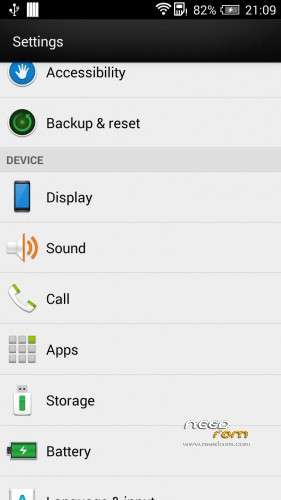
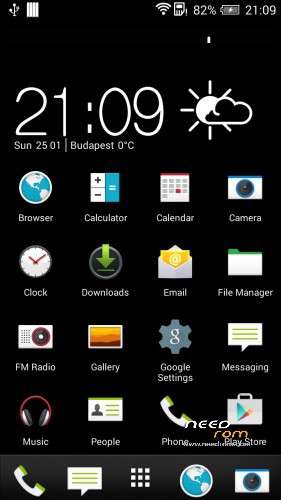
HTC Sense 5.5 Multilanguage 8297W
———————————
WCDMA
+ Include Google keyboard, Google Play
Rooted
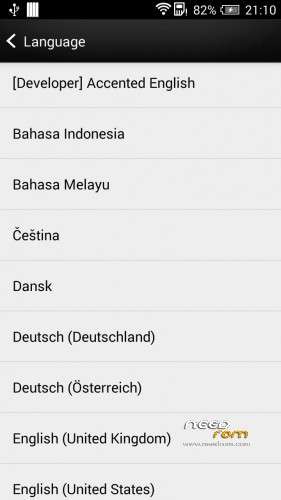
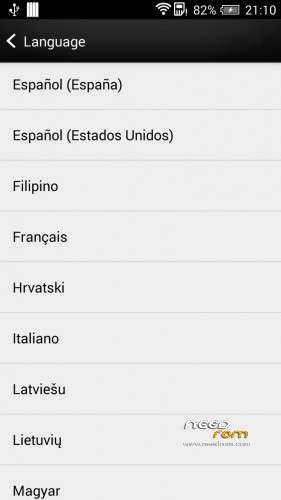
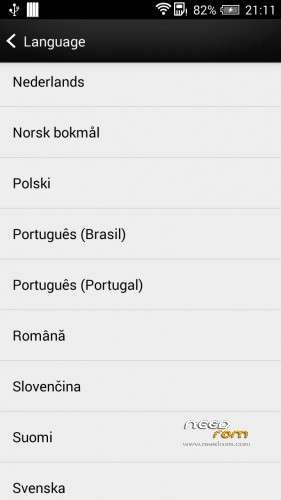
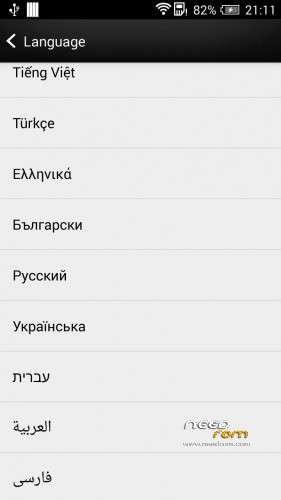
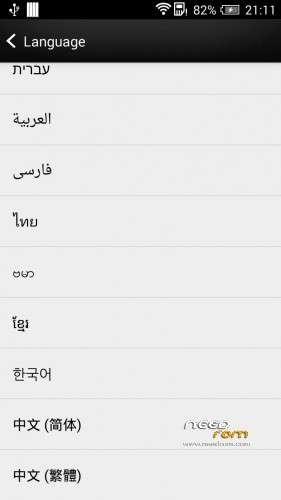
Language support: multilanguage (45 languages)
All unusable app removed
Default language: eng
Latest baseband version
———————————
HOW TO INSTALL:
FIRST MAKE BACKUP CWM/TWRP!!!
TWRP 2.4.4 recovery suggest! (I use only TWRP 2.4.4 & there is no problem after flash)
Download zip from ExternalSD Card!
Go to recovery mode: Long press vol up + power buttons (at the same time).
Install zip from ExternalSD Card!
In TWRP 2.4.4 recovery:
1. Press "Wipe" button
2. Press "Cache" button
3. Press "Dalvik Cache" button
4. Press "Factory Reset" button
5. Press "System" button
6. Press "Internal Storage" button ONLY if install from External SD card !!
7. I recommend: press "Format Data" button. WARNING!!! All data lost !!
If it's done: press "back" button and "Install" – Use external SD
8. Press "Wipe cache/dalvik"
9. Press "Reboot System" but then do not press "Do Not Fix" button ( If it is there )
First boot will take time!
ENJOY!
Thank you if donate!
※Please make a backup of your device before installing or updating ROM
i like very much tank you bos…have language that i want it and can tranfer internel to external thank a lot..