
- Title: HUAWEI Y560 L01 L02 L03 – FIX + CM12 – CM13
- Listed: June, 2016
- Last modified: 09/17/2016 1:20 am
- Version: TWRP 3.0.2.0-0 CyanogenMod 12.1 + 13
You must be logged for ROM download.
42471 total views, 2 today
23 Total favorites
 Member Info
DESCRIPTION
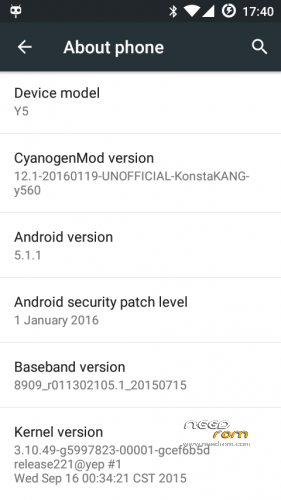
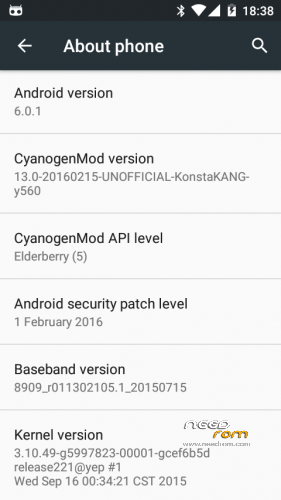
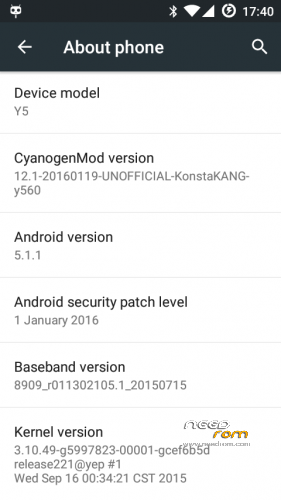
Twrp 3.0.2.0-0 and CyanogenMod 12+13
Hi, these instructions are ON NEEDROM.COM for the HUAWEI Y560 from version L01 through to L03 confirmed compatible ! Please find this on needrom first at https://www.needrom.com/download/huawei-y560-l01-l02-l03-fix/
Flashing these files requires Fastboot !
fastboot is compulsory, flashing on-device won't work ( gives black screen ) !
Step 1
Download the ADBandFastboot.exe for windows or find a compatible Fastboot for your OS
Step 2
Download the files onto Your PC, Or copy them from your device to the PC via the compatible USB Cable. Optionally you can rename the boot-Y560-xxx.img to just boot.img, the same for Recovery-xxx-y560.img ( for easier flashing ).
Step 3
Using ADBandFastboot, just open it and press enter, This'll initiate the ability for adb and fastboot from the current directory ! ..
Step 4
The commands and comments in brackets
If you have used Fix Contexts in TWRP
and you get boot loops, You need to
flash Stock-Kernel with fastboot,
You can rename this to kernel.img
for easy flashing
If you still have boot loops, repeat above and use Stock-Recovery.img to flash both boot and recovery with.
The idea is that the 32mb will overwite the Problems Fix Contexts made.. It works for me
To install CyanogenMod 12 or 13, You flash the rom with TWRP, Please have a look at
The links to KonstaT's original posts on MODACO.com
To NEVER SEE THIS ERROR… DON'T USE FIX CONTEXTS in TWRP on Android 5.0 and Above
I myself Elite Tutorials did NOT make any of these files, TWRP, ROMs, BOOT, RECOVERY, This is just a mix of files i ha e tried to put together for the small Y560 community.. I put this together because people have swamped the internet with FAKE or GENERIC updates for any Huawei Device, that don't actually help, they just wreck the Y560 .. The only cutom rom development i could find ( actually for Y560 ) was made by KonstaKang on Modaco … So this is mostly from His developments and a few others, Like The actual CyanogenMod Team, Huawei for releasing the kernel sources and Androids Open Source Project for the work that comes from them !
※Please make a backup of your device before installing or updating ROM
y so much file for y560-l01
skip the step fastboot oem lock this will really brick the phone, now mine only shows boot logo for two seconds and then… black screen.
huawei lua-l03???????