
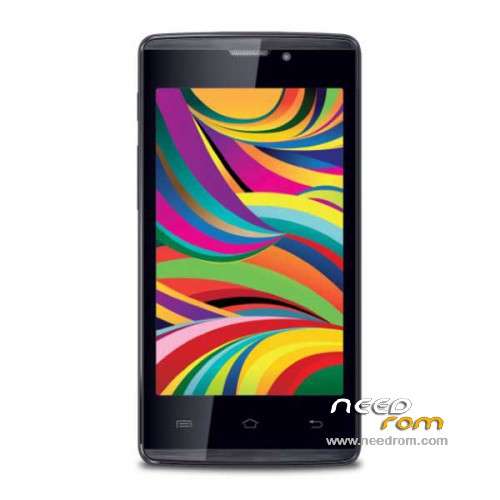
- Title: iBall Andi4 Arc
- Listed: March, 2015
- Last modified: 04/18/2015 2:58 am
- Version: ROM Android 4.4.2
You must be logged for ROM download.
13931 total views, 2 today
 Member Info
DESCRIPTION
ROM Mobile iBall Andi4 Arc – ROM Android 4.4.2
ONLY MT6572
Update Official ROM iBall Andi4 Arc Version: iBall_Andi4__Arc_V1.0.2015-04-15 – V1_WCDMA – KOT49H
————————————————————————————————————————————————–
Official ROM iBall Andi4 Arc Version: iBall_Andi4__Arc_V1.0.2014-11-10 – V1_WCDMA – KOT49H
Gapps include – No Rooted
Language support: EN/CN/IN
Install ROM:
- Unpack FlashTools, and Click on Flash_tool.exe
- Select a the MT6572_Android_scatter.txt in ROM
- Wait file to be added into Flash Tool
- choose Option->USB Model,click USB Model
–> Choose Option->DA DownLoad All->Speed->High Speed, click High Speed
- Turn off your phone, remove the battery.
- "Press F9 (hit Download button)" OR " if upgrade ROM Firmware->Upgrade "
- and connect your phone into the computer via USB data cable.
- The process will start and a red progress bar will appear after color purple, yellow.
- And green circles display
- Finish !
- You can now safely disconnect your phone and turn it on.
※Please make a backup of your device before installing or updating ROM
invalid scatter file error plz help
invalid scatter file
invalid scatter file error plz help
you need to edit scatter file
flash cm2 or cst dongle
open firmware folder and MT6572_Android_scatter file not paid open and just deleat (BIRDTOOLMINVER[3.0]) and save file and flash enjoy