
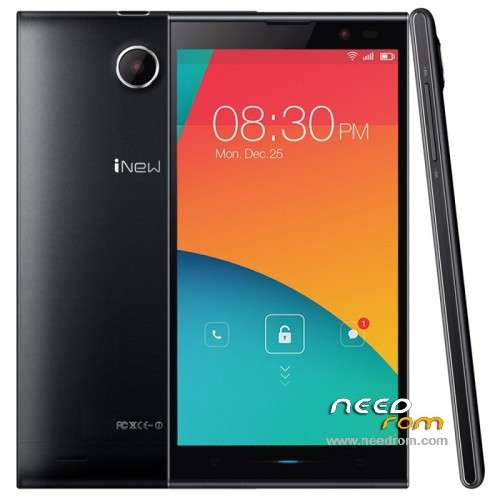
- Title: Inew V3 Plus v11
- Listed: July, 2015
- Last modified: 07/31/2015 11:30 pm
- Version: Android 4.4.2
You must be logged for ROM download.
21996 total views, 3 today
2 Total favorites
 Member Info
DESCRIPTION
For phones that have the v07, v08 or v09
Place update.zip at the root of your SD-Card. Reboot to recovery (CWM), install zip from sdcard. Choose zip from sdcard. Choose update.zip and install. Wait… reboot the phone.
This is CXQ_V3A_INEW_V11
You will need to install CWM Recovery again because this is official firmware and to root yout phone again.
Recovery is here (install only the recovery.img. Use with SP_Flash_Tool_5.1343.01)
File: https://mega.co.nz/#!XMc20JpJ!G9i7YzLtvLLin8xmv8tSauWEEgg8ywT_Tm5s_uKXaXQ
Root It with update zip from CWM
File: https://mega.co.nz/#!3dFUDDxa!z6YZ6lf4Sh_XXo3pxIO-ZR-LRoaairGLKcKZcL1mbPA
※Please make a backup of your device before installing or updating ROM
Feel free to ask if you have doubts.
Regards
dancer16121983
Hi!
when i try to install rom zip fail from sd card, i received a error message
please help!
Hi, thank you for uploading this ROM. Do you know what's changed compared to CXQ_V3A_INEW_V10?
How to install only preloader?
when i try to install … i received a error message on intallation …. after a couple of sec "installation aborted" when i reboot i have a android with a triangle red "aucune commande" … impossible to boot …
any idea ?
Mine was installed ok via OTA but I don't have root.
changelog?
don't work for me.
I receive the errors "installation aborted" + "error" and "no command". I was in a loop with "no command" error. Nothing was working when I try to install old version from SD via recovery.
the only solution was to install back the V09 using FlashTools:
- Unpack FlashTools, and Click on Flash_tool.exe
- Select a the MT6592_Android_scatter.txt in ROM
- Wait file to be added into Flash Tool
- choose Option->USB Model,click USB Model
–> Choose Option->DA DownLoad All->Speed->High Speed, click High Speed
- Turn off your phone, remove the battery.
- "Press F9 (hit Download button)" OR " if upgrade ROM Firmware->Upgrade "
- and connect your phone into the computer via USB data cable.
- The process will start and a red progress bar will appear after color purple, yellow.
- And green circles display
- Finish !
- You can now safely disconnect your phone and turn it on.
remember: uncheck CACHE and USERDATA
all Ok now with V09!
Yes, V09 is the only solution that work for me too. I've received the same error when i upgrade to V11 via FOTA .
if your V3 is rooted …. the ota V11 upgrade doesn't work
i used the same procedure to back on v09
Hi,
How can I update if my phone weren't rooted?
Hi!
when i try to install rom zip fail from sd card, i received a error message
please help!
V09 is the only solution that work for me too. I've received the same error when i upgrade to V11 via FOTA
How about freezing of the modem? Is this problem solved with v11? If not i will stay with my pimped v09 (third party modem file) because there is no more freezing since i changed it about six weeks ago.
Hi…i updated from v09 to v11 via FOTA but now wifi and 3g are freezing constantly…can you please tell me how to get that firmware you have with different modem file? thanks a lot…
Is there any option to make wifi,3g and signal not to freeze in v11?