
- Title: KitKing Repair
- Listed: November, 2017
- Last modified: 11/09/2017 1:14 pm
- Version: 4.4.2
You must be logged for ROM download.
10603 total views, 1 today
2 Total favorites
CUSTOM



 Member Info
DESCRIPTION
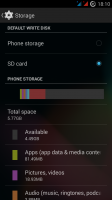
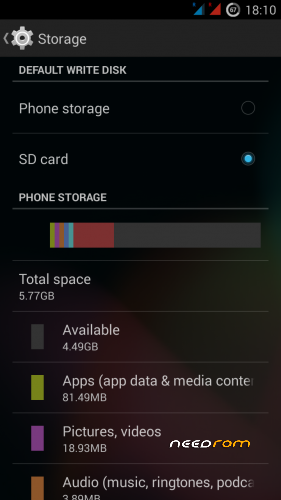
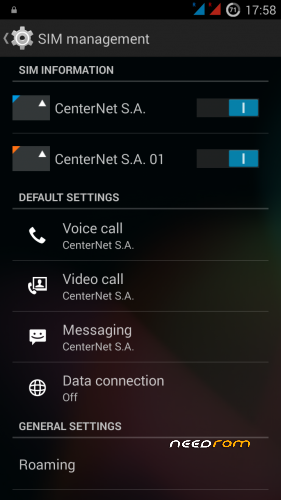
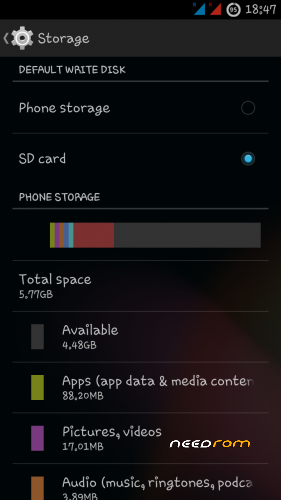
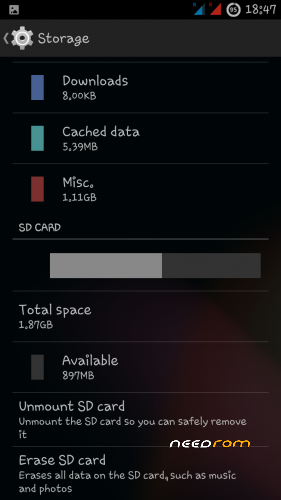
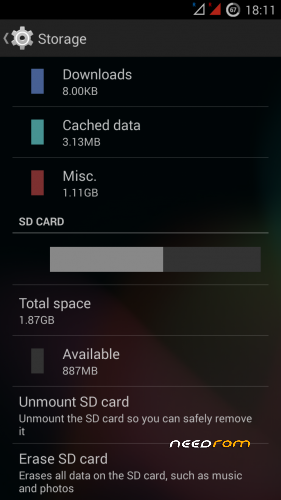
Repair phone memory and SD card
※Please make a backup of your device before installing or updating ROM
how about pros and contra? and how to use it? i need to know before i download this big file..
In TWRP with SD card
What is your ROM?
What is the difference between 286 MB and 296MB file? What the second one includes?
https://www.needrom.com/downlo.....ad/kitking-rom/
https://www.needrom.com/downlo.....ad/kitking-mod/
how to install tutorial pls..
1. Installation TWRP 3.0 for Lenovo1 A916
2. MTK_Nvram_Tool.zip from http://forum.xda-developers.co.....d.php?t=2594364 and there is a manual.
3. Will copy ROM S207 VIbeUI (2XSIM) (you can install in TWRP), into your SD card, and MTK_Nvram_Tool.zip and KitKing_A916_V2.zip.
4. You are installing ROM S207 VIbeUI, factory reset (hard reset). You set the time and date.
5. Run the USSD code * # * # 5448264 # * # *
6. From the SD card using MTK_Nvram_Tool.zip copy NVRAMBACKUP to SD and your PC. That is 2XSIM.
7. Install KitKing_A916_V2.zip, factory reset.
8. Copy NVRAMBACKUP to phone memory.
5. Run MTK_Nvram_Tool.zip and Restore NVRAMBACKUP. Wipe, Reboot
-In brief.
On other pages of this model, A916) is a detailed description.
To accurately describe the installation, I would have to know what version of ROM you have. Do you have TWRP installed?
Point 3 – if you do not have 2xXSIM
Swita, nice work! But can you fix AOSP invisible ROM too? In AOSP inivisble Phone memory should be repaired like there, i will be thankful to you!
https://cloud.mail.ru/public/L.....WqE/u1YTpnQZq – ROM