
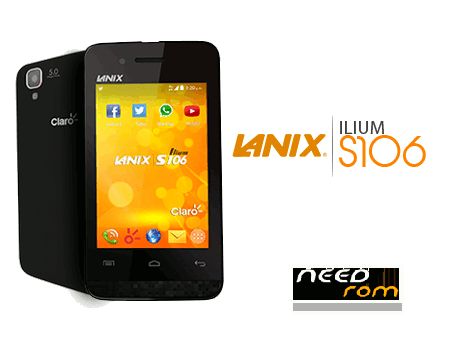
- Title: LANIX S106 Telcel
- Listed: January, 2017
- Last modified: 01/14/2017 10:49 pm
- Version: 4.2.1
You must be logged for ROM download.
12893 total views, 1 today
2 Total favorites
 Member Info
DESCRIPTION
MT6572_EMMC_11_28_2015_12_26_11
Installation of Rom
Open the application Flash_Tool.exe according to operating system you have to run as administrator.
In the window that appears a Scatter loading option that is on the right.
Now click on the Scatter loading option.
When you click on the Scatter loading option, there is another pop-up window where a Scatter file is located, just click on it and open that file.
After the Scatter file is loaded into Sp Flash Tool as shown in the image.
Now click on the download option that you can see just above.
When you click the download option the blinking operation starts.
Connect your Android phone without battery to your computer (PC) via the USB cable, in some cases with the battery set.
When the green circle is the screen which means blinking is complete
※Please make a backup of your device before installing or updating ROM
gracias todo bien quiciera un software mas reciente gracias
100 % Full … Funciona, solo Toca istalar MTK ENGINEERING MODE para recuperar el imei ..Gracias ..