
- Title: LENOVO A516
- Listed: December, 2013
- Last modified: 12/25/2013 8:13 pm
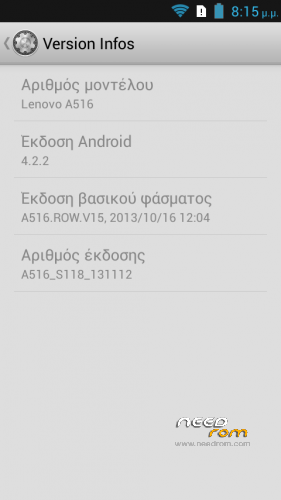
- Version: Android 4.2.2-S118
You must be logged for ROM download.
103052 total views, 3 today
166 Total favorites
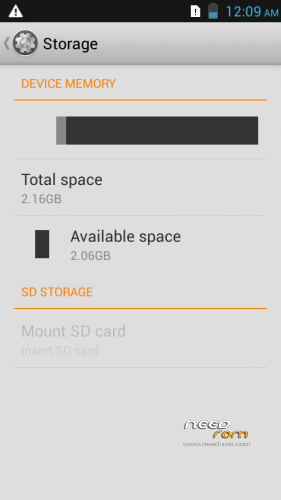
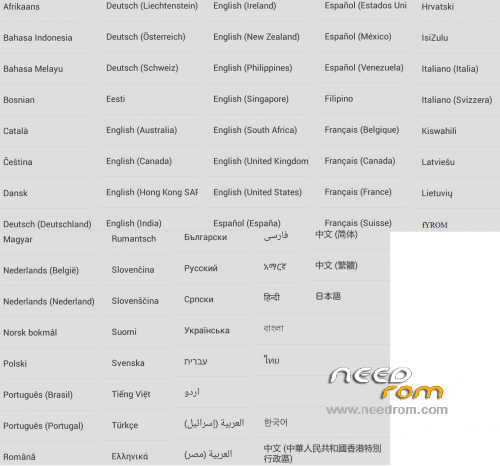
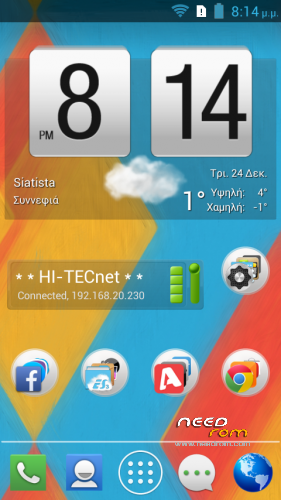
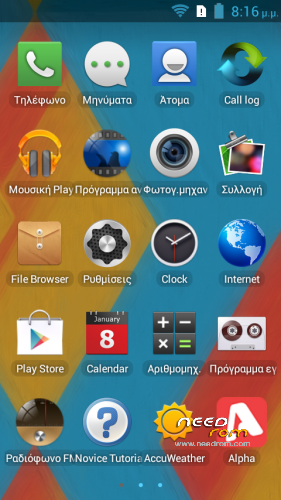

 Member Info
DESCRIPTION
ROM Mobile LENOVO A516 – Android 4.2.2 – S118
a. ROM: A516_S118_Root_MultiLang
b. Tool: Flashtool_v3.1324.0.177
c. Drivers: MTK USB driver
Gapps include & Rooted
Language support: MultiLang
ROM Install:
1. Download and unzip: LenovoA516_ROM_Tool_Drivers.zip
2. Install correctly MTK USB driver for your OS
3. Click on Flash_tool.exe
4. Select the MT6572_Android_scatter.txt from ROM folder
5. Tick (DA DL All With Check Sum) into Flash Tool
6. Turn off your phone.
7. Hit (firmware -> upgrade) button into Flash Tool
8. Connect your phone into the computer via USB data cable.
The process will start and a red progress bar will appear after color purple, yellow And
green circles display.
Finish !
You can now safely disconnect your phone and turn it on.
※Please make a backup of your device before installing or updating ROM
thanx finally i got it….. 5 star for u
i got it, it so long i wanna havit
hye guy, i found this custom Rom and it safety……A516
Pls Download……
http://lenovo-forums.ru/files/.....%8F-lenovo-a516
http://lenovo-forums.ru/files/.....8F-lenovo-a516/
anyone…help…white screen after flashing..ive follow all the process…but still only sound come out…but the screen still white…HELPPPP
same with me… white screen after flashing.. please help
I flash it and download complete but after that something wrong with my display. showing nothing but a white and black cloud… I hate it and I dont know what to do
yes
is this rom can move application to sd?
Gan, link partisingnya ada?