
- Title: LENOVO A516
- Listed: December, 2013
- Last modified: 12/25/2013 8:13 pm
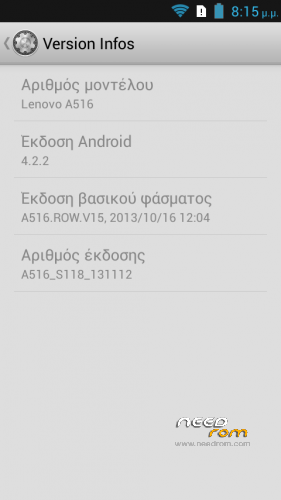
- Version: Android 4.2.2-S118
You must be logged for ROM download.
103051 total views, 2 today
166 Total favorites

 Member Info
DESCRIPTION
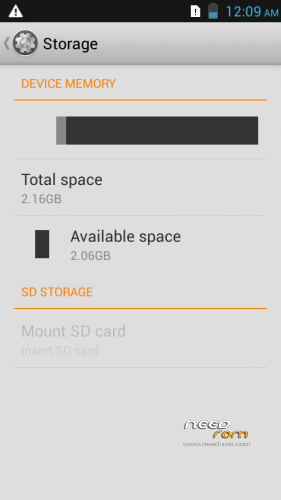
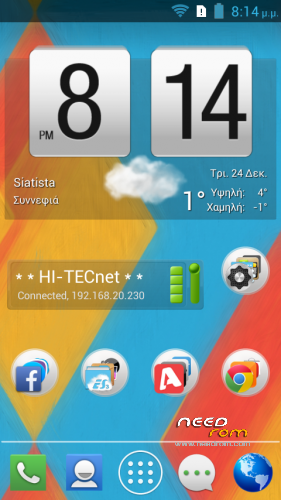
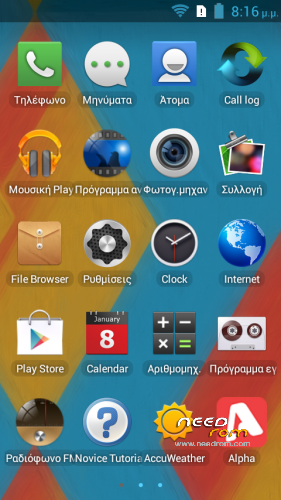
ROM Mobile LENOVO A516 – Android 4.2.2 – S118
a. ROM: A516_S118_Root_MultiLang
b. Tool: Flashtool_v3.1324.0.177
c. Drivers: MTK USB driver
Gapps include & Rooted
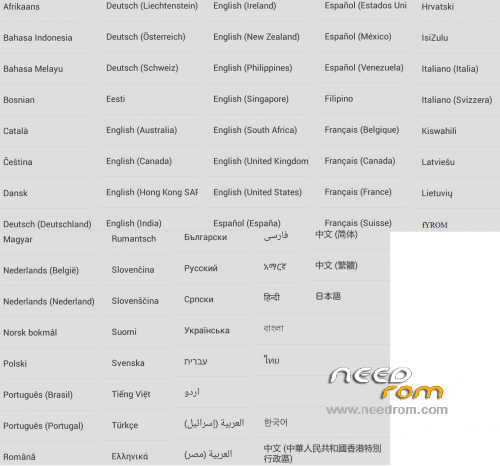
Language support: MultiLang
ROM Install:
1. Download and unzip: LenovoA516_ROM_Tool_Drivers.zip
2. Install correctly MTK USB driver for your OS
3. Click on Flash_tool.exe
4. Select the MT6572_Android_scatter.txt from ROM folder
5. Tick (DA DL All With Check Sum) into Flash Tool
6. Turn off your phone.
7. Hit (firmware -> upgrade) button into Flash Tool
8. Connect your phone into the computer via USB data cable.
The process will start and a red progress bar will appear after color purple, yellow And
green circles display.
Finish !
You can now safely disconnect your phone and turn it on.
※Please make a backup of your device before installing or updating ROM
need help.
The installation worked like a charm for me, haven't got into the rom yet though.
same,stop in red screen shot.
same with me… white screen after flashing.. please help
If anyone has a GRAY SCREEN after flash,maybe this rom might help u recover.
https://www.needrom.com/downlo.....enovo-a516-lcm/
same broblem still on logo
tolong ak boleh
thank you
Way to go Strongt,
the ROM is perfect, it works great, be health and go ahead
my lenovo row 108.. can I use this ROM?