
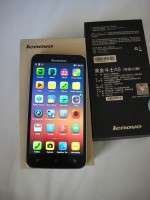
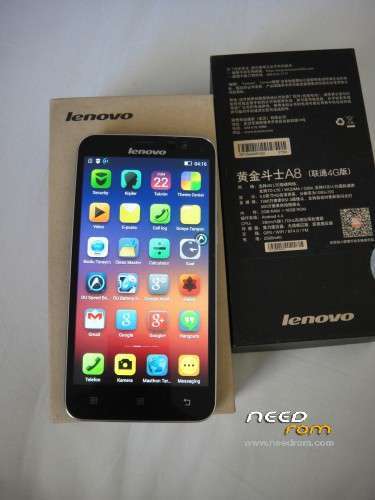
- Title: Lenovo A806 Multi-language cwm + root + google play + xperia keyboard
- Listed: September, 2014
- Last modified: 09/28/2014 11:07 am
- Version: vibeui v2.0 1432 ST (4.4.2)
You must be logged for ROM download.
115281 total views, 9 today
44 Total favorites
CUSTOM
 Member Info
DESCRIPTION
watch videos and use SP Flash TOOL
for update 1501_7.80.1_DEV : here
for imei problem : www.lenovoa8.pe.hu
※Please make a backup of your device before installing or updating ROM
Ok my phone is update with your ROM.I do it with sp flash but I have format+download, so my IMEI was no more valid .I have change de imei. All is ok.
in the phone it a application "update" and it is a update aviable, do you think that the update is multilanguage?
do I the upgrade or ignore It?
Very thanks from Poland for this room it is very perfect and stable .Only small correction in Smart Phone Flash Tool option "Firmware Upgrade"
thanks you
cannot find the phone drive
root xbin/su error how ?
Viber and facebook id not notified! How to fix
hi i have a verry big problem i can't turn on my phone anymore
i need a help because when i was put a rom everything go well but when i tried tu turn on my phone nothing it's turn only that far where is a lenovo firs screen and in left courner shows ( => TOOL DL image Fail )
Please i need a help!
Before you flash your rom with flashtool, enter options menu and select download section and tick "DA DL All with checksum". Then flash your rom with enjoy..
hii,
I have the same problem now! I flashed my Lenovo and tick DA DL cheksum ! the message still appear when i Started the phone and is always Rebooting with the same message!
Can you please help me to solve this issue?
Thanks
Hi
After a sucessful flash I rebooted and got a small message at the bottom which states: "Tool DL image Fail!"
The Lenovo logo flashes on and off every minute or so.
?Help
Before you flash your rom with flashtool, enter options menu and select download section and tick "DA DL All with checksum". Then flash your rom with enjoy…
Hi guys please help.
This is very important to me.
I can't connect any USB sticks to my Lenovo a806 with any versions I have found on the Internet so far.
With my previous mobile phones (Redmi, Jiayu g4s) I was able to connect any USB dongle and share files from the mobile to the mobile stick.
Can someone help me?
If I connect any USB stick this is not recognized by the system as it should be.
Thanks.
Francesco
install MT65xx Preloader and more… i dont no, not easy
The issue is not with computer drivers is with the mobile phone not recognizing USB dongles.
I'm new to this; does phone need to be rooted first