
- Title: Lenovo P780 4.4.2 Vibe UI 2.0
- Listed: August, 2014
- Last modified: 02/18/2016 9:01 pm
- Version: Vibe UI 2.0 1512
You must be logged for ROM download.
173250 total views, 12 today
213 Total favorites
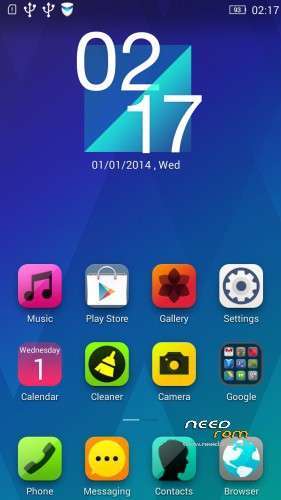
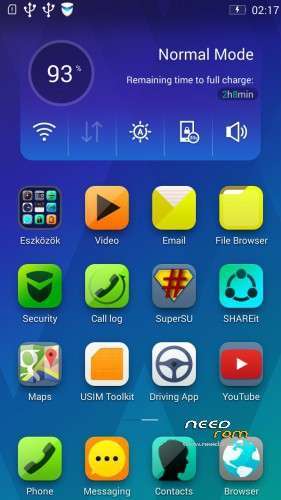
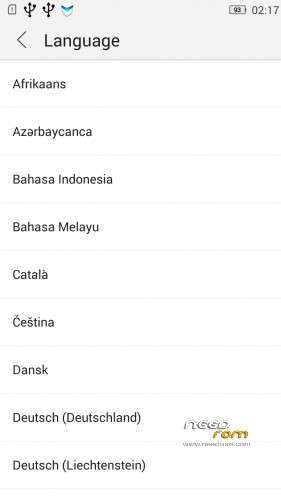
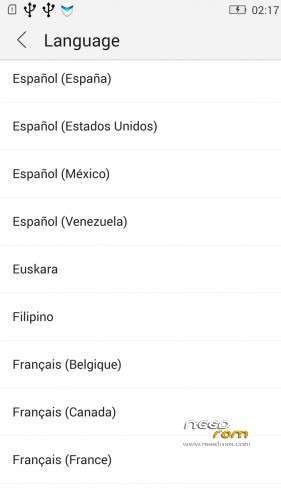

 Member Info
DESCRIPTION
Rom for Lenovo P780
- base : Vibe UI 2.0 for P780
- Removed all unusable app
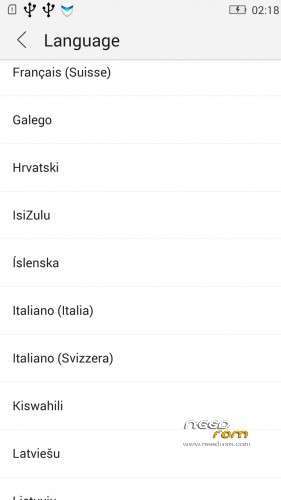
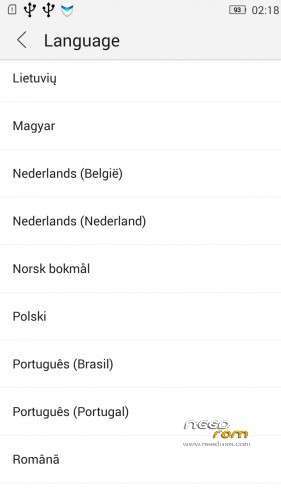
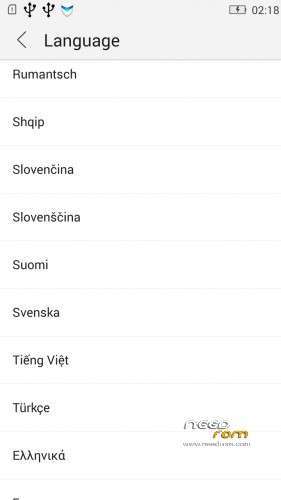
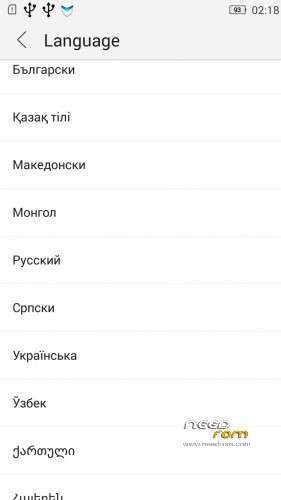
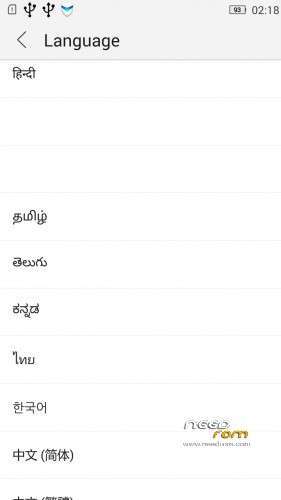
- Added about 70 languages
- The Weather app work as wordwide
Install ROM :
IF YOUR P780 MADE 03.2014 OR LATER THEN USE NEW_PRELOADER.ZIP FILE IN THE ROM!

- Unpack FlashTools, and Click on Flash_tool.exe
- Select the MT6589_Android_scatter.txt in ROM
- Wait file to be added into Flash Tool
- choose Option->USB Model,click USB Model
–> Choose Option->DA DownLoad All->Speed->High Speed, click High Speed
- choose DA DL All With Check Sum
- Turn off your phone, (push the red reset button)
- "Press F9 (hit Download button)" OR " if upgrade ROM Firmware->Upgrade "
- and connect your phone into the computer via USB data cable.
- The process will start and a red progress bar will appear after color purple, yellow, if no, then have to install the driver
- And green circles display
- Finish !
- You can now safely disconnect your phone and turn it on.
V2 : base is VIBEUI_V2.0_1435_5_DEV_P780_WC8E
- updated some languages
V3 : base is VIBEUI_V2.0_1439_7.10.1_DEV_P780_WCB
After the rom flash If get error(s) on the phone, then have to make a factory reset
- updated the russian language
V4 : base is VIBEUI_V2.0_1443_ST
V5 : base is VIBEUI_V2.0_1447_7.48.1_ST_P780_OLK_W_064D
- fixed some languages
V6: base is VIBEUI_V2.0_1503_7.141.1_ST_P780_OLK_W_855A
- changed only what the Lenovo builded to 1503 version
V7: base is VIBEUI_V2.0_1512_DEV_P780
- this is my last P780 rom…
If you like my job, do not forget donate me!
This ROM created by Android Lang Project http://www.androidlangproject.com/
※Please make a backup of your device before installing or updating ROM
Does caller ID recognition work on this rom?
I have installed this rom but it seems a number is not recognized with phonebook . Can someone confirm me that if that works on his installation ?
Thanks
good rom, thanks.
New Updating VIBEUI_V2.0_1435_5_DEV_P780 but still unable install…pls help guy any solution
Error ENOSPC…..pls help
New Updating VIBEUI_V2.0_1435_5_DEV_P780 but still unable install…pls help guy any solution
Error ENOSPC…..pls help
sir can u create 1 rom VIBEUI_V2.0_1435_5_DEV_P780 and can use flashtool..many..many thx
how to update to 1235 ,this version has bug and its not stable ,plz tell us ,vibe version is better than row but its getting slower after some days of usage thanks
Hi all, I tried it but the GPS does not work well, e.g. sometimes it lost the connection to the satellite.
So it was not good..
Hello dear friends of needrom.com,
I past my last weekend trying to make the multilanguage ROMS work on my LENOVO p780, but unsucessfully.
I´m one Brazilian user, and I had the bad experience to upgrade my phone by the internal system update to LENOVO P780 VibeUI 2.0 – Update 1435 and I simple hated. Sorry, I can speak and read English very well, but chinese…its impossible!
After that I tried desperately to make the old system back to its place, without success. I went to try to install a new ROM, without success!
The reason?
SP Flash tool do not recognize my cell phone when plugged. And why?
The Preloader driver wasnt instaled on my computer…And why?
The preloader driver is uncompatible with Windows 7 and above.
First of all I installed all possible drivers for lenovo p780, touching each option for USB connections. This was probably unnecessary, but I did anyway (with inside drivers of lenovo P780).
After this, I turned off the phone and plugged in usb. The windows began to search for the driver and NOT found the Preloader. I did the installation of the driver manually.
Done so, open the Flash version SP 3 (version 5 do not work!) and did the procedures mentioned in this post, everything went very well (Green circle! after all!).
This information is very important because it can save much time for
begginers on the subject of "flashing roms" like me (this was my first time) and people without deep knowledge in computer.I hope I have contributed to this post.
Dear baralajbi, I think you could enter this information in your post because I'm sure that will be very useful.
Hi all,
I already have the 1431 version installed. Is there a way to update to the 1435 version with the flashtool and not loose everything ?
Greetz,
Hello,
You can do it:
1. Load the scatter file to SPFlash tool, and mark only Bootimg, and Android, nothing else from the list.
2. Mark DA DL ALL With check sum
3. Press Download, and plug the phone
Then wait the end of the process
I can install nothing from SD card only play store:(
And The Led notification don't working:(