
- Title: Lenovo P780 4.4.2 Vibe UI 2.0
- Listed: August, 2014
- Last modified: 02/18/2016 9:01 pm
- Version: Vibe UI 2.0 1512
You must be logged for ROM download.
173251 total views, 13 today
213 Total favorites

 Member Info
DESCRIPTION
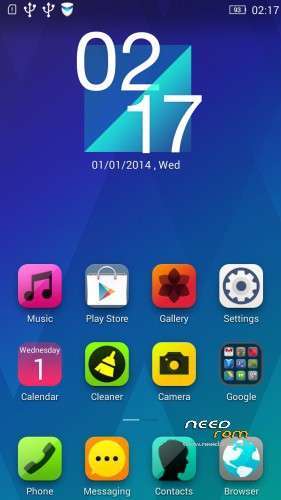
Rom for Lenovo P780
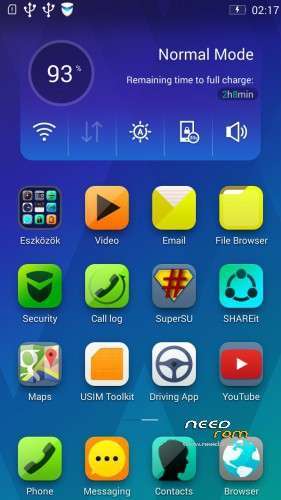
- base : Vibe UI 2.0 for P780
- Removed all unusable app
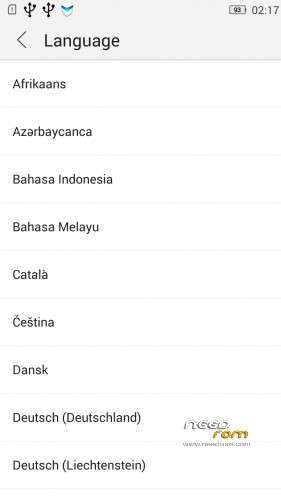
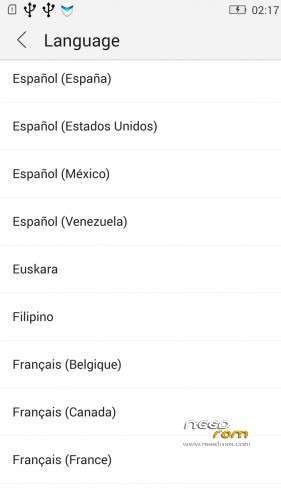
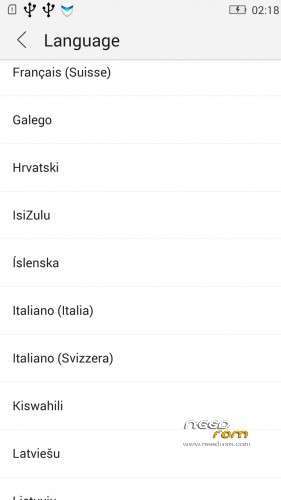
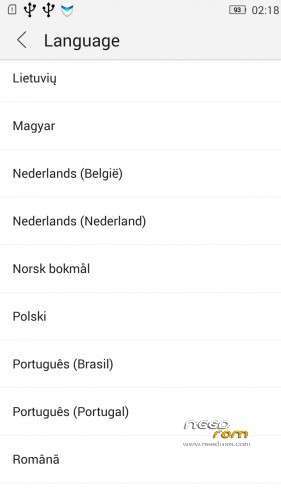
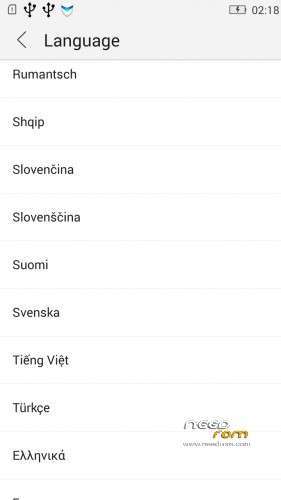
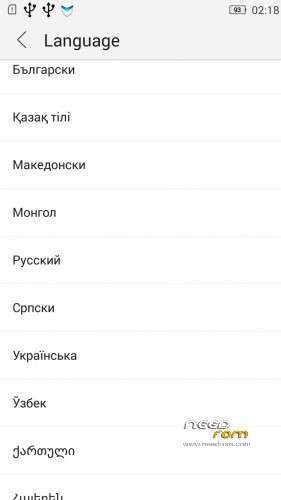
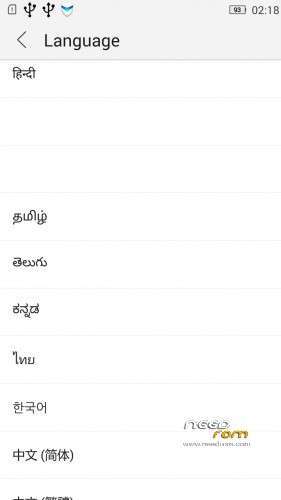
- Added about 70 languages
- The Weather app work as wordwide
Install ROM :
IF YOUR P780 MADE 03.2014 OR LATER THEN USE NEW_PRELOADER.ZIP FILE IN THE ROM!

- Unpack FlashTools, and Click on Flash_tool.exe
- Select the MT6589_Android_scatter.txt in ROM
- Wait file to be added into Flash Tool
- choose Option->USB Model,click USB Model
–> Choose Option->DA DownLoad All->Speed->High Speed, click High Speed
- choose DA DL All With Check Sum
- Turn off your phone, (push the red reset button)
- "Press F9 (hit Download button)" OR " if upgrade ROM Firmware->Upgrade "
- and connect your phone into the computer via USB data cable.
- The process will start and a red progress bar will appear after color purple, yellow, if no, then have to install the driver
- And green circles display
- Finish !
- You can now safely disconnect your phone and turn it on.
V2 : base is VIBEUI_V2.0_1435_5_DEV_P780_WC8E
- updated some languages
V3 : base is VIBEUI_V2.0_1439_7.10.1_DEV_P780_WCB
After the rom flash If get error(s) on the phone, then have to make a factory reset
- updated the russian language
V4 : base is VIBEUI_V2.0_1443_ST
V5 : base is VIBEUI_V2.0_1447_7.48.1_ST_P780_OLK_W_064D
- fixed some languages
V6: base is VIBEUI_V2.0_1503_7.141.1_ST_P780_OLK_W_855A
- changed only what the Lenovo builded to 1503 version
V7: base is VIBEUI_V2.0_1512_DEV_P780
- this is my last P780 rom…
If you like my job, do not forget donate me!
This ROM created by Android Lang Project http://www.androidlangproject.com/
※Please make a backup of your device before installing or updating ROM
Nice, thnx for update!
Already try install ROM VIBEUI V2.0 1435 P780 same error unable install APK from SD Card and unable move Application to SD Card..downgrd to vibe ui 1.5 again..pls sir Update Viveui V2.0 for STABLE version..many many thx
Already try install ROM VIBEUI V2.0 1435 P780 same error unable install APK from SD Card and unable move Application to SD Card..downgrd to vibe ui 1.5 again..pls sir Update Viveui V2.0 for STABLE version..many many thx
Hey people! For those that is having problems to install apps from SD card I have a great news: I found the reason! It’s the security app! It hold the installation off any non Google market app.
I got a way to install and I will explain how, soon.
Typing from cell phone its too complicated. Hold your breath!
Hey everyone!
I have the solution how to install download programs from sd card. Download from playstore and install "ES File Explorer" and install with this program the downloaded applications. Bypasses the Lenovo Security, and so You can install everything on Your Lenovo P780 phone!
Csaba
szia Csaba!
Hogy vált be a rom? Gps milyen? Aksit tényleg nagyon szívja? Wifi ok? Mennyire magyar? Well, good this
rom? Gps can find satelites quick? Battery is really suck? Wifi ok? Hungarian?
Congratulations Csaba025. The best way to solve the problem! I did the same by the hard way, bypassing security app with one delay off Android in recognize security app after clean default instalation program.
Nothing compared your solution! You’re the Master Yoda! Hahaha
I cant use dual sim when update that firmware. What's version of baseband can i done to use dual sim card ?
Sim 2 is very poor signal.help me fix it !!
rom is good…butproximity sensor wont work after locking the screen.cant use gravity screen anymore..and .i couldnt restore using titanium back up..plz anybody help regarding this
what does it mean if it says 'E: error loading resource type (image)' when flashing a rom from recovery?