
- Title: Lenovo P780 4.4.2 Vibe UI 2.0
- Listed: August, 2014
- Last modified: 02/18/2016 9:01 pm
- Version: Vibe UI 2.0 1512
You must be logged for ROM download.
173240 total views, 2 today
213 Total favorites

 Member Info
DESCRIPTION
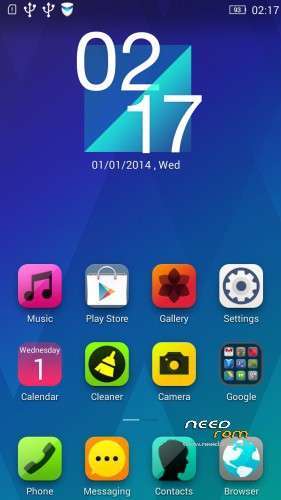
Rom for Lenovo P780
- base : Vibe UI 2.0 for P780
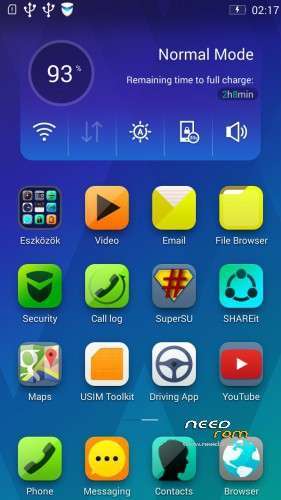
- Removed all unusable app
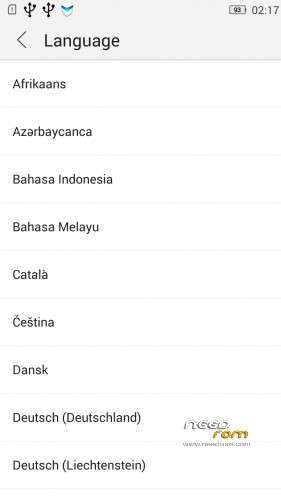
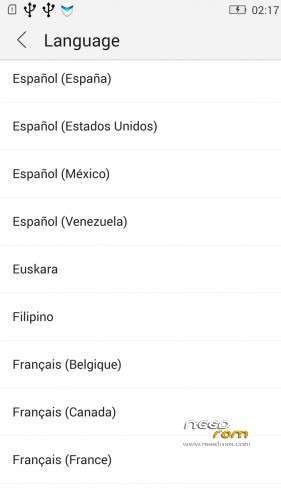
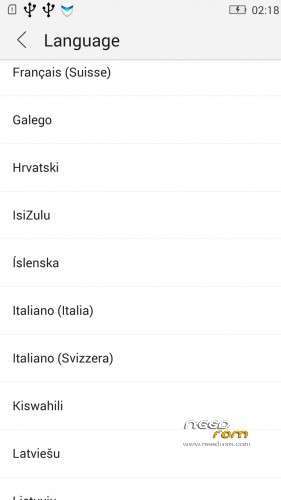
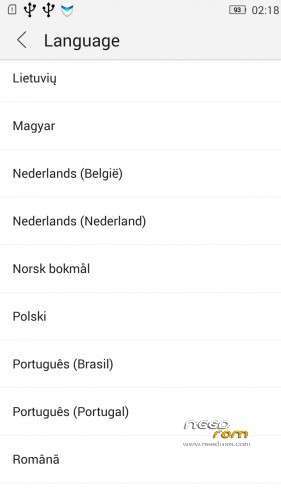
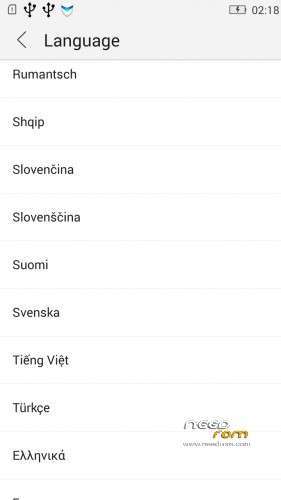
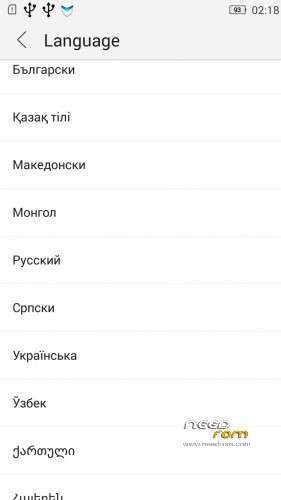
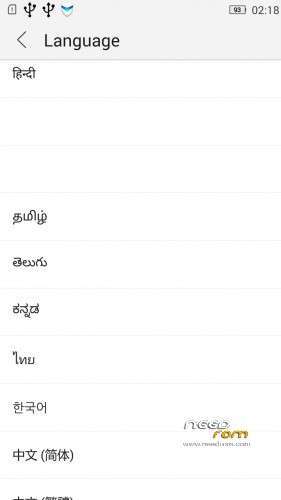
- Added about 70 languages
- The Weather app work as wordwide
Install ROM :
IF YOUR P780 MADE 03.2014 OR LATER THEN USE NEW_PRELOADER.ZIP FILE IN THE ROM!

- Unpack FlashTools, and Click on Flash_tool.exe
- Select the MT6589_Android_scatter.txt in ROM
- Wait file to be added into Flash Tool
- choose Option->USB Model,click USB Model
–> Choose Option->DA DownLoad All->Speed->High Speed, click High Speed
- choose DA DL All With Check Sum
- Turn off your phone, (push the red reset button)
- "Press F9 (hit Download button)" OR " if upgrade ROM Firmware->Upgrade "
- and connect your phone into the computer via USB data cable.
- The process will start and a red progress bar will appear after color purple, yellow, if no, then have to install the driver
- And green circles display
- Finish !
- You can now safely disconnect your phone and turn it on.
V2 : base is VIBEUI_V2.0_1435_5_DEV_P780_WC8E
- updated some languages
V3 : base is VIBEUI_V2.0_1439_7.10.1_DEV_P780_WCB
After the rom flash If get error(s) on the phone, then have to make a factory reset
- updated the russian language
V4 : base is VIBEUI_V2.0_1443_ST
V5 : base is VIBEUI_V2.0_1447_7.48.1_ST_P780_OLK_W_064D
- fixed some languages
V6: base is VIBEUI_V2.0_1503_7.141.1_ST_P780_OLK_W_855A
- changed only what the Lenovo builded to 1503 version
V7: base is VIBEUI_V2.0_1512_DEV_P780
- this is my last P780 rom…
If you like my job, do not forget donate me!
This ROM created by Android Lang Project http://www.androidlangproject.com/
※Please make a backup of your device before installing or updating ROM
For who have signaling issue try this
Backup your IMEI with MTKDroid, other method not recomended for now
Download Koush Superuser
Download P780.ROW.V104, 20140817 1244.7z
Download P780-recovery-ctr-22-en-for-asia-rom-by-rebas.zip
Copy P780.ROW.V104, 20140817 1244.7z & Koush Superuser to SD Card
Extract P780_4.4.2_1435_VibeUI_2.0_MultiLang_Gapps_Root_baralajbi.zip
Put P780-recovery-ctr-22-en-for-asia-rom-by-rebas.zip to P780_4.4.2_1435_VibeUI_2.0_MultiLang_Gapps_Root_baralajbi (OVERWRITE)
Put New_Preloader1.zip to P780_4.4.2_1435_VibeUI_2.0_MultiLang_Gapps_Root_baralajbi (OVERWRITE)
Now flash to your phone
First booting your phone DENIED SuperSU request Root access for SecureIT and Lenovo Power
Open SuperSU look in setting option to Change Root Apps, now shootdown your phone go to Carliv recovery install supersu.zip from SD Card
Now download Link2SD from Playstore, open and frezz SecureIT
Download esExplorer or other explorer with root privilage
Copy modem_1_3g_n.img & BPLGUInfoCustomAppSrcP_MT6589_S00_P780_ROW_V104_1_3g_n into your phone, Remember to Change permission and backup original file.
Now you can install apps from SD Card
Signal stability still un resolved but this version prety good for Outdoor, remember LOS, Operator, Sun Outage, Hardware and other things
*DO NOT Install MobileUncle Tools, leave your Engineer mode as is provided.
Thanks baralajbi
Somebody knows why google contacts from my old phone do not apears when somebody calls me? only the number of phone is shown.
The thing only works after I put the number on lenovo p780 contacts.
Write +36 before phone numbers:)
Csaba! Ennek a romnak hogy van a memória kiosztása? Illetve ezt is át lehet állítani, mint slx-nél az orosz praticionáló appal?
How much the internal memory partition in this rom? Can be repartitione?
Memory allocation 487MB / 1.4GB. I do not know whether it is possible to partition. Wifi GPS works well. Approximately 90% Hungarian, English is sometimes, but not distracting. Low battery a little sooner, but two days so will stick. Good rom it.
Hello,
thank you for the update.
Best regards from Germany!
Joern
Dear Baralajbi!
How can I change LenovoLightSettings.apk because in this rom it doesn't working.
THX Csaba from Hungary!
Hi baralajbi,
thanks for your great work, but I noticed a little problem with powering up a screen just after powering it off in both 1431 and 1435 versions.
If I turn screen off, I'm not able to instantly turn it on. If I wait for few minutes it's possible with no problem, but if I try to turn screen on immediately after turning it off, it's not possible until next restart with red button.
Any suggestions? Thank you for your time.
Modem / Baseband P780.ROW.V104, 20140817 1244 V2 more stable
Hi Togeziro
How can i install your baseband in to my P780.I used TWRP to install it to P780_4.4.2_1431_VibeUI_2.0 but failed.Its seem cant install it to CN ROM ver.
Do you have a procedure? Cannot install files with Root Explorer, even with root access.
munix : it's not flashable READ
Trento : can you give the details?
buy far the best, until now… still laggy (like other roms also) when accesing contacts or dialer
other that that… works perfect!
oh, and flash would be nice, just to make the score higher ;o)
Does anyone know how to install the 1437 OTA? It crushes at the installation during the update process. I unfortunatly don't know how to modify the file the correct way. Thanks in advance!
My meaning anyone that can help create ROM to TOOL Flash..because I am unskilled use TRWP and CWMrecovery.
ROM is almost perfect.
+ Batery life – almost the same like on Android 4.2.1
+ Fast, Stable and very smooth
+ Multilanguage – I use Polish language its about 75-80 % in polish rest in engilsh but it's fine for me
What is wrong:
- Non of custom recovery I installed work properly with this rom – I couldn't make backup or instal something (somoen know which work fine ?? )
- Security APP have some problem with uninstall app. When try to uninstall security app crash. I remove it and after that everything is OK.
- Internal memory is not needed!!! I tried to repart but every solution I tried didn't worked – Someone have some solution ?????
Ok. One problem with Recovery solved.
There you can find CTR recovery. For this rom use Chinesse version
https://drive.google.com/folde.....038;usp=sharing