
- Title: Lenovo S650 4.4.2 Multilang
- Listed: May, 2014
- Last modified: 07/05/2014 10:58 pm
- Version: VIBEUI V1.5 1417 2 DEV S650 NK W B215 baralajbi
You must be logged for ROM download.
89647 total views, 5 today
14 Total favorites
 Member Info
DESCRIPTION
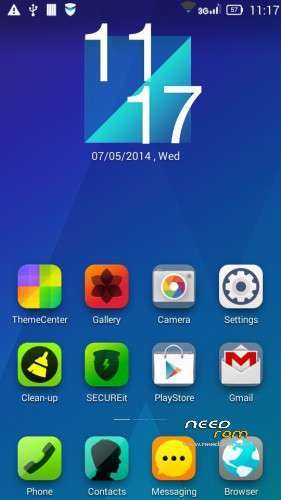
ROM for Lenovo S650– Android 4.4.2
————————————————————————————————————————————————–
Official Lenovo S650 VIBEUI_V1.5_1417_2_DEV_S650_NK_W_B215
PLUS :
Gapps included
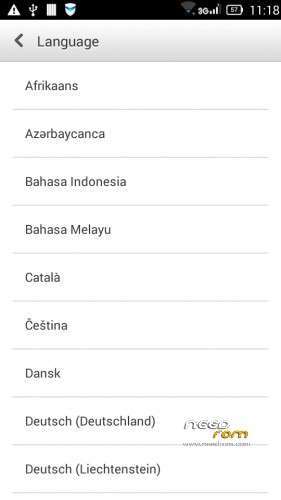
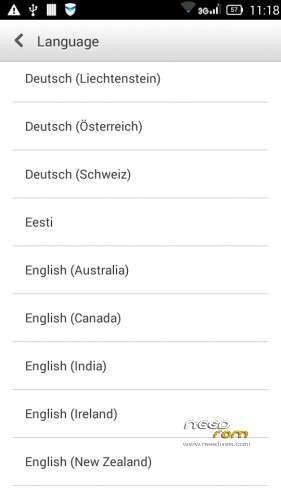
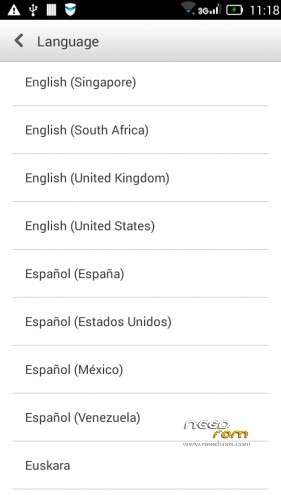
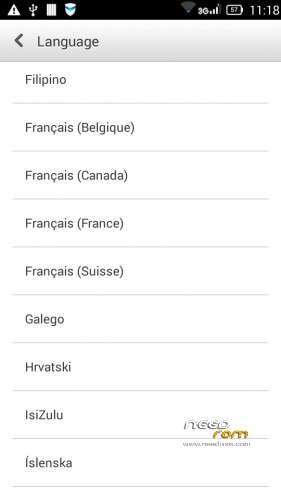
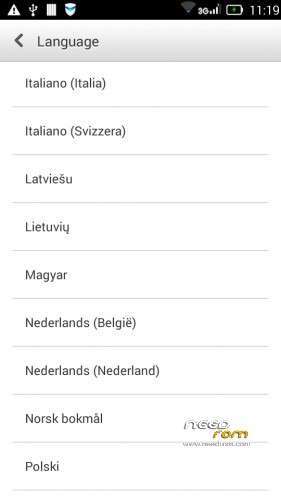
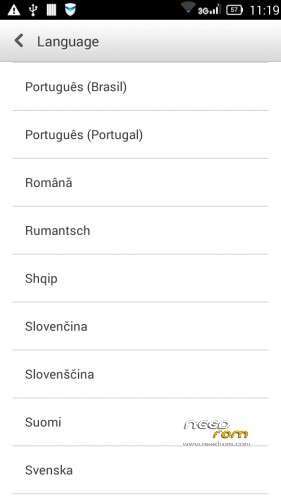
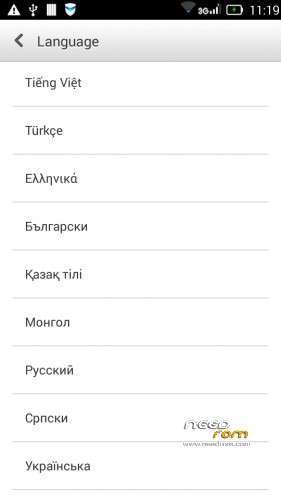
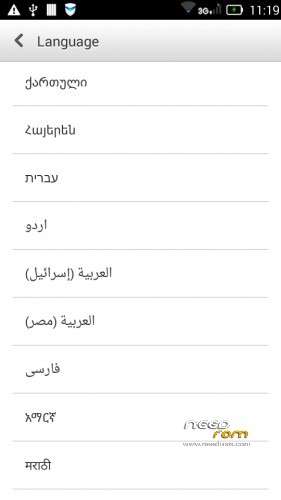
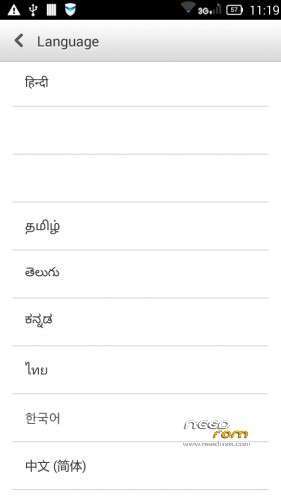
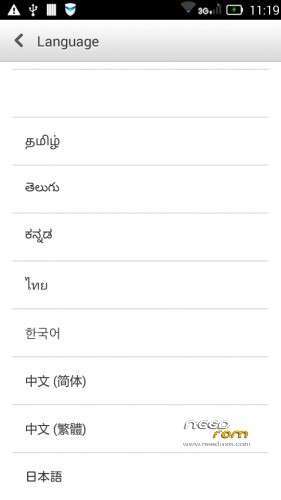
Language support: Multilang (about 70 languages)
This rom is rooted
Removed all unusable app
This ROM have original Lenovo recovery, but if you want I attached a TWRP recovery for S650
V2 : (base : VIBEUI_V1.5_1421_DEV_S650_0DF9)
- fixed camera problem
- fixed hungarian, russian, hebrew languages
V3 :
- base : S650_S914_VIBEUI_V1.5_1423_7_ST_FEC2
- fixed caller ID problem in cal and in sms too
- the lenovo weather widget work with all city in the word
- Possible to remove these applications. Just take your fingers on app, and click on the red ix, but the next factory reset the removed apps, again appear!
Applications list : AnyShare, Books, CarAppActivity, Drive, FileBrowser, Hangouts, LenovoPower, LenofoSafebox, LenovoSafeCenter, LenovoSync, Magazines, Maps, Music2, NoviceTuttorial, PlayGames, Videos, YouTube
- Fixed many languages, but these languages about 100% : Thai, Viet Nam, Ukrainian, Indian, Romanian, Arabic, French, Malay, Russian, Bulgarian, Slovak, Greek, Slovenian, Croatian, Serbian, Hungarian, Georgian
V4 :
- base : S650_S916_VIBEUI_V1.5_1427_2_ST_0CF6.zip
- fixed the first desktop load
- fixed the folder name on the desktop now not chinese
- fixed the cleaner name on the desktop now not chinese
Install ROM :
- Download FlashTools MT_6582_SP_Flash_Tool_v3.1328.0.183.7z, and Click on Flash_tool.exe
- Select a the MT6582_Android_scatter.txt in ROM
- Wait file to be added into Flash Tool
- select DA DL All with Checksum
- Turn off your phone, remove the battery.
- "Press Firmware Upgrade"
- and connect your phone into the computer via USB data cable.
- install the vcom driver if you don't do this before
- The process will start and a red progress bar will appear after, yellow, grey and green circles display
- Finish !
- You can now safely disconnect your phone and turn it on.
This ROM created by Android Language Project (http://www.androidlangproject.com/)
If you like my job, please donate me!
※Please make a backup of your device before installing or updating ROM
Please baralajbi when you will be made based rom VIBEUI_V2.0_1429_3_DEV_S650_NK_W_6934 join him ideafrient contained in your V3. This version was great, and above all, correctly display the prefixes
im in V3 now, but how i gonna upgrade it to V4 each time i upgrade using flash tool its done very fast, after reboot phone its still V3 version im in…….please help anyone?
Hallo baralajbi,
can you help me? I have installed version V4 :
- base : S650_S916_VIBEUI_V1.5_1427_2_ST_0CF6.zip
But I have found that when I save the new application on the SD card, so applications do not run (it is written applications had to be terminated). It's always after the standby mode. Then I must restart the phone and then everything is working again. Sorry for bad English.
V3 no italian language at all inside menu (not on V4)
Many apps now look not compatible with lenovo (not on V4)
when turned off the battery status shows correctly (not on V4)
:/
and also V3 doesn't recognize the SD card (works on V4)
uninstalled.
can i use this one on s660 ?
thanks
which one ist the version 3 download link?
Im interested in Romanian language…
Solved !!! Now able to move\install to external SD card!!!
1.Format the SD card to Fat32, the device will read it.
2.In storage go to "Erase External storage" and erase it.
3.Change "Default write disk" to "External storage".
The device will restart and you are good to go
can you explain, if I have 16GB of SD card how many space to used for external storage? thank you.
turkish lang problem gallery. after capture
Hi and thanks for your great work. I haven't still tested it thorougly (just installed it)but it seems very good. The only problem is that, though italian language is supported, many menus and apps are completely in english: why does this happen. Is there a way to make a fully translated rom? If yes, I'm free to help. I see that you've released a 2.0 version: does it solve the translation issues or is it the same?
Pls tell me how to select MT6582_Android_scatter.txt in ROM cos it is telling me no path selected. Thanks
me too