
- Title: Lenovo S650 4.4.2 Multilang
- Listed: May, 2014
- Last modified: 07/05/2014 10:58 pm
- Version: VIBEUI V1.5 1417 2 DEV S650 NK W B215 baralajbi
You must be logged for ROM download.
89646 total views, 4 today
14 Total favorites
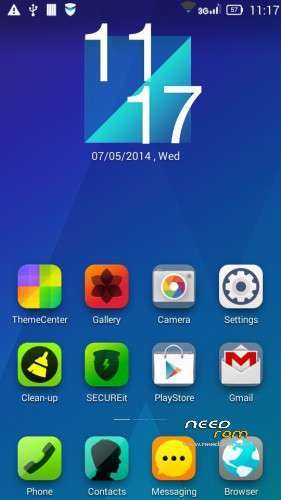
 Member Info
DESCRIPTION
ROM for Lenovo S650– Android 4.4.2
————————————————————————————————————————————————–
Official Lenovo S650 VIBEUI_V1.5_1417_2_DEV_S650_NK_W_B215
PLUS :
Gapps included
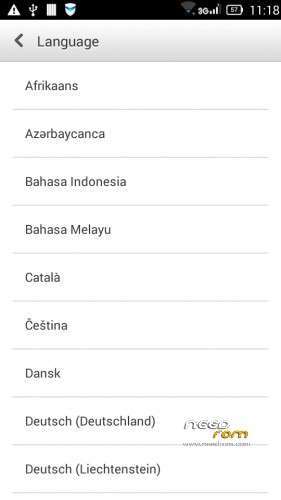
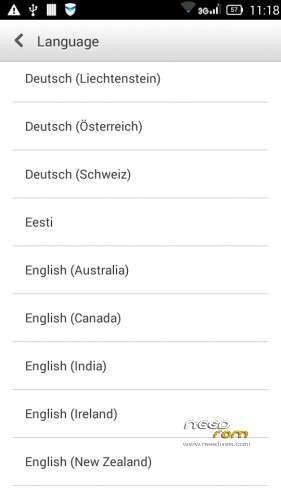
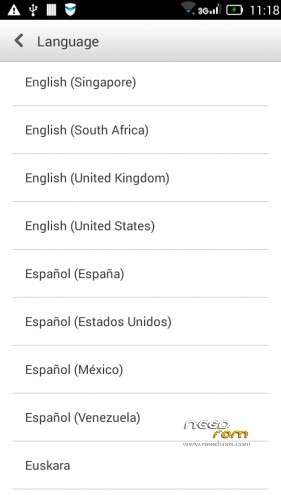
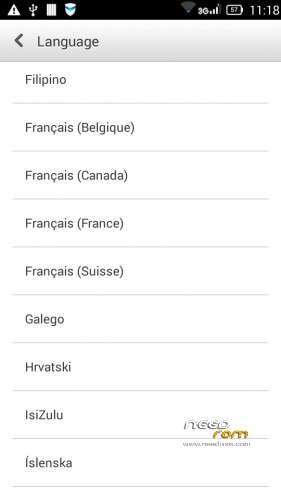
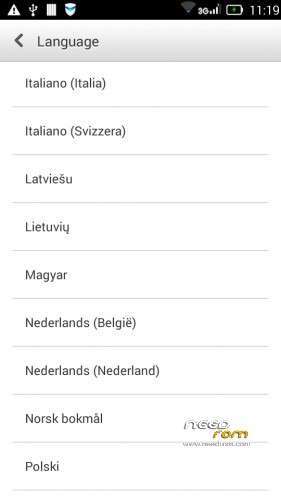
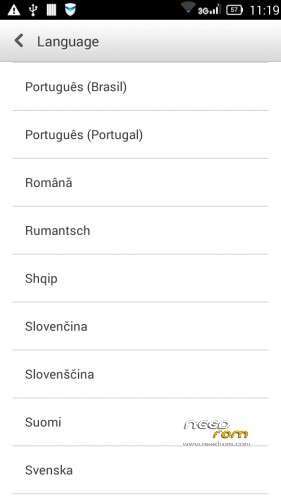
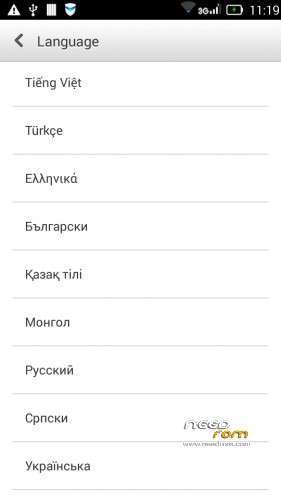
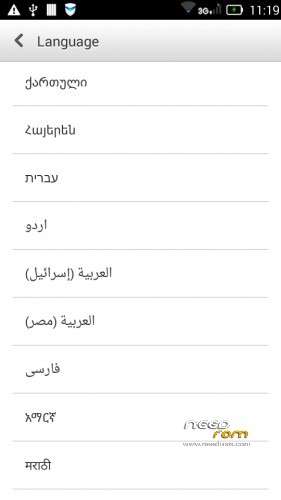
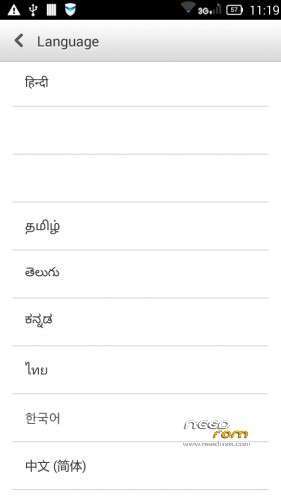
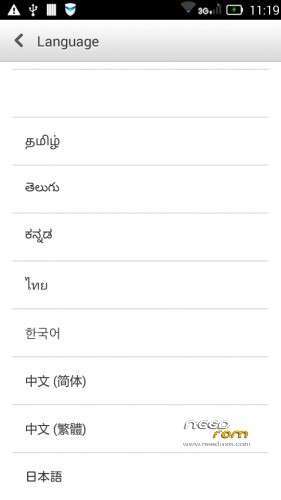
Language support: Multilang (about 70 languages)
This rom is rooted
Removed all unusable app
This ROM have original Lenovo recovery, but if you want I attached a TWRP recovery for S650
V2 : (base : VIBEUI_V1.5_1421_DEV_S650_0DF9)
- fixed camera problem
- fixed hungarian, russian, hebrew languages
V3 :
- base : S650_S914_VIBEUI_V1.5_1423_7_ST_FEC2
- fixed caller ID problem in cal and in sms too
- the lenovo weather widget work with all city in the word
- Possible to remove these applications. Just take your fingers on app, and click on the red ix, but the next factory reset the removed apps, again appear!
Applications list : AnyShare, Books, CarAppActivity, Drive, FileBrowser, Hangouts, LenovoPower, LenofoSafebox, LenovoSafeCenter, LenovoSync, Magazines, Maps, Music2, NoviceTuttorial, PlayGames, Videos, YouTube
- Fixed many languages, but these languages about 100% : Thai, Viet Nam, Ukrainian, Indian, Romanian, Arabic, French, Malay, Russian, Bulgarian, Slovak, Greek, Slovenian, Croatian, Serbian, Hungarian, Georgian
V4 :
- base : S650_S916_VIBEUI_V1.5_1427_2_ST_0CF6.zip
- fixed the first desktop load
- fixed the folder name on the desktop now not chinese
- fixed the cleaner name on the desktop now not chinese
Install ROM :
- Download FlashTools MT_6582_SP_Flash_Tool_v3.1328.0.183.7z, and Click on Flash_tool.exe
- Select a the MT6582_Android_scatter.txt in ROM
- Wait file to be added into Flash Tool
- select DA DL All with Checksum
- Turn off your phone, remove the battery.
- "Press Firmware Upgrade"
- and connect your phone into the computer via USB data cable.
- install the vcom driver if you don't do this before
- The process will start and a red progress bar will appear after, yellow, grey and green circles display
- Finish !
- You can now safely disconnect your phone and turn it on.
This ROM created by Android Language Project (http://www.androidlangproject.com/)
If you like my job, please donate me!
※Please make a backup of your device before installing or updating ROM
I selected the language as English during setup but there was Greek in the Settings menu and some apps were displaying Greek. (Maybe it was because I selected "Download" instead of "Upgrade" when flashing?) After changing the language to English in the Settings menu, the problem was resolved. Whatsapp widget does not work. I am super happy with this update. Thank you for this ROM!
VIBEUI_V1.5_1417_2_DEV_S650_NK_W_B215_baralajbi is realy nice and gud.. but have 2 problam only..
firts is gallery whan edit photo > unfortunately gallery has stopped.
second is contact manager.. whan fren send message never show name.. Mr baraljbi please help me to fix the prob as soon as possible.. thank you..
Dear Author will you be doing new firmware using latest 4.4.2 for S650???
Yes, I will create a new rom for this phone.
Does it support: Volume key backlight (press volume key to turn on backlight)?
Thanks!
Please fix the camera. With the original lenovo android there was full hd video recording. In this rom google camera software supports max 640×480, its poor.
App radio fm stopped when look display and device not in charging. It seems that the service was been stopped by power management. There is a way to avoid this?
Can I do update via OTA to VIBEUI_V1.5_1421_DEV_650? Language support remains as it is?
Thanks
pls update version 1421
Really really appreciate for those whom had had flashed and report
baralajbi……..weather is working???….Fixed?
How to delete……languages in this rom……..prefer english alone…..Now D/L
new update works fine and easier to instal…up till now i see no bugs.
only weather and a bit of chinese here and there…but everything is working fine. Great Job @baralaji !
fast multitasking and very smooth.
just a question…can i update OTA for the next release ?
The chinese characters after caller ID are some "location" thing
you can disable from contacts->More features and settings->Location->Display number's location.