
- Title: Lenovo S650 4.4.2 Multilang
- Listed: May, 2014
- Last modified: 07/05/2014 10:58 pm
- Version: VIBEUI V1.5 1417 2 DEV S650 NK W B215 baralajbi
You must be logged for ROM download.
89646 total views, 4 today
14 Total favorites

 Member Info
DESCRIPTION
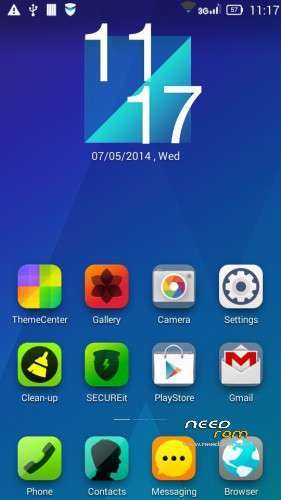
ROM for Lenovo S650– Android 4.4.2
————————————————————————————————————————————————–
Official Lenovo S650 VIBEUI_V1.5_1417_2_DEV_S650_NK_W_B215
PLUS :
Gapps included
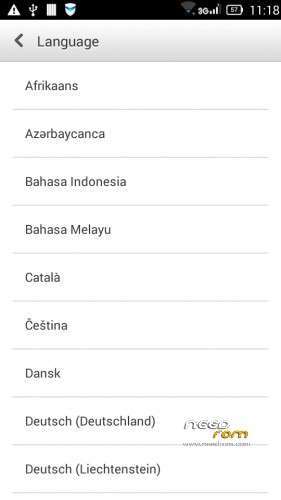
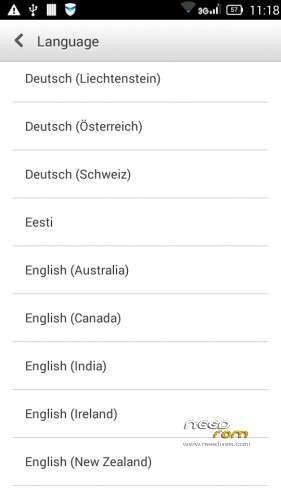
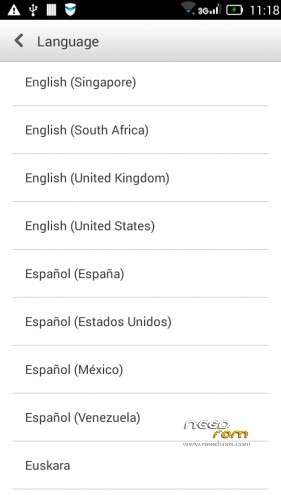
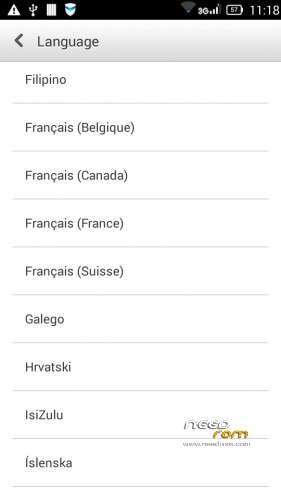
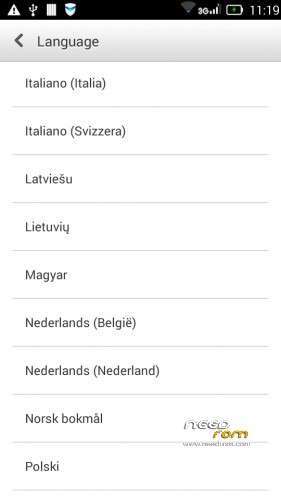
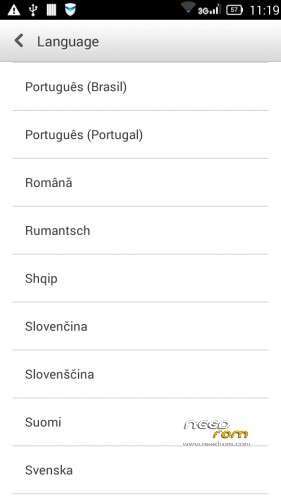
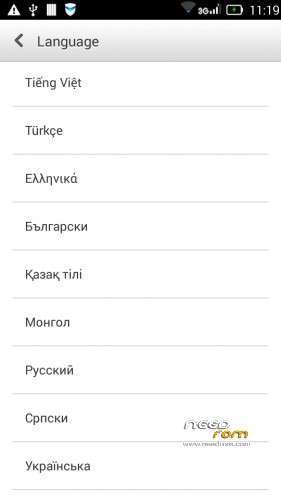
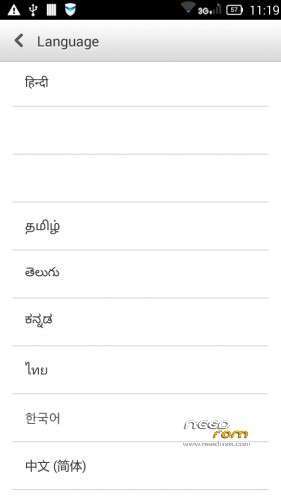
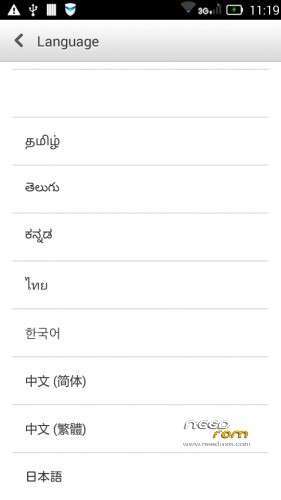
Language support: Multilang (about 70 languages)
This rom is rooted
Removed all unusable app
This ROM have original Lenovo recovery, but if you want I attached a TWRP recovery for S650
V2 : (base : VIBEUI_V1.5_1421_DEV_S650_0DF9)
- fixed camera problem
- fixed hungarian, russian, hebrew languages
V3 :
- base : S650_S914_VIBEUI_V1.5_1423_7_ST_FEC2
- fixed caller ID problem in cal and in sms too
- the lenovo weather widget work with all city in the word
- Possible to remove these applications. Just take your fingers on app, and click on the red ix, but the next factory reset the removed apps, again appear!
Applications list : AnyShare, Books, CarAppActivity, Drive, FileBrowser, Hangouts, LenovoPower, LenofoSafebox, LenovoSafeCenter, LenovoSync, Magazines, Maps, Music2, NoviceTuttorial, PlayGames, Videos, YouTube
- Fixed many languages, but these languages about 100% : Thai, Viet Nam, Ukrainian, Indian, Romanian, Arabic, French, Malay, Russian, Bulgarian, Slovak, Greek, Slovenian, Croatian, Serbian, Hungarian, Georgian
V4 :
- base : S650_S916_VIBEUI_V1.5_1427_2_ST_0CF6.zip
- fixed the first desktop load
- fixed the folder name on the desktop now not chinese
- fixed the cleaner name on the desktop now not chinese
Install ROM :
- Download FlashTools MT_6582_SP_Flash_Tool_v3.1328.0.183.7z, and Click on Flash_tool.exe
- Select a the MT6582_Android_scatter.txt in ROM
- Wait file to be added into Flash Tool
- select DA DL All with Checksum
- Turn off your phone, remove the battery.
- "Press Firmware Upgrade"
- and connect your phone into the computer via USB data cable.
- install the vcom driver if you don't do this before
- The process will start and a red progress bar will appear after, yellow, grey and green circles display
- Finish !
- You can now safely disconnect your phone and turn it on.
This ROM created by Android Language Project (http://www.androidlangproject.com/)
If you like my job, please donate me!
※Please make a backup of your device before installing or updating ROM
Hello, I live in Spain, and yesterday I install the rom 1421, multilanguage, all goes well, exept that the signal is somewhat unstable, and the wifi signal is very low, where before there was full signal, as I can fix this,
the 1423 is multilingual and more stable?
thanks and regards
I could not load Android 4.4.2 on S650..I've tried in many ways…
Nothing happened after I click on "Firmware Upgrade".
See the screenshot below.

Can someone please help me on this
Mathan. When you load full rom click firmware. But when you load only recovery click download
I am downloading right now and will comment later. Thank you so much! I used offiicial Lenovo OTA update originally and it was TERRIBLE – glitchy, lots of random chinese apps, and GAPPS wouldnt even install.
Simcold.
Nothing happened after I load ROM and hit Firmware upgrade button. Do I need to extract VIBEUI_V1.5_1417_2_DEV_S650_NK_W_B215 and then load roam in flash tool….
Please help me …I am newbie here
Hi. Sorry for bad English. I just installed this new version and got show. Despite being faster feel that spending more battery than the 4.2 rom that came with my device. But okay, it's part. One doubts. When you post a new update and want to upgrade my phone, I have to use Flash tools or can I put the rom on the sd card and install the trwp? Another doubt, if installing the flash tools, will I lose all the apps and files, or has the update without losing data? Thank you!
sandrohavelino
Can you guide me please, how did you manage to install ROM on S650?Appreciate if you could provide me the steps.
Mathan, i will try. But beware. I'm not fluent English, make sure it is the same thing. I'm here looking for help too. Updated my doing so:download the flash tools and VIBEUI_V1.5_1421_DEV_S650_0DF9_baralajbi_V2 file (458 dls). Open and execute flash tools. Extract the contents of the VIBEUI_V1.5_1421_DEV_S650_0DF9_baralajbi_V2 (458 dls). In flash tools click scalter loading, open MT6582_Android_scatter.txt in ROM . IMPORTANT, now follow the recommendations here are that the post author Wait file to be added into Flash Tool
- select DA DL All with Checksum
- Turn off your phone, remove the battery.
- "Press Firmware Upgrade"
- and connect your phone into the computer via USB data cable.
- install the vcom driver if you don't do this before
- The process will start and a red progress bar will appear after, yellow, grey and green circles display
- Finish !
- You can now safely disconnect your phone and turn it on.
https://www.youtube.com/watch?.....v=36XbKSE1S7M
I have helped in some way. Good luck friend
One doubts. I installed all my apps configured everything right but just uninstalling SecureIt. Is an image appearing error. Now I installed TWRP. Can I reinstall the rom by TWRP? So I will not lose the apps and installed settings correct? Thanks for listening!
hi, im noob, this maybe a silly question..
which 1 should i install? the 1417 or 1421 rom?
please explain a bit..
thanks..
Hi eziardy, i think the 1421 is better because he is fixed the camera problem.
Hi baralajbbi gmaps force close in 5 to 10 seconds in vibe UI 1421 developed by you, Please suggest me the solution.