
- Title: Less Is More
- Listed: March, 2016
- Last modified: 07/01/2016 12:35 pm
- Version: 5.1
You must be logged for ROM download.
58668 total views, 11 today
43 Total favorites
 Member Info
DESCRIPTION
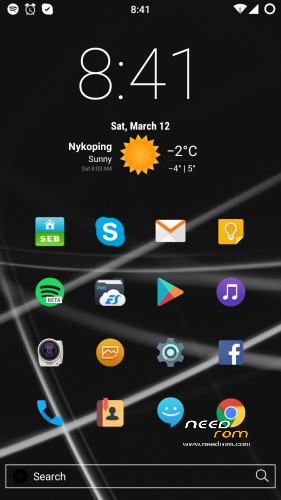
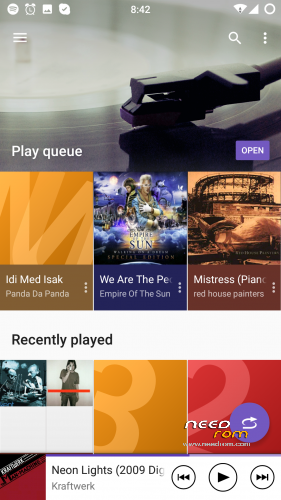
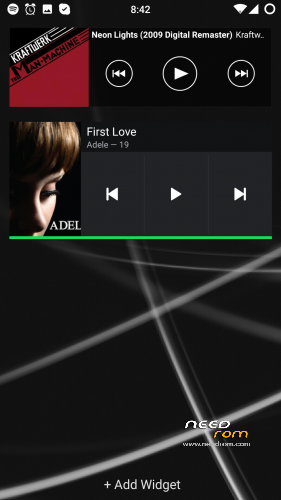
This is Less Is More a hybrid between CM 12.1, SONY XPERIA and Lenovo ROM
Change Log for Less Is More 6.4 (Stable)
Some small fixes of gapps crashing
Latest gapps
Deleted non active system/apps google keyboard etc
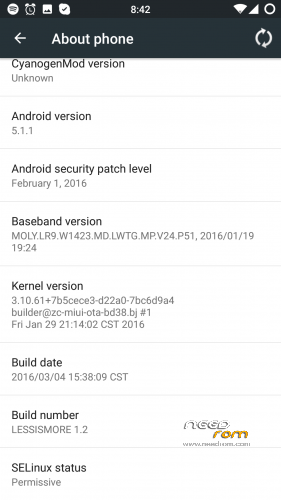
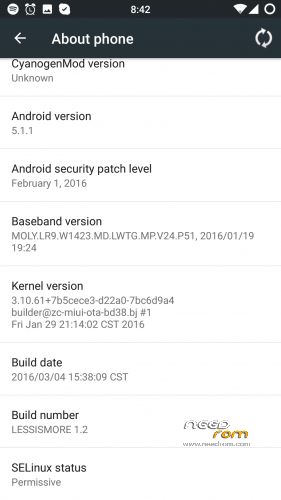
Dont forget to click advanced settings menu in about phone!
This is the best build so far :)
Change Log for Less Is More 6.3
New security patch
New build
Chinese characters deleted from system
Latest gapps
Sony apps updated and pushed to system
Dont forget to click advanced settings menu in about phone menu!
Change Log for Less Is More 6.2
At last completely multi language
New security patch
New Build
Latest Gapps
Latest Busybox
Latest Nano Launcher with some tweaks
New pre installed dark theme working in all apps and menues
Sony apps updated and pushed to system
Dont forget to click advanced settings menu in about phone!
This is my daily driver 
TWRP/RECOVERY INSTALLATION
You have to factory reset, but not if you are updating this build.
Wipe cash
Install zip
and your done
※Please make a backup of your device before installing or updating ROM
Awesome your a star.
Hi.i installed the rom.where is clearmotion.busy box
Thanks
What do you mean? Clearmotion is not visible just only for some movie files if you use mx player and it’s an known issue wth cm romes for Redmi Note 2, but its working as it should. Busybox!! Is installed in system and it’s the latest one.
Friend daniel
I went back recently and I have already downloaded and installed the version 4.4 Here I comment my experiences.
- The AospDarklayers application does not work, only the startup screen appears and trying to use the theme, the system indicates that this application has stopped working.
- With some options, "Settings" stop working and thus indicates the system on the screen.
- In terms of storage, now we have information on the external SD card, but can not be used as preferred. OTG no information is obtained. I connected a USB 64Gb. The file browser can access the device, but the information does not appear in "Storage" settings.
Moreover, even I have not tried it, but it is as fast as the previous version, no problem for flash using the TWRP version 3.0.
Thanks for the effort. Greetings.
Ok then you are doing something wrong man! It’s working perfect here
could you please add the option USB on settings/storage in order to unmount usbotg cause i cant find any option for safe removing of OTG. In fast and explosive rom this option exist…
Thanks for your great work!!!
Friend daniel. I think you have to review your work, because I’m not the only one.
Anyway, I have unistalled 4.4 version and back to my old APSP.
Have fun.
*AOSP
Noticed theme engine was missing, but my theme was already installed so that’s why o didn’t notice. It’s beacouse to heavy compression of the apk. There is another version uploaded now. Sorry for the inconvenience
not good need more free memory rams.
Good rom no errors. Hai Daniel, how to make swap partition appear ? Because swap partition exist in miui rom. Thanks
hello Daniel,
where is the download link for 5.0 version?
The new version 4.41 is uploaded and ready to update.
I’m working on it
Hi friend,
Installed and working, very good until now.
Dark theme installe3d and working fine.
I like the gesture for screen wakeup, great.
I still can not get information from the OTG option when inserted in the phone, a USB flash memory.
It is very important to access that information under "settings \ storage", because that way, we can safely remove the memory card inserted.
When used 4.2 version, I have had some problems to install xposed. I need another mods and my question is:
Do I can install xposed without problems for the system.? I'll appreciate your answer.
Thank you very much for all your jod.
I’m working on a new version and uploading in a minute