
- Title: Liquid E2 Huawei EMUI 3.0
- Listed: May, 2015
- Last modified: 05/25/2015 2:14 pm
- Version: 4.4.2
You must be logged for ROM download.
15020 total views, 1 today
3 Total favorites
CUSTOM









 Member Info
DESCRIPTION
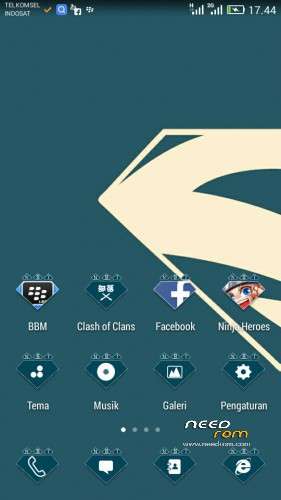
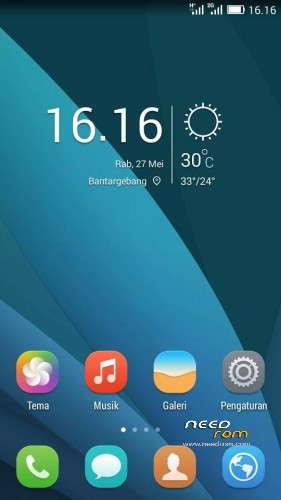
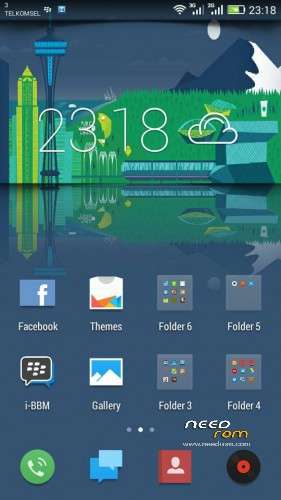
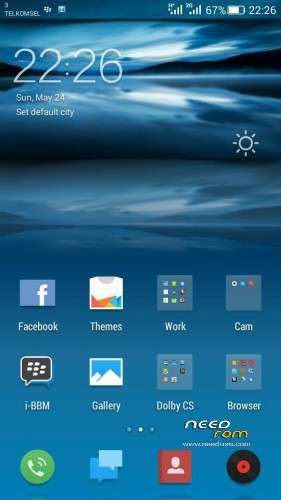
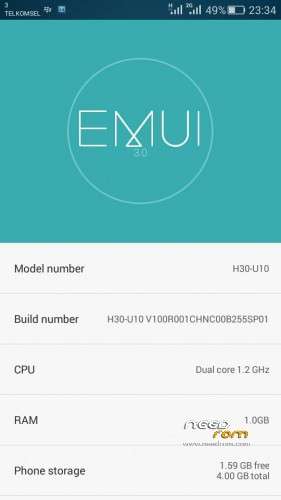
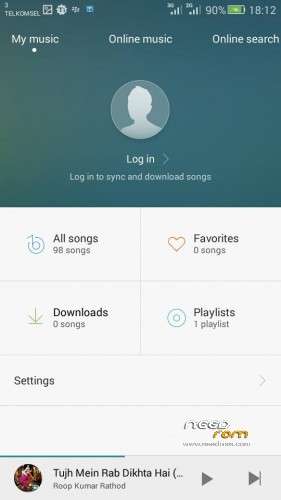
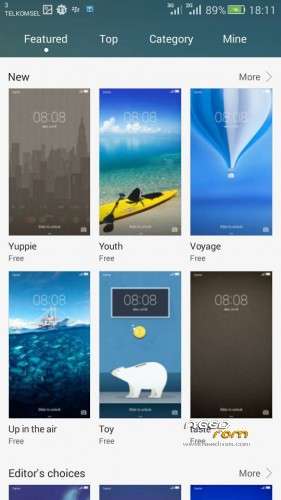
Liquid E2 – Huawei EMUI 3.0
Read Me First
1. Increase partition by installing the first file via CWM
2. Then install ROM following wipe cache, wipe data, wipe dalvik
3. Reboot and use
You must update the ROM partition to 1.2 GB. Otherwise the ROM will stuck at bootlog.
※Please make a backup of your device before installing or updating ROM
no’t boot
not working … still at the stage of boot
1.2G partition https://docs.google.com/file/d.....E5LYUNJSzQ/edit and flash EMUI after
Do not forget to flash partition increase file at the top, before you flash the ROM. Please read the instructions.
where is patch and dolby?
It was typo error. There is no need to install a patch and dolby fix.