
- Title: MIUI 8.0.1.0 Global Stable
- Listed: July, 2016
- Last modified: 07/26/2016 12:22 am
- Version: MultiLanguage 5.1.1
You must be logged for ROM download.
14336 total views, 1 today
8 Total favorites
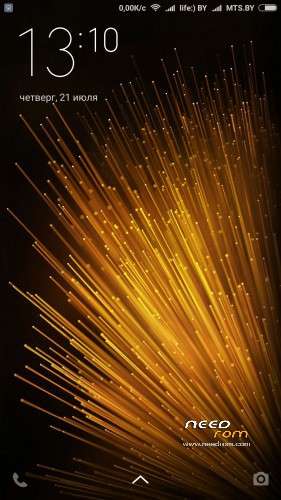
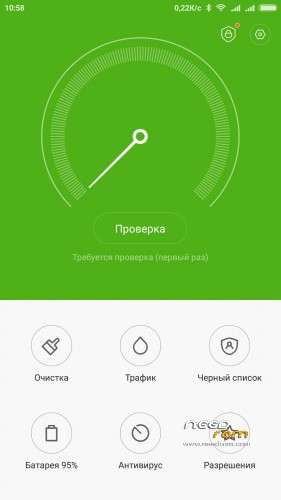
 Member Info
DESCRIPTION
Only for Redmi Note 3 Pro with unlocked bootloader (tested only on official unlocked bootloader). I take no responsibility for your actions!
Attention! It is forbidden to upload the firmware on other sites without my permission! If you want to put it on another site, write to me about it, or lay preserving all my initial links!
Please, write all comments(and all promlems – i will be fix it) on my site, BECAUSE HERE I DONT READ COMMENTS and dont write direct links in comments, this is the only one way to make money from my ROM… Donations no work for my country, only WebMoney. Thanks!
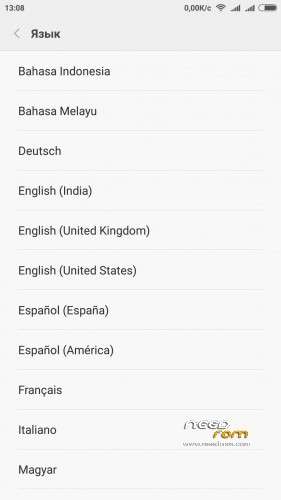
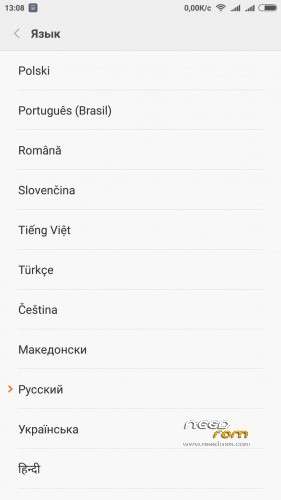
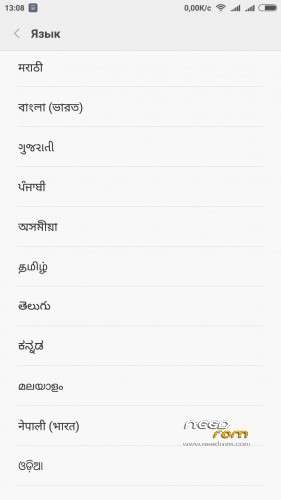
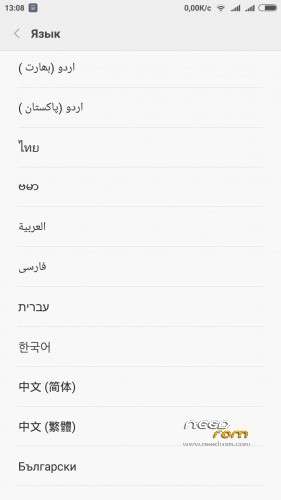
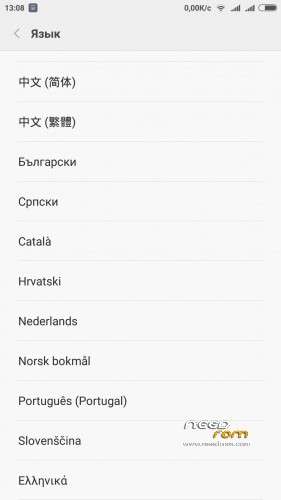
Languages: MultiLanguage, 50+ languages
IF YOU LIKE MY WORK PLEASE DONATE . EVEN 1 $ IS APRECIATED.
ALL NEW CHANGES READ ON MY WEB-SITE
Based entirely on official firmware MIUI v7 for Xiaomi Redmi Note 3 Pro with Google Apps;
- added work T9 in dialer
- removed the warning when you change the media volume
- selecting SIM to call put 2 seconds
- corrected name and photo of a caller is sometimes not appearing(not 100% sure but during the tests there were no problems)
- increased the quality of call recording (16000 Hz, 64 kbps)
- added the transition from the lock screen in a call
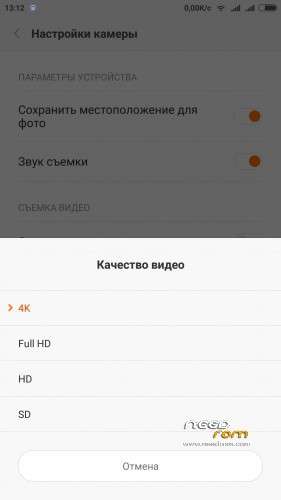
- enable video recording in 4K format + tracking focus in the photo
- added extended reboot menu in fastboot and recovery, but not working yet – looking for a problem…
- changed the animation screen off
- disabled signature checking on packages
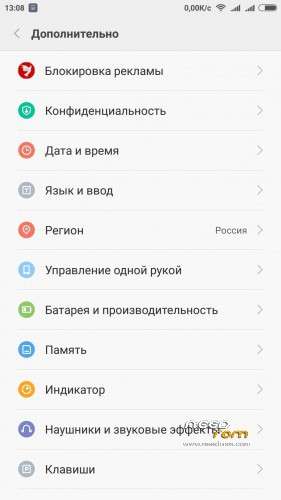
- added the ad blocker in the Settings – Advanced
- added icons and removed the lowercase gaps in Settings – Advanced
- added additional battery information in Settings – Advanced – performance and Battery – Information on batteries
- removed check for official software updates OTA so you don't accidentally flash them on my ROMs and not to brick
- added notification of the OTA with the appearance of my new updates
- added proxy settings in Settings – options – For developers
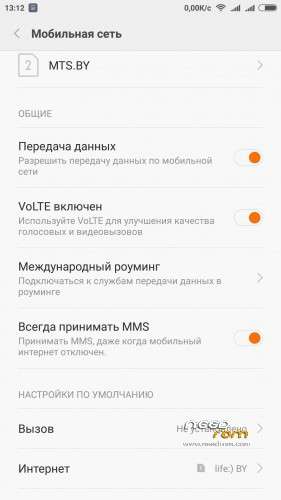
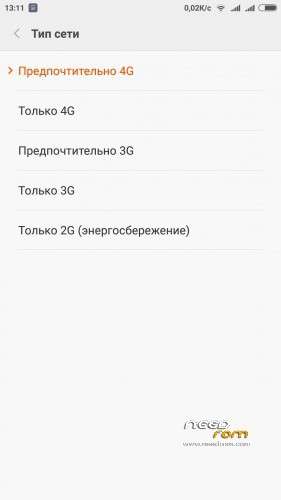
- added switches network type 3G Only, 4G Only
- removed device notification for USB debugging
- removed the Chinese
- removed debris and excess application, which can be supplied from the market itself
- added busybox
- added root(SuperSU)
- added Titanium Backup (as a user app)
- replaced some system sounds and camera sounds
- changed the size of the blinds switches to 4×3
- changed the background on translucent blinds
- changed icons of apps (approximately 2000)
- updated, streamlined and improved the translation by tool of my own develop
- fixed arrays: 597
- removed not used rows: 372165
- updated translation strings: 390090
- added some new languages(available in over 50 languages)
1. Download the. Zip file and dump the firmware to the memory card.
2. Loaded in Recovery
3. Making wipes:
1) Wipe Cache
2) Wipe Dalvik Cache
3) Wipe Data and System (Factory reset)
4. Select Install / Install zip from SD
5. Choose. Zip firmware file and wait for the end of the process.
6. Boot the system is ready.
※Please make a backup of your device before installing or updating ROM
how to istaal this rom
Why should I need to update my java for looking the website?
Don´t want to install your obscure update.