
- Title: MIUI 8 multirom 6.9.22
- Listed: September, 2016
- Last modified: 09/29/2016 2:10 pm
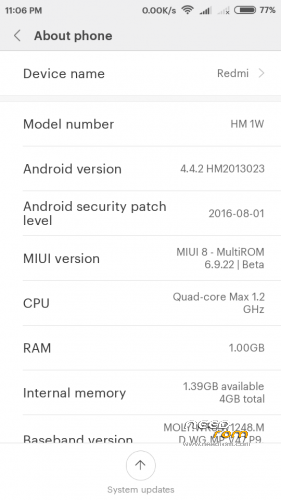
- Version: 4.4.2
You must be logged for ROM download.
19642 total views, 2 today
12 Total favorites
 Member Info
DESCRIPTION
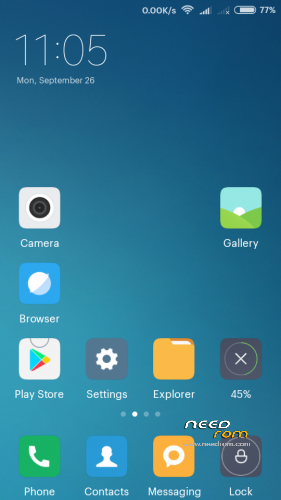
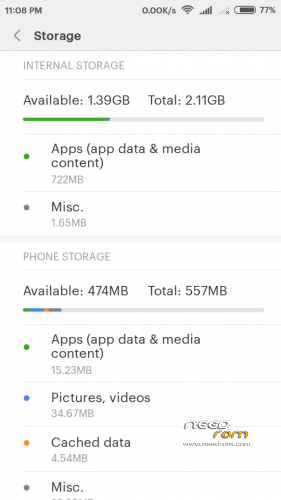
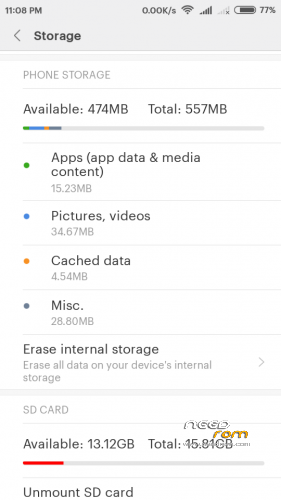
Firmware is not put on the standard layout of memory!
Description:
Upgrade to retain all settings and programs. Appendix "Update" – three points (top right corner) – Select the firmware file (before and after the update wipes are to make the Dalvik Cache and Cache). You can upgrade to 8 MIUI multirom 6.9.22.
Port phone Xiaomi Redmi 1 WCDMA with multirom.me site.
Installation only through TWRP 2.8.4.0 I.nfraR.ed and only the memory layout Petro1990 or Superthan.
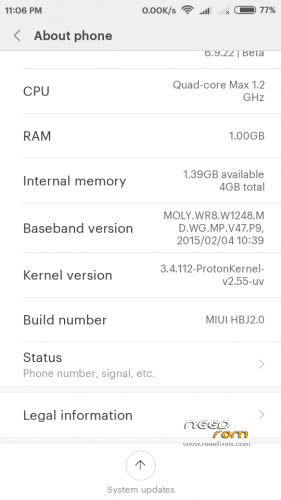
By default, the core A820-Proton Kernel-v2.55-zram-uv (3.4.112) (from 18.05.2016) I.nfraR.ed.
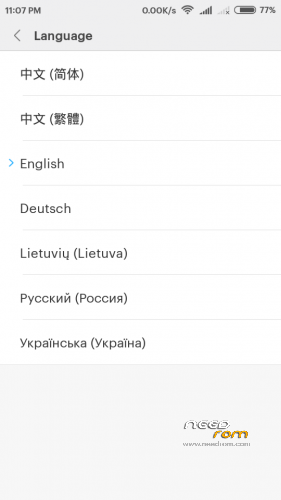
Languages - Russian, Ukrainian, Lithuanian, English, German, and two Chinese (MIUI 8 multirom 6.8.11, 6.9.22).
To install the "themes" to register in the Mi account.
Patches:
01. To connect to a computer in the "drive" you need to install additional software - USB_Mode.2.7.apk ( 2,17 МБ ).
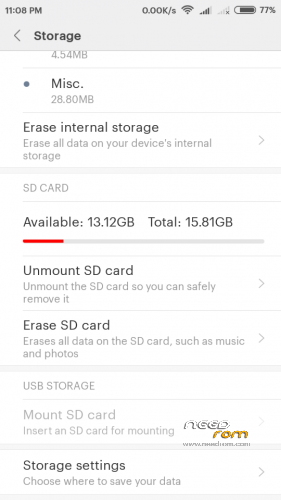
02. The patches for 9.6.22. Replacing the internal memory on the sd-card patch – boot_v2.55-zram-uv_multirom_6.9.22_fix_mem, rollback – boot_v2.55-zram-uv_multirom_6.9.22.
Problems:
01. Some icons on the different sizes are obtained desktop recommend installing Multirom MIUI Icons Pack from multirom.me.
Recommendations for firmware:
01. Enable Z-RAM (310 MB), the application Kernel Adiutor Mod – Virtual Memory – Z-RAM.
02. Settings – Advanced Options – For Developers – Optimizing memory (should be tested).
03. Settings – Advanced Settings – Privacy – Program Quality Enhancement (disable).
※Please make a backup of your device before installing or updating ROM
Nice work man,, but can i just upgrade it from 6.7.7 to 6.8.11 without wipe all..? & where is memory fix for 6.8.11?
Thanks in advance…
Upgrade to retain all settings and programs. Appendix "Update" – three points (top right corner) – Select the firmware file (before and after the update wipes are to make the Dalvik Cache and Cache). MIUI 8 multirom 6.7.7 can update to MIUI 8 multirom 6.8.11. Memory patch did not.
I have not worked RADIO FM
To much RAM "eating" this rom, laggy phone, better porton kk rom, lite, smooth.
To much RAM “eating” :’(
But good ROM
The correct value of free RAM is minus 100 MB.
Can you add Polish language?
Unfortunately no. The firmware on multirom.me do, write them to add.
Can you paste link to thread?
https://multirom.me/
could some one port it for a830?
inclusion does not work on a schedule
Keyboard not working. How to fix it?
vietnamese can supplement not