
- Title: MIUI V5
- Listed: July, 2014
- Last modified: 07/11/2014 2:45 pm
- Version: 4.7.18
You must be logged for ROM download.
52738 total views, 8 today
 Member Info
DESCRIPTION
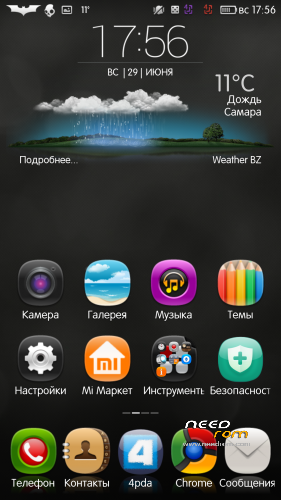
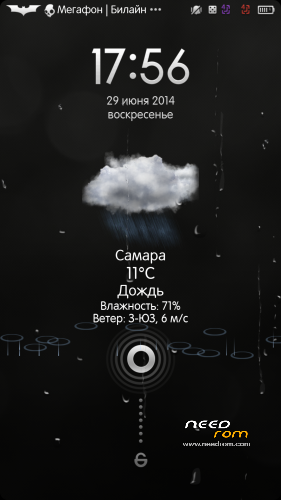
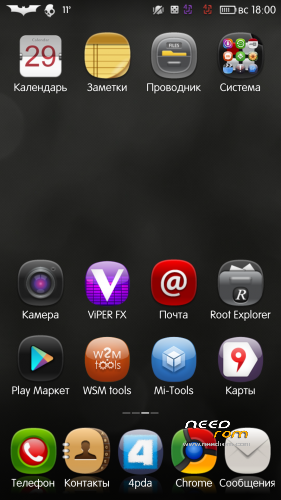
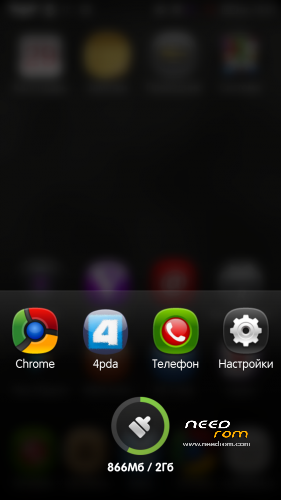
MIUI V5 4.7.18 – Multilingual
English, Russian, Chinese, Czech, Slovak, Ukrainian, French, Spanish, Polish, Brazilian Portuguese, Croatian, Norwegian, German, Turkish, Italian
*Fix 911
*Fixed stock LED indication
*Removed from installing themes and widgets, it is better to install properly through the application Themes.
*Operator logos separate installer
Unfortunately my smartphone ZP998 broke, drowned. Now I have similar to the parameters smartphone, so I guess I will continue to do firmware for YOU!
P.S. Your donations will help in further development of new versions. Thank you friends for Your feedback!
※Please make a backup of your device before installing or updating ROM
How to connect Internal and SDcard use MTP connection?, i can't find it out
nvm, i found it
thanks anyway for the great rom (if only whatsapp works it would be the perfect MIUI port till now)
good work!
but GPS woks less than Marsapa v8
Very good work with this ROM. I have it on my Zopo and works very smooth. I have a problem though… Because of messaging bug – only number displayed even contact was on the phone – i had to change my contacts with prefix app… after doing this i get duplicates in my call history because of the prefix… Can anyone tell me what to do in order to group calls and not show this duplicate anymore?
hi all
how to install?
can you help me step by step?
in my case
1. i downloaded Zopo Starter Pack and followed instructions for rooting device.
2. copy this rom to sd card.
3. launch reboot app on your zopo and choose Reboot Recovery.
4. enter recovery
5. wipe data – preflash and also Dalvick cache
6. install from SD card
7. Install Miui Rom
8. Restart.
9. Wait for a while…
10. And you're done…
Hope this helped…
Cannot find the 16:9 photo option in camera.
Anyway to enable it?
there is no way to enable 16:9 option in stock camera coming with Miui Rom. If you still want to have this option you shoul install a custom app for Camera.
Tahnks Bursusu90 for my help…
abut :
1- root the zp998 by VRoot
2- Reboot and goving to Recovery mode
3- Enter the Wipe data/Factory reset
4- Enter the Wipe cache partition
5- Enter the Apply update from SDcard
6- choose the MIUI ROM ( ZP998-MIUI_V5_4.4.11_MLT )
continue to install a 5 minet abut stop the install. Error
tahnks for my help
Others had the same problem. I think this problem might appear because some bugs of VRoot. Why don't you download Starter Pack and follow instruction to root your Zopo the right way. After doing this, rooting your Zopo with Starter Pack you can follow those steps mentioned by me in my last post. For me worked this pack and I advise you to do the same.
Hi
I figure out how to enable 16:9 option in camera.
Find another ZP998 MIUI ROM with 16:9 option camera, pull the apk to
replace the existing camera apk. Set the permission. Reboot.
Language Turkish?
I’ve install this rom and it’s so smooth, welldone. Recently, i have update news miui v5 18.4 and now 25.4 ….anyone test them? Pls report…
Thanks…
today is miui v.5 4.4.25