
- Title: MIUI V5 Rev1&2
- Listed: August, 2013
- Last modified: 09/20/2013 5:52 am
- Version: Miui V5-3.9.13
You must be logged for ROM download.
49261 total views, 1 today
224 Total favorites
 Member Info
DESCRIPTION
Hi All 
Dear Friends - IF you Like my Work- Please support – Any Donation will be happily eccepted
Update 08/09/13: New Amoi N828_MIUI_3.9.13 Port For Rev1 & Rev2!
*Added apns-conf.xml
This is my last release- I will stop to upload more ports mods… I'am to busy and don't have the time for uploading and etc.
I have made this final update To say Thanks to The Only 1 Donner who liked my rom- you can all thank him
Best Regards,
HwGeek.
Update 08/09/13: New Amoi N828_MIUI_3.9.6 Port For Rev1 & Rev2!
Changelog:
Google Play Store FC fixed.
SDcard is sdcard0 now.
Lower CPU usage on idle – thuse lower power usage + Higher performance (Antutu V4 = 13500 points)
No more FC errors after boot.
Enjoy!
Update 06/09/13: Testing Amoi N828 Port – SDcard is the Default now , Play-store FC fixed!, Lower power consumption -Need more testing before post .
Update 03/09/13: MIUI 3.8.30 Rev2 & Rev1 Added … Enjoy!
Update 02/09/13: Patch to support rev2 : Need Rev2 testers!
open miui_a830_3.8.23_4.2.zip in 7zip (mause right click->"open archive") and copy the content of Patch.7z (system,boot.img) to miui_a830_3.8.23_4.2.zip – this will replace the filles needed for rev2 – tell me it this works and I will post new MIUI 3.8.30 Rev1&Rev2
Download: https://www.needrom.com/wp-content/uploads/2013/09/Patch.7z
Update 28/08/13: To install HIKE messenger- Install New Gaaps update: http://goo.im/devs/ibotpeaches/miuiandroid/releases/gapps/miuiandroid_gapps-4.2.2-small_signed-8012.zip
Update 26/08/13: MIUI 3.8.23 – No Gaaps -No MultiLang.
Update 25/08/13: MultiLang with all MIUI suportet languages is LIVE-Enjoy
All the translations are from here:http://miuiandroid.com/community/threads/miui-multi-lang-3-8-16.21747/
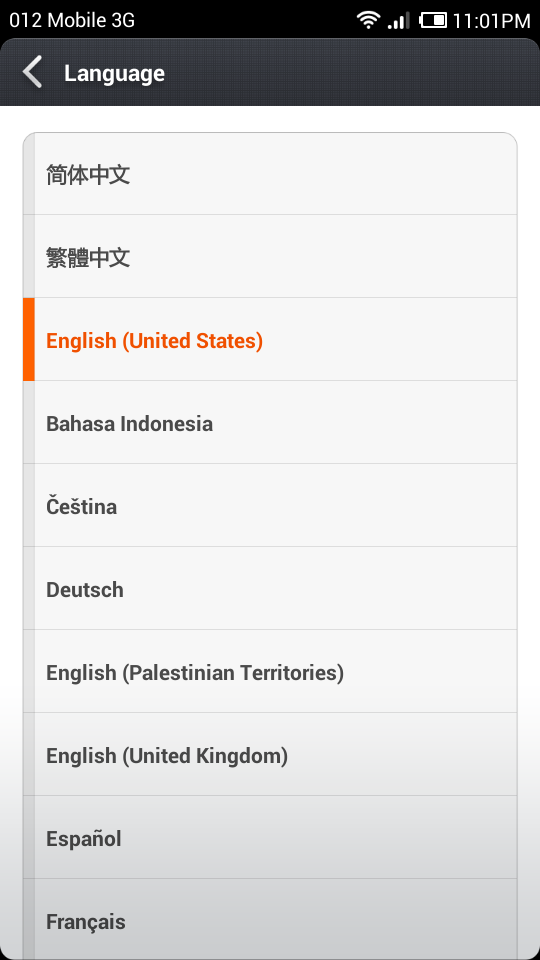
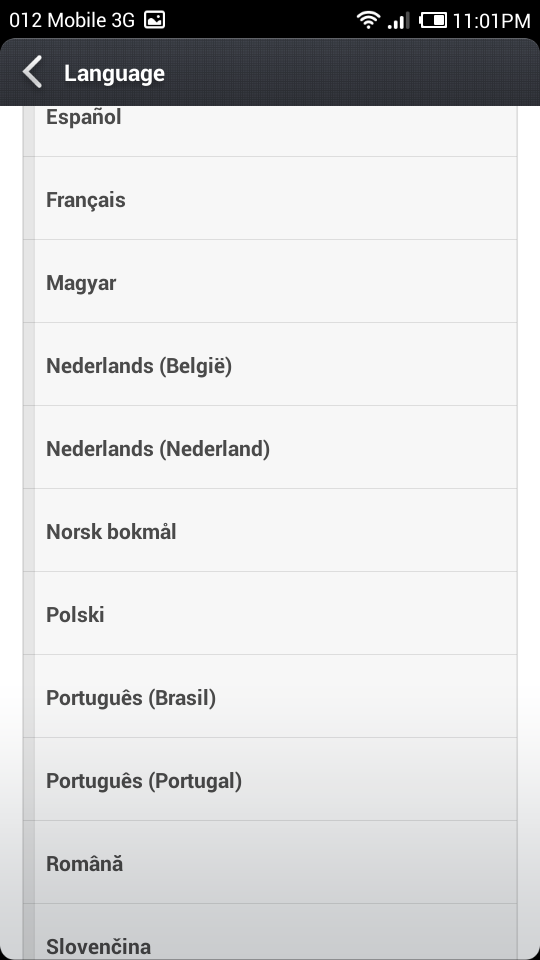
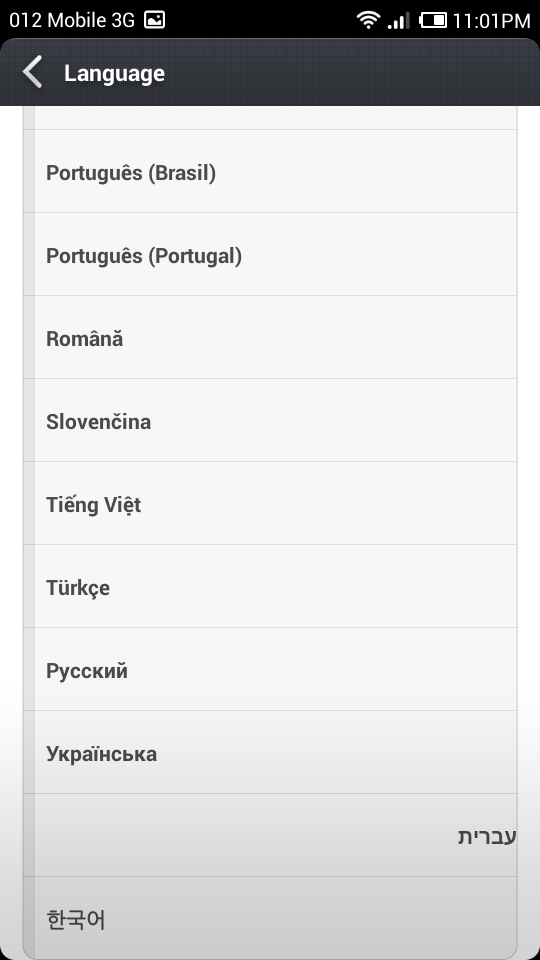
Update 20/08/13: Working on MultiLang – please Help & Rate – (1~5) it's ok for me- just Rate to see that you are intrested
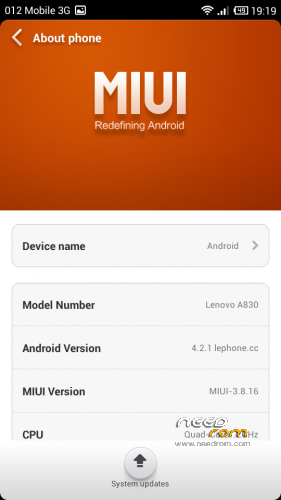
Update 18/08/13: I have made new port from Lenovo A830 from http://en.miui.com
Its fixes the UI size problems and it based on the latest version -Enjoy (No Gaaps! – For devices Before 01/07/13 Rom's)
Install ROM: Do it On your RISK! not responsible to any damage! – Pls make A backup Before installing!
____________________________________________________________
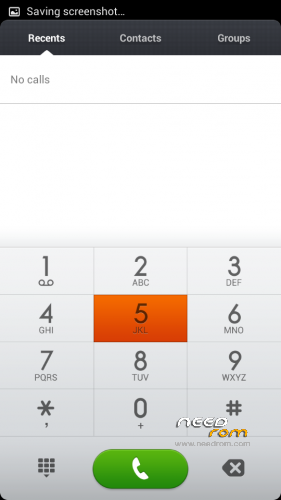
The best thing about this rom – Its MIUI! + I translated the Full Apple iOS theme to english by creating new Buttons in Photoshop- Enjoy!
The default theme has bugs in the dialer- so use this theme or other great MIUI custom themse
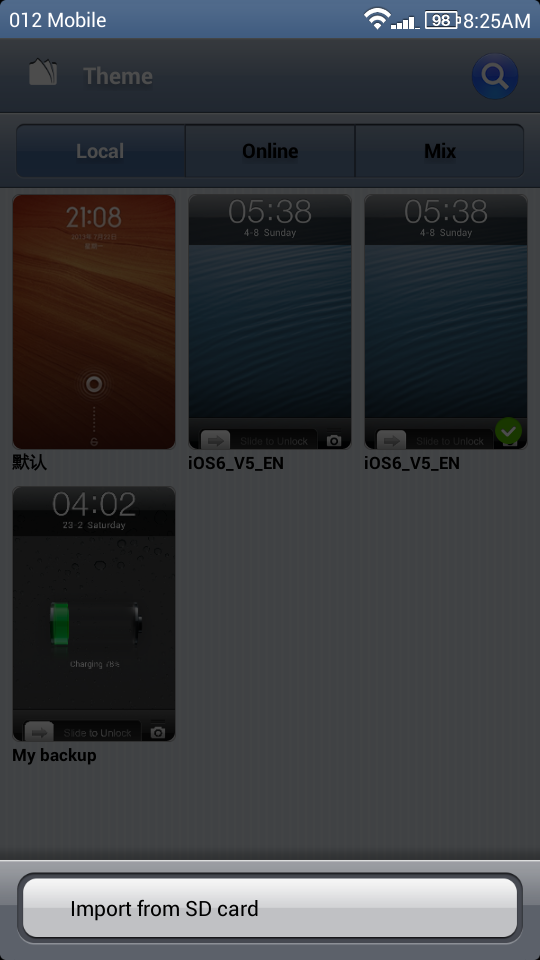
Just after installing the rom – copy the theme iOS6_V5_EN.mtz to sdcard and open Themes app->Local->Import from SD card (you may be asked to Register- it's OK)
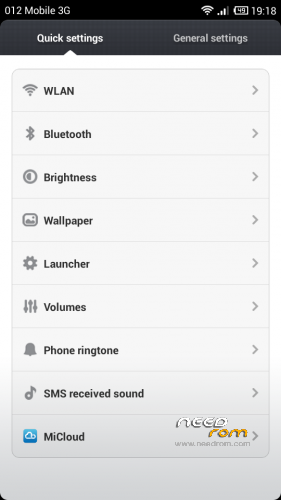
Now to Disable the FC message after boot – go to Developer Options and scroll down and Disable Show FCs:

Install ROM: Do it On your RISK! not responsible to any damage! – Pls make A backup Before installing!
CWM
Step 1: Download the custom ROM copied to an external SD card root directory
Step 2: the shutdown state. While holding down:
– Power button + volume button up, to enter the recovery mode.
– Wipe Data / Factory Reset -> delete all user data
– Wipe Cache Partition -> Wipe cache
– Advanced -> Wipe Dalvik Cache
Step 3: Return to recovery main interface Install zip from sdcard -> choose zip from sdcard -> Select your ROM
Step 4: Brush complete, restart the phone Patience required – first boot takes a while
Credits:
ROM: http://en.miui.com/thread-2651-1-1.html
THeme: Thanks to Ryan for making this beautiful iOS theme.
※Please make a backup of your device before installing or updating ROM
is multi language?
The supported languages
uff no italian… is there a way to translate it?
I am waiting for more ports to this phone and when we gonna have Final version – I will start to add languages.
tnx for you work!
Finally …….MIUI…. working nice …camera is not working on VER2 = 01.07.2013 …we must found some names to this f…k…g versions ….
Yes – its real ****,
can you try this? – its from the same developer :miui_thlw100re v2_RC002.zip
https://disk.yandex.com/public.....&locale=ru
I didnt tested this port- if it's works OK – you can still aplly the iOS theme.
Works in r002.. But lost imei and mobile uncle is not starting
Restored imei with mtk droid tools
…OK until now… I will really appreciate fast charge and 99z tweaks
Bugs from Dialer in Russian Language.
https://dl.dropboxusercontent......07-11-41-51.png
thsnk you- I think I have found how to fix
I will post an fix.zip for CWM in the future update.
Whenever I scan from SD card…the downloaded ios theme just disappears from SD card… N also does not appear on themes…wat to do?
have you Unzip the theme? you need to unzip and copy " iOS6_V5_EN.mtz " to the sdcard.
after you Import- It will be dispalyed in Local – but it will be removed from the sdcard.
Unzip "iOS6_V5_EN-UnZip_and CopyToPhone.zip" and copy the "iOS6_V5_EN.mtz" to sdcard.
Thanx… Its working nw… N one problem I have found is SMS received sound is always on silent…even wen u select any tone… It stays silent…n also its showing update is available..but it says aborted wen flashing in cwm…hope to see fix soon…thanx
N its Miui 3.7.26 not Miui v5
it's V5 – the 3.7.26 its the version of the rom update, now there is 3.8.2. – next 3.8.9 (9th of august 2013) it's 7 days incremental because they updat every week.
the Update nor working for us because the rom is ported from lenovo S820 and the update is for it- so when it detects W100 – update aborted.
this port in Beta stage, When MIUI will post official MTK6589 rom I am sure we will see better ports