
- Title: MOTO BOOTLOADER UNLOCK PRO
- Listed: March, 2026
- Last modified: 03/02/2026 6:45 pm
- Version: 15
You must be logged for ROM download.
550 total views, 12 today
 Member Info
DESCRIPTION
Moto Unlock Bootloader Pro
Support Models:
- Moto G05 (Lamu)
- Moto G15 (Lamu)
- Moto E15 (Lamulg)
How the tool works (step by step)
This is a simple process:
Step 1: Back up your data
Unlocking will erase everything. First, save your photos, contacts, and important files.
Step 2: Enable the necessary settings
Turn on Developer Options on your phone.
Enable USB debugging and OEM unlocking.
Step 3: Prepare the tool
Place the necessary files inside the correct folder according to the instructions.
Step 4: Connect the phone
Turn off the phone and connect it to the computer with a USB cable.
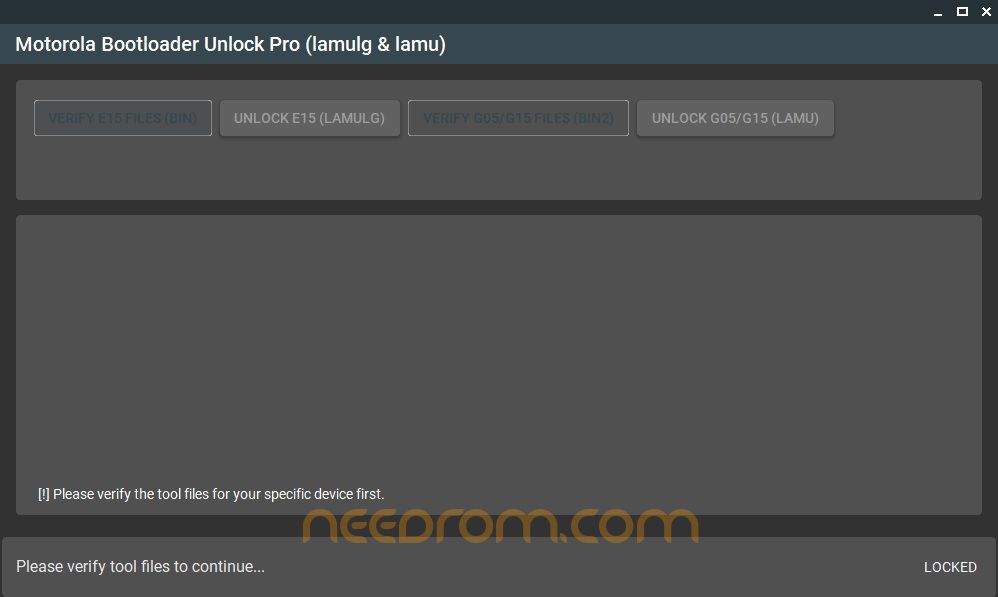
Step 5: Open the tool
Launch Moto Bootloader Unlock Pro on your Windows PC.
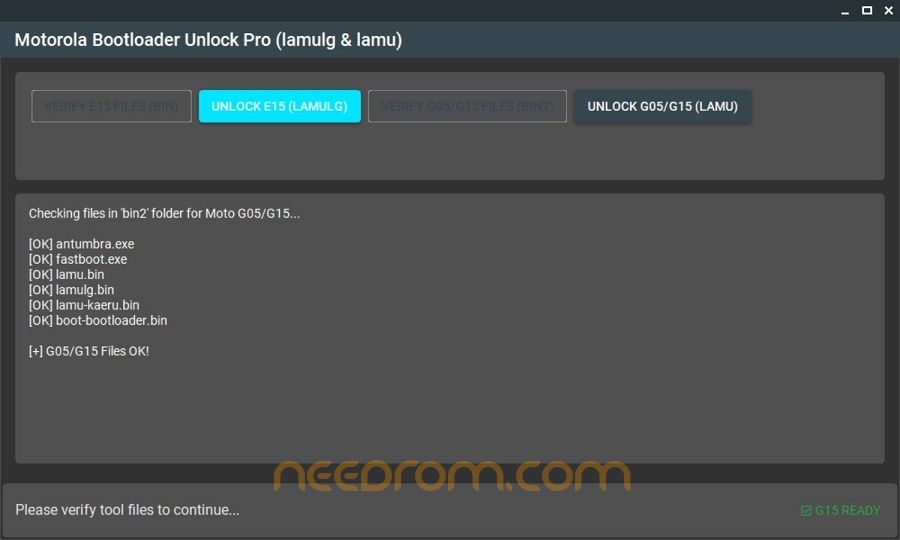
Step 6: Verify files
Click the Verify button. The tool checks if everything is ready.
Step 7: Click Unlock
Press the Unlock button and wait. The tool will handle the process.
Once completed, your phone will reboot with the bootloader unlocked.
Password: 123
Thank and Donate…
File Free
※Please make a backup of your device before installing or updating ROM

|