
- Title: MutROM: Jiayu ROM for Europe
- Listed: June, 2014
- Last modified: 06/16/2014 2:43 pm
- Version: G4S-20140616
You must be logged for ROM download.
29346 total views, 5 today
2 Total favorites
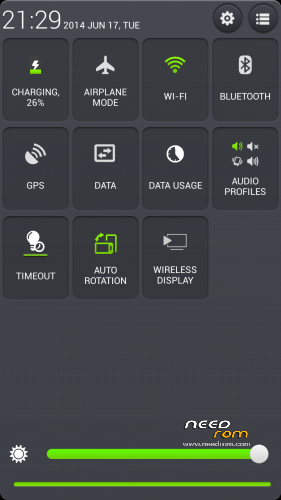
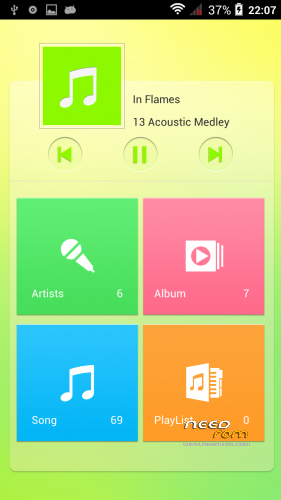
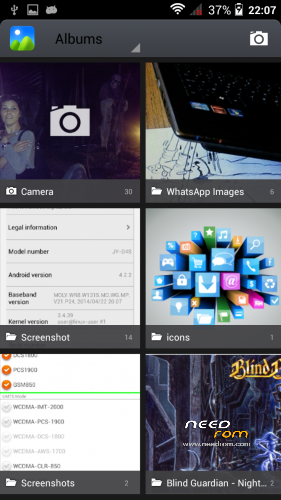
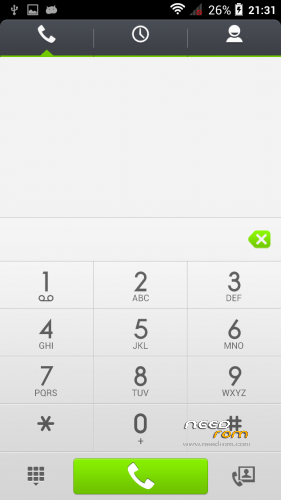
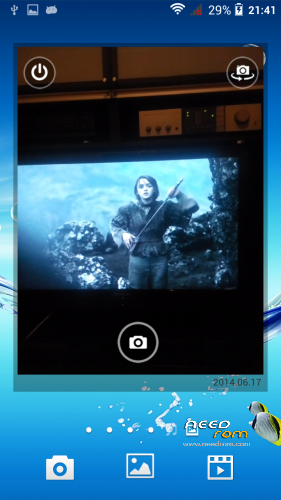
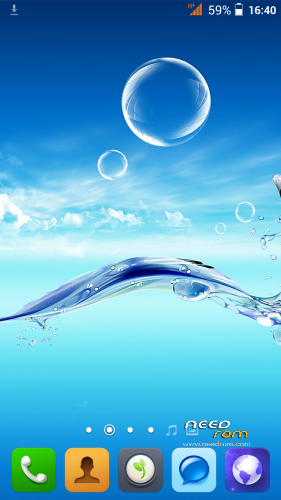
 Member Info
DESCRIPTION
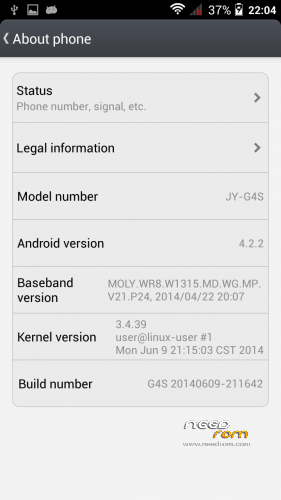
Custom ROM Mobile JIAYU G4S – ROM Android 4.2.2
ONLY MT6592
MADE FROM Official JIAYU ROM for G4S WCDMA : G4S 20140609-211642
Changes from Official ROM:
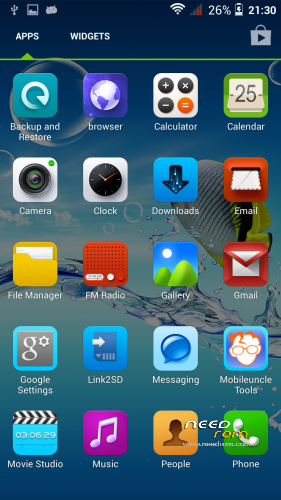
- Uninstalled all Chinese apks and input mode
- Installed European Google Keyboard
- Installed MobileUncle Tools
- Updated all apks
- CWM recovery
- no preloader to prevent wrong phone brick
Update:
Fixed Root option from previous posted ROM
Install ROM :
- Unpack FlashTools, and Click on Flash_tool.exe
- Select the contained MT6592_Android_scatter_emmc.txt inside ROM compressed file
- Wait file to be added into Flash Tool
- choose Option->USB Model,click USB Model
–> Choose Option->DA DownLoad All->Speed->High Speed, click High Speed
- Turn off your phone, remove the battery.
- "Press F9 (hit Download button)" OR " if upgrade ROM Firmware->Upgrade "
- and connect your phone into the computer via USB data cable.
- The process will start and a red progress bar will appear after color purple, yellow.
- And green circles display
- Finish !
- You can now safely disconnect your phone and turn it on.
※Please make a backup of your device before installing or updating ROM
Next Rom will include deodex framework and apk, xposed framework and Cwm recovery installation.
I think that the Caller ID il not really a bug: if the people write the numbers with International prefix all works fine.
Really nice! Thank you very much! I installed the original and I was shocked by the amount of bullshit on it! Yours is just perfect!
Just a Question? Can you access the recovery mode by pressing the power button and volume keys? I have tried many times and no way. Mobile Uncle Tools are able to launch CWM but I can't from the keys when the phone is off. If I press Volume + and Power it boots normally. If I press Volume – and Power or Both + Power it remains in a black screen and it does not react any more until I remove the battery… Does this also happend to you?
This has nothing to do with your ROM. I had the same problem when I updated the Recovery in the old stock firmware. Thanks a lot!
U need to press volume + plug the usb and then power the phone to access recovery
Help!!
I try to install this rom, and I have tried " Firmware->Upgrade". Then error appears. The option preloader is checked, but how this rom don't have this the flash fails.
Then the phone seems that have a brick. The phone don't turn on, I can't access to recovery mode, and the pc recognizes it how "alcatel single rndis interface".
How can solve it? Please, help me:(
I don't know if this will solve your problem but try to flash one of the original ROMs: they should have all parts.
https://www.needrom.com/mobile...../jiayu-g4s/
You can get the driver and tools from jiayu.es if you don't habe them yet -> Downloads ->G4 ->G4S.
Be sure to have the Pre Loader driver installed properly. You will find a lot of videos and tutorials on how to do it.
If you are able to flash all the parts then you should be able also to flash this ROM. If you load the Scatter provided it will check/uncheck what you need. Don't need to change anything. If you do it manual be sure to check/uncheck the parts that are in the ROM. The preloader is not included in this ROM as the author said in the description.
Hope it helps. Maybe more expert people can give you a better solution.
why you check preloader?
My procedure:
Open SmartPhoneDriver and run spinstall.exe
shutdown phone
connect to PC – you can see: VCOM driver is successfully installed
disconnect phone
extract Mutrom.rar to C:
start SP_Flash_Tool_v5.1352.01 (admin rights – for safe)
load scatter file from c:\G4S-20140615-MutROM\
go to options->option->connection
then click to High speed, With Battery and close option window with cross
preloader, cache and usrdate must be uncheck
click to download and connect phone
The process will start and a red progress bar will appear
green circles display => finished
Here you have driver + flash tool – working 100% with my procedure..
https://mega.co.nz/#!1cpBzbBD!.....RSNXKW-nLjozhk4
If you create new MutROM from 090614 rom: uninstall – Sogou input and Browser. Add – AdAway, MT GPS Fix (program to fix GPS – now without internet 30s and 8 satelites in use…), titanium backup…
You rom in very good. only makes me nervous one application with Chinese name (is at the bottom in the list of installed applications in uncle tools) - factory settings
At needrom is the new official update, but I tried to update via OTA, via CWM ,via flash tool, but it did not work for me… So I was glad for the adjustment described above with 090614 OFW..
Thx you, btw what motorcycle you have? I have fireblade
The new official update is the same of the last update, but for G4SL (1GB RAM – 4GB ROM)
Thank you for suggestion, I'll valutate!
ps:
I've an old CBR RR Fireblade 929 (year 2001)
Your driver isn't working for me on Windows 8
I have noticed that the Browser in the ROM is the chinese one and that there is still a Baidu folder being created in the SD Card. Just in case you really want to completely clean it from Chinese apps. The rest seems to be working fine for me.
yes, thank you, I've seen that too late: now I replaced the defalt browser with Dolphin, the new ROM is on lasts checks
after delete all from internal sdcard – after reboot phone create in android folder "com.skymobi.pay.opplugin_V2006.apk"
https://www.virustotal.com/cs/.....9be0a/analysis/
trojan
Great. I was trying to decoder it myself
Deodex I mean
Another think I have realized is that Whatsapp, LINE and Facebook are not able to turn on notification LEDs. I have installed the app Light Manager and works but if I uninstall it the notifications don't appear any more. Not sure about being a problem of the ROM but just in case. Maybe someone can confirm it.
Someone want to try the new ROM before I officially publish them? https://mega.co.nz/#!NAMhnRLQ!.....i__c-4L_z4HZwDQ